
Remember me










Rust is one of the biggest open-world multiplayer survival games on Steam. Since its release in 2018, the game has held a strong player count, reaching well over 150k. A common question among players is about the game’s specifications and how CPU and GPU-intensive it is. Do you need a better Graphics Card to run the game properly, or a better Processor?
It’s always safe to assume that an open-world game will most likely be CPU-intensive. And in case of Rust, it does require a lot of processing power. However, the GPU also has its role.
Why having a good CPU will improve performance in Rust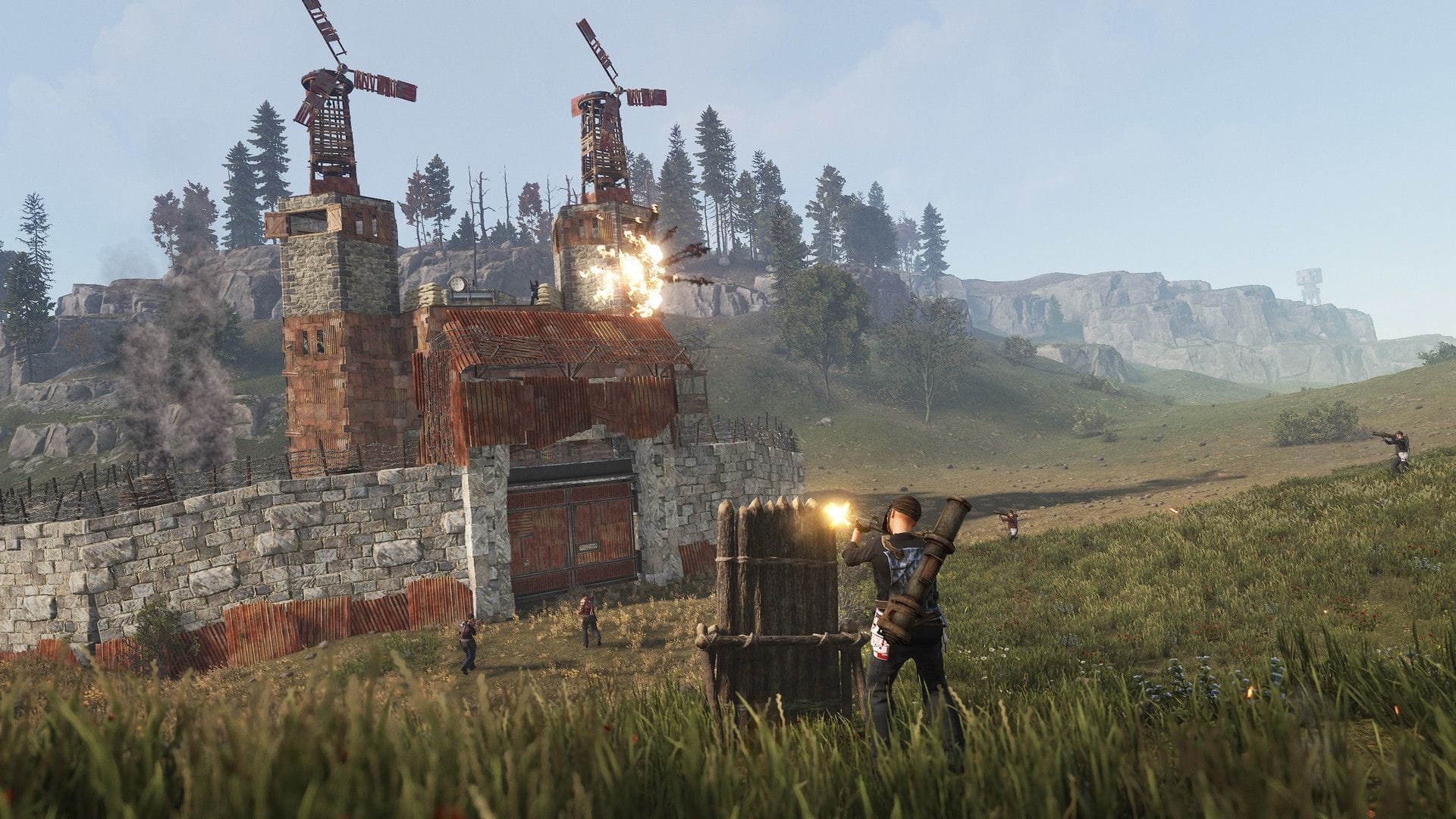 Debris flying and real-time environmental changes are all done inside the CPU (Image via Facepunch Studios)
In linear games, the events are mostly fixed and will lead to the same result. You are also limited to a static area for exploration, so the CPU does not need to do regular calculations. However, in open-world games, you'll find a dynamic environment, especially in multiplayer titles.
In Rust, players are busy chopping down trees across the map and building bases/vehicles, which means locations across the map may be different compared to how they were before. Players and NPCs are moving around, and the CPU needs to calculate all that beforehand to make everything work, which is why you often see the processor graph hitting 80%.
Additionally, there are a lot more things going on, like player inventory changes, hit detection, or physics simulation for random things blowing up, which you have no control over. All of it is calculated by the CPU, often in real time, keeping the Processor busy.
Note: Even single-player games with heavy VFX and simulations can get CPU-intensive.
Can you ignore the GPU if Rust is more CPU-intensive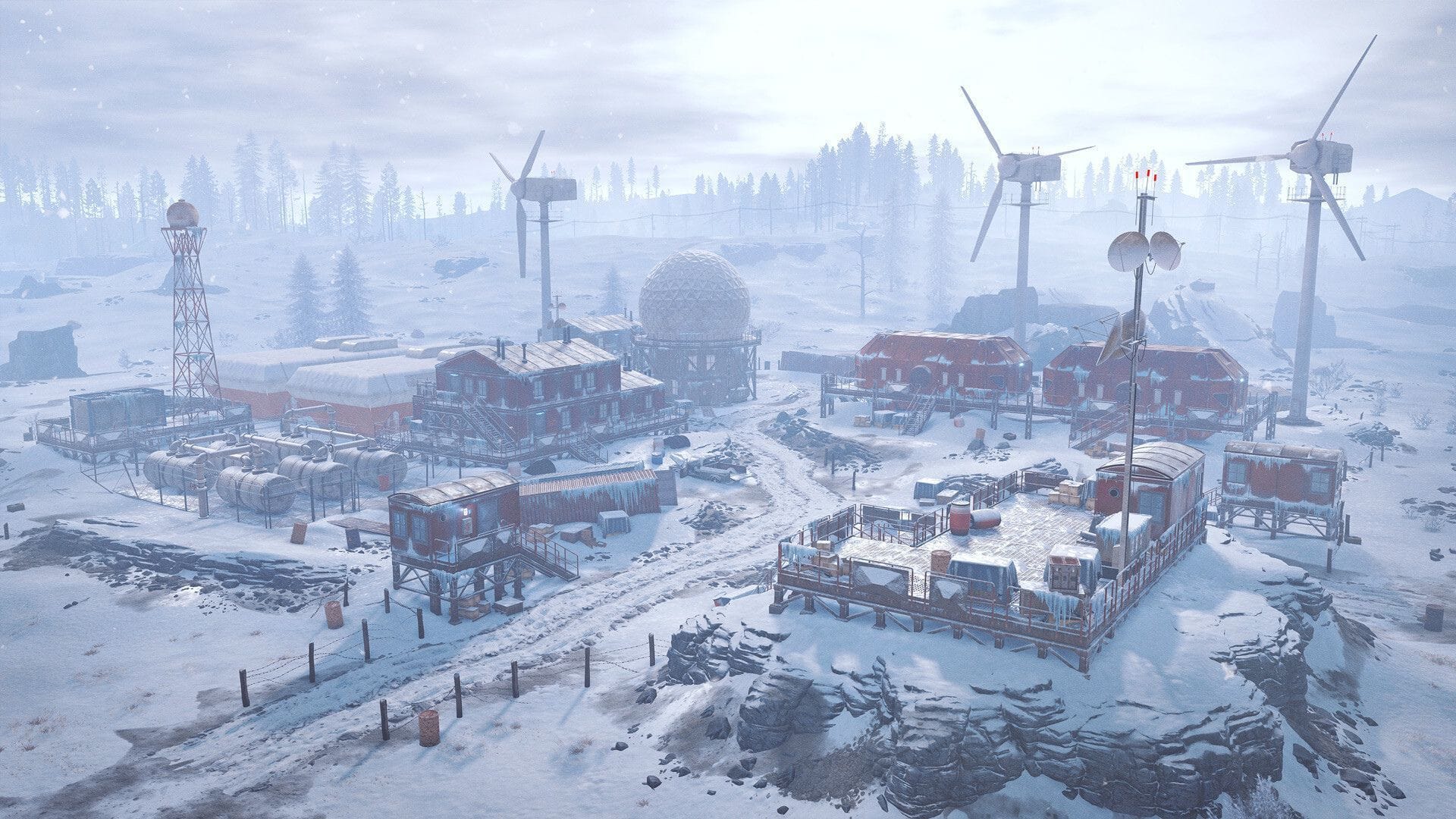 To render the pristine visuals, you still need a GPU (Image via Facepunch Studios)
Unfortunately, no, the GPU is what ultimately renders everything you see on screen, so you cannot ignore it. You still need a good enough Graphics Card to keep up with everything the Processor is doing, or you'll end up with a PC bottleneck.
A bottleneck occurs when the CPU finishes all calculations and sends out the frames for rendering, but the GPU isn’t fast enough to render them in time, causing microstutters or choppy frames. The easiest way to spot them is through a spike on the frame-time graph, as it may not be apparent in some cases.
Rust recommends an RTX 3060 or RX 6600XT paired with an eight-core Ryzen 7 or Intel i7 processor for a stable gameplay experience.
Check out our other guides and features:
Why did you not like this content?
Was this article helpful?
Thank You for feedback
Edited by Mayank Singh Rathour
