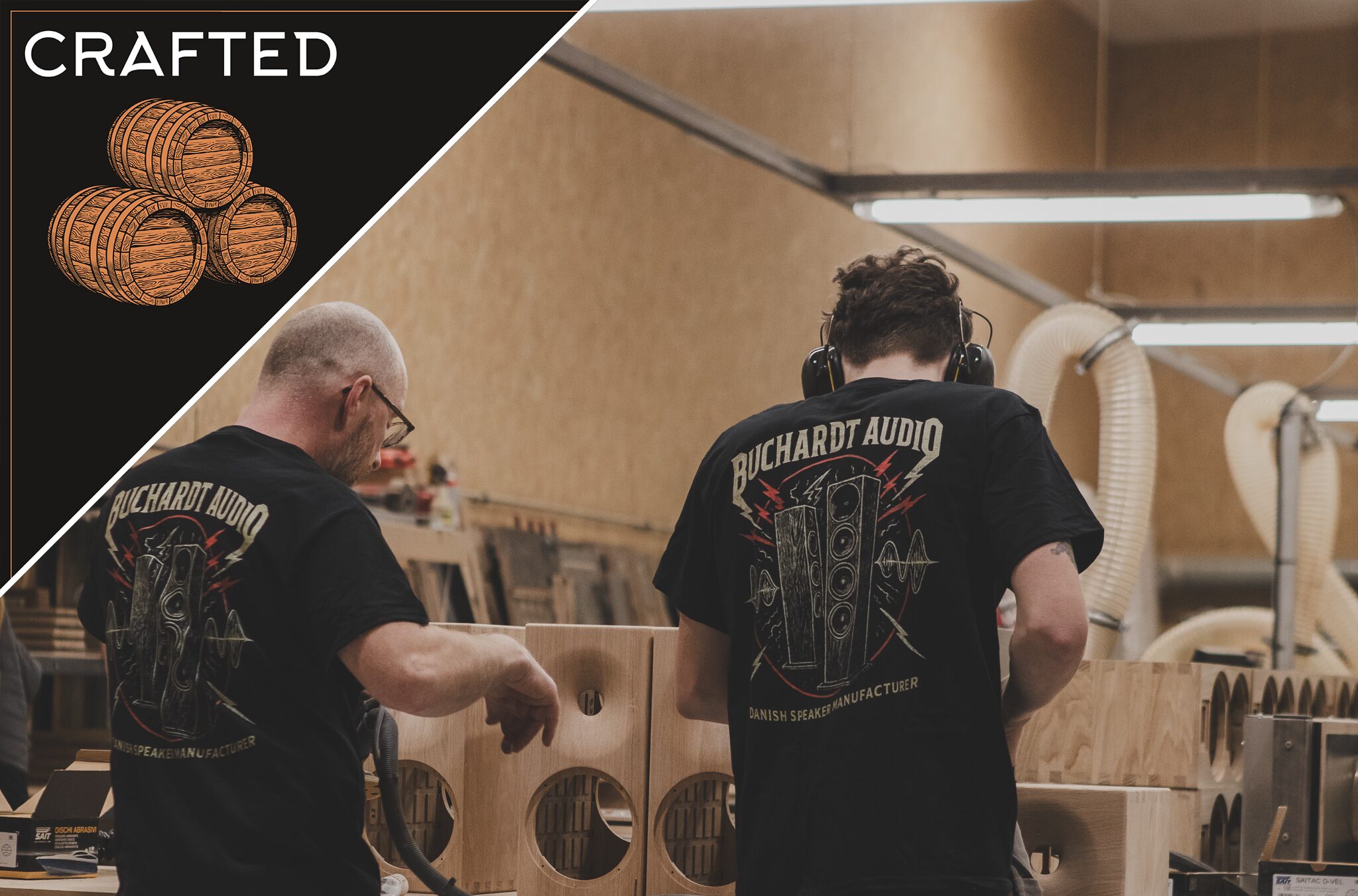
Buchardt Audio Founder, Mads Buchardt, on Handcrafting Speakers & Achieving High-End Sound (Ep.101)
Leave a rating and / or review in the Apple Podcast app or on the Spotify app.
This free, 30-second action on your part lets us know you value all the time & energy that goes into producing & publishing CRAFTED, and it ensures that we can keep the show going.
How to Leave a Rating / Review on Apple Podcasts
Open the
Apple Podcast AppGo to the icons at the bottom of the screen and choose “search”Search for “CRAFTED”Click on the SHOW — *not* the specific episodeScroll down to “Ratings and Reviews”Click on “Tap to Rate” and leave us a 5-Star Rating!Below that, you can click Write a Review if you’d like to share a few words
How to Leave a Rating on Spotify
Currently, you can only rate a podcast in the
Spotify mobile appNavigate to the CRAFTED show on Spotify (not to a specific episode)Tap the star icon underneath the podcast description and if you like the show, leave a 5-star ratingOn Spotify, you need to listen to at least one episode before you can rate a podcast.





Comments (0)