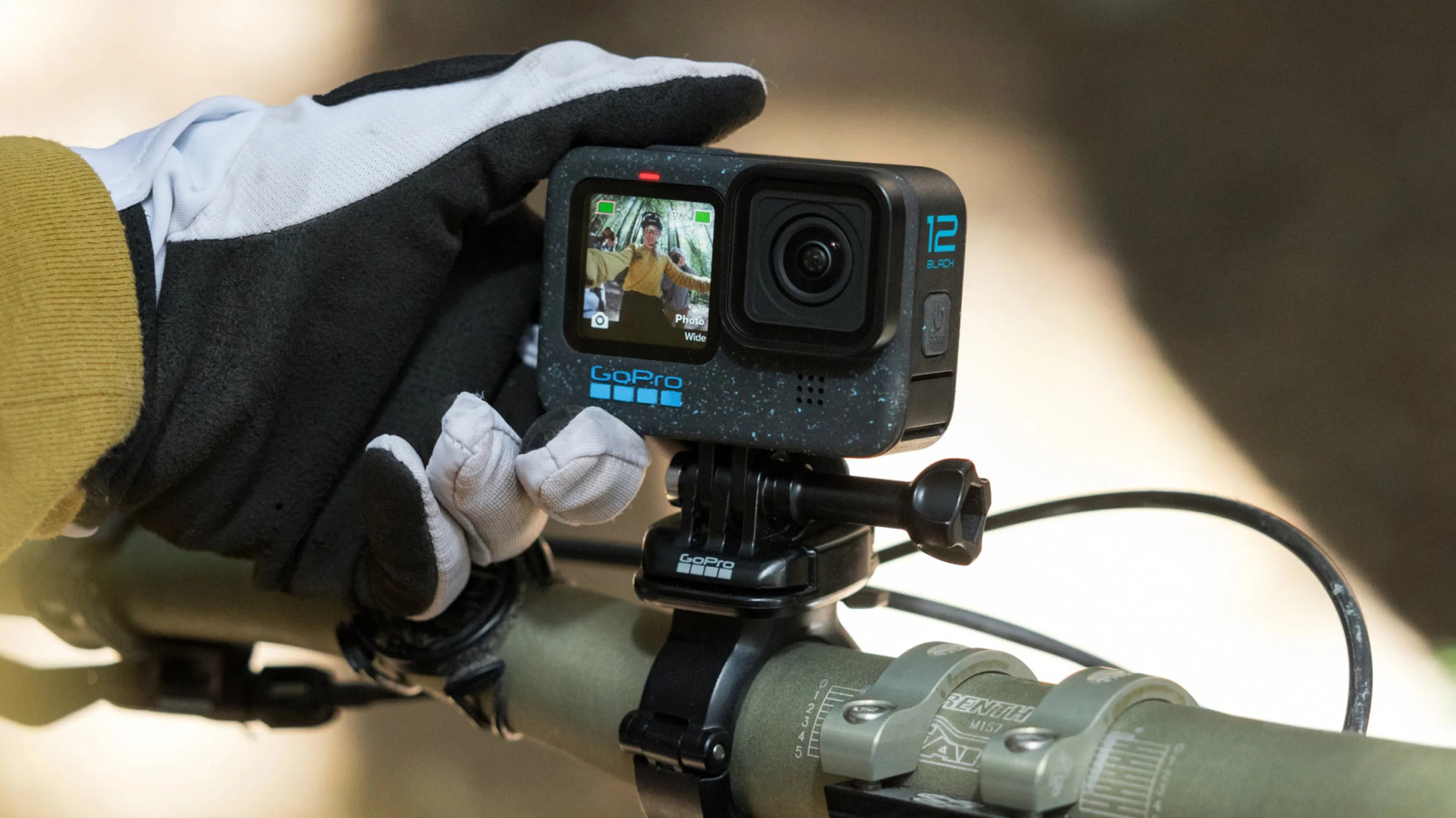
Upgrading to a newer GoPro model doesn't mean your old device is useless. Although factors such as video quality can vary, with a pricier GoPro Hero12 Black delivering sharper video than the more budget-friendly GoPro Hero, for instance, a GoPro is generally a convenient gadget that can serve many purposes. This is why simply moving on to a newer model shouldn't be a death sentence for your older GoPro.
Repurposing an old GoPro is fairly easy, as you typically don't have to make any technical tweaks to do so. All you have to do is think of circumstances where capturing good-quality video with a relatively small device could be helpful. Consider the ideas we've collected here, or use them as jumping-off points for your own. Of course, you can also use an old GoPro exactly how you used it in the past while also employing the new one, doubling your odds of capturing important video in situations where you might otherwise run the risk of missing critical shots.
Turn your old GoPro camera into a webcam
A webcam isn't exactly an expensive purchase. Regardless, there's an argument to be made that buying a webcam is unnecessary these days. A decent smartphone camera is usually a perfectly acceptable substitute for a dedicated webcam — but so is an old GoPro. On Reddit and the GoPro community forums, users often share tips for setting up a GoPro as a webcam, citing benefits like the device's relatively substantial field-of-view. Per the GoPro community, the GoPro Webcam app for Mac and Windows already supports popular tools like Google Meet and Zoom.
GoPro offers instructions on how to set up one of its devices as a webcam. The specifics of the process vary, depending on whether you're using a Mac or a Windows device. Generally, it involves installing the GoPro webcam app, launching the app, and connecting a GoPro to the computer via a USB cable. You can then select the camera when using your preferred webcam service, like Zoom. The process for choosing the camera will be sightly different from one service to another, but it's generally as simple as selecting the GoPro from a drop-down menu once you've installed and configured the GoPro Webcam app.
Collect B-roll or additional footage with an old GoPro
As referenced earlier, users on Reddit's GoPro community point out that an old GoPro might be the ideal option when trying to capture shots that involve a risk of damage to the device. Accidentally breaking an old GoPro is naturally preferable to harming a newer investment. Similarly, you could use an old GoPro to capture B-roll footage that can supplement the main footage you're capturing.
For example, maybe you're testing out your new GoPro on a snowboarding trip. You could use your new device to capture first-person footage yourself. Meanwhile, you could hand your old GoPro to a friend and get them to capture separate shots that you could edit into a finished video project.
A great way to get inspiration for projects that involve editing together footage from multiple units is to simply watch popular GoPro videos from other creators. Understanding how others have used these devices to put together compelling footage can help you determine how to make the most of your spare GoPro. Again, depending on your plans, you might use the older, less valuable model to capture shots that might otherwise be risky with a newer investment.
Use GoPro's motion detection feature to turn your old camera into a security or pet cam
GoPro Labs allows users to leverage special QR codes and firmware to add to the functionality of the company's cameras. One of these additional features is motion detection. Although GoPro's own info page makes it clear that these devices were not designed as security cameras, with the motion detection feature, an old GoPro could easily serve as a basic security cam that gets triggered by motion in front of the lens.
The GoPro Labs page does state that a GoPro used in this capacity won't capture the beginning of the action, as it will only start recording after it detects motion — but that doesn't mean the camera won't capture any valuable footage. As long as the footage still captures the faces or other identifying features of thieves and wrongdoers, it could be useful as a security cam. Similarly, you might use an old GoPro as a pet cam or to capture footage at your bird feeder.
Install an old GoPro in your car to use as a dashcam
Another use for an old GoPro some members of the GoPro subreddit recommend involves mounting the unit to your dashboard or windshield and using it as a dashcam. However, this isn't a set-it-and-forget-it solution. Due to space limitations, you'll have to delete footage at the end of the day to make space for the next day's video. You'll also have to remember to start the camera when you begin driving, as it doesn't automatically record the way a dedicated dash cam might. However, it's an affordable option if you'd prefer not to buy a separate unit.
Again, these are just a few ways users have repurposed old GoPro cameras. Whether one of the items on this list stands out or these ideas simply inspire you to come up with your own used GoPro innovations, the main point to keep in mind is that you shouldn't just get rid of your old GoPro after upgrading. Consider participating in online GoPro communities like Reddit to discuss even more ideas.





Comments (0)