
Remember me







Microsoft Teams kicked off 2026 with a wave of updates. While much of the news focuses on high-end hardware for conference rooms, there are three specific features that arrived last month that will change your daily workflow.
Microsoft outlined the new features in a recent blog post, though some of the highlights are "coming soon" rather than immediate additions. That is because the company is focusing on features being shown off at the Integrated Systems Europe (ISE) 2026 conference in Barcelona, Spain.
You may like Every new Microsoft Teams feature for December 2025
 Here's a first look at new features coming to Windows 11 in 2026
 Teams for Mac: Screen sharing gains security, loses control
I've highlighted the biggest changes below, plus some shortcuts or small features you should try.
1. Pin Teams window on top

It is now possible to pin Microsoft Teams on top of your other apps, allowing you to keep it visible even if you click a different window. This improves multitasking and removes the need to use a third-party app, such as PowerToys, to pin windows on top.
Without the option to pin Teams on top of other apps, clicking into a PowerPoint presentation, notes app, or other program would hide your Teams call. The new option is especially useful for those on laptops or in single-monitor setups.
Screen and Windows sharing on macOS through native picker
2. Teams channels Shared tab
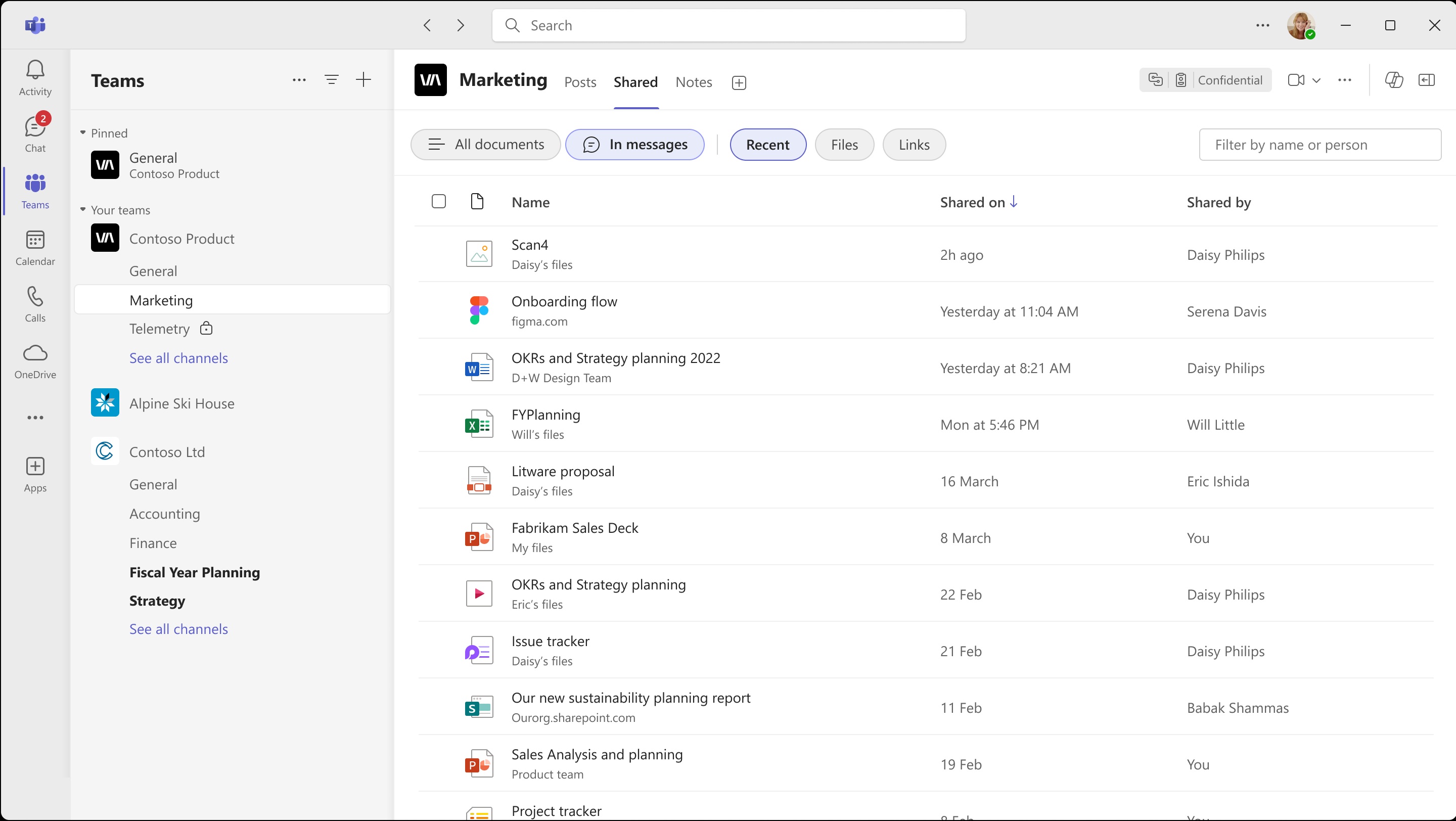
Microsoft renamed the Files tab in channels to the Shared tab. The newly named tab shows current files as well as previously shared files from channel posts. But the big change is the inclusion of links.
The Shared tab now includes both shared files and links from channel posts and conversations.
You can sort those files and links by date.
You may like
Every new Microsoft Teams feature for December 2025
Here's a first look at new features coming to Windows 11 in 2026
Teams for Mac: Screen sharing gains security, loses control
Previously, locating a file could be difficult within Teams unless you knew where you initially received the file. Searching is now simplified with the introduction of the Shared tab.
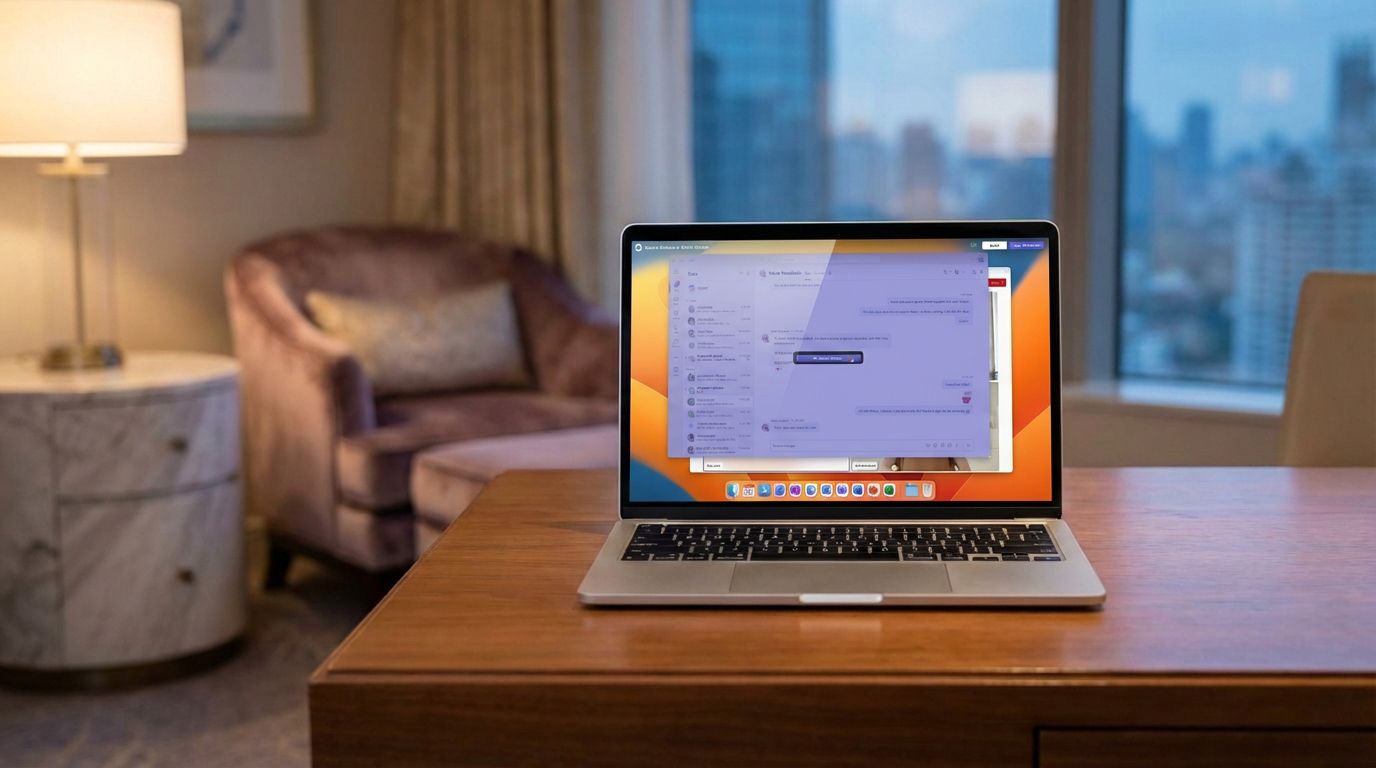
3. Screen & Window Sharing via macOS Native Picker
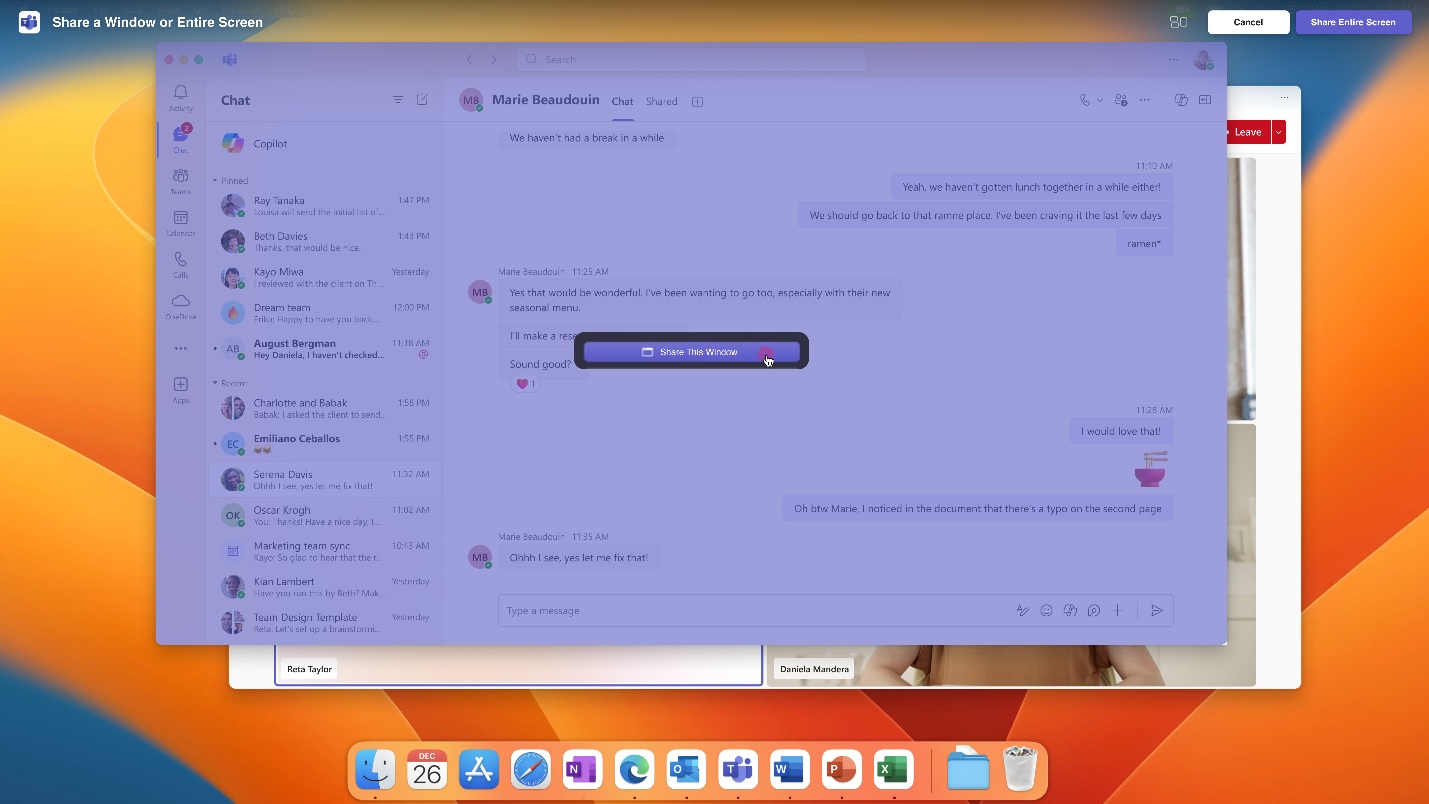
Microsoft Teams now includes the option to use native macOS screen sharing functionality. The feature, which requires you to opt-in, presents an experience for screen sharing that will feel more native on macOS and align with the operating system. It is also a more secure method of screen sharing.
Screen sharing using the native picker on macOS does have limits. Notably, it prevents giving away or taking control of meetings within Teams. Because of that, some will likely consider the new option to be a downgrade.
Luckily for those who prefer the older method of screen sharing, that option remains available.
Tips and shortcuts to tryThe following tips and tricks help you take advantage of new features and options within Teams to streamline your workflow:
Try this shortcut: Press Win + Ctrl + T to pin your next meeting.Check out reactions: You can now see reactions and more types of notifications in messages without having to open the Teams app, just view the notification.Type without stress in Teams compose: Teams can now autocorrect messages within the compose box. Just type and see the app fix typos.

Which new Microsoft Teams feature are you most eager to try? Let us know in the comments! 👇

Follow Windows Central on Google News to keep our latest news, insights, and features at the top of your feeds!