Remember me



When the Steam Deck originally launched on February 25, 2022, we called it "streamlined, responsive, and undeniably compelling" in our five-star review.
Designed and produced entirely by Steam's parent company, Valve, it arrived running a custom Linux version called SteamOS. This was an introduction to Linux for many PC gamers who'd otherwise been beholden to Windows, and it proved to be a stable, efficient, and clean OS that just seemed to work.
Article continues below You may like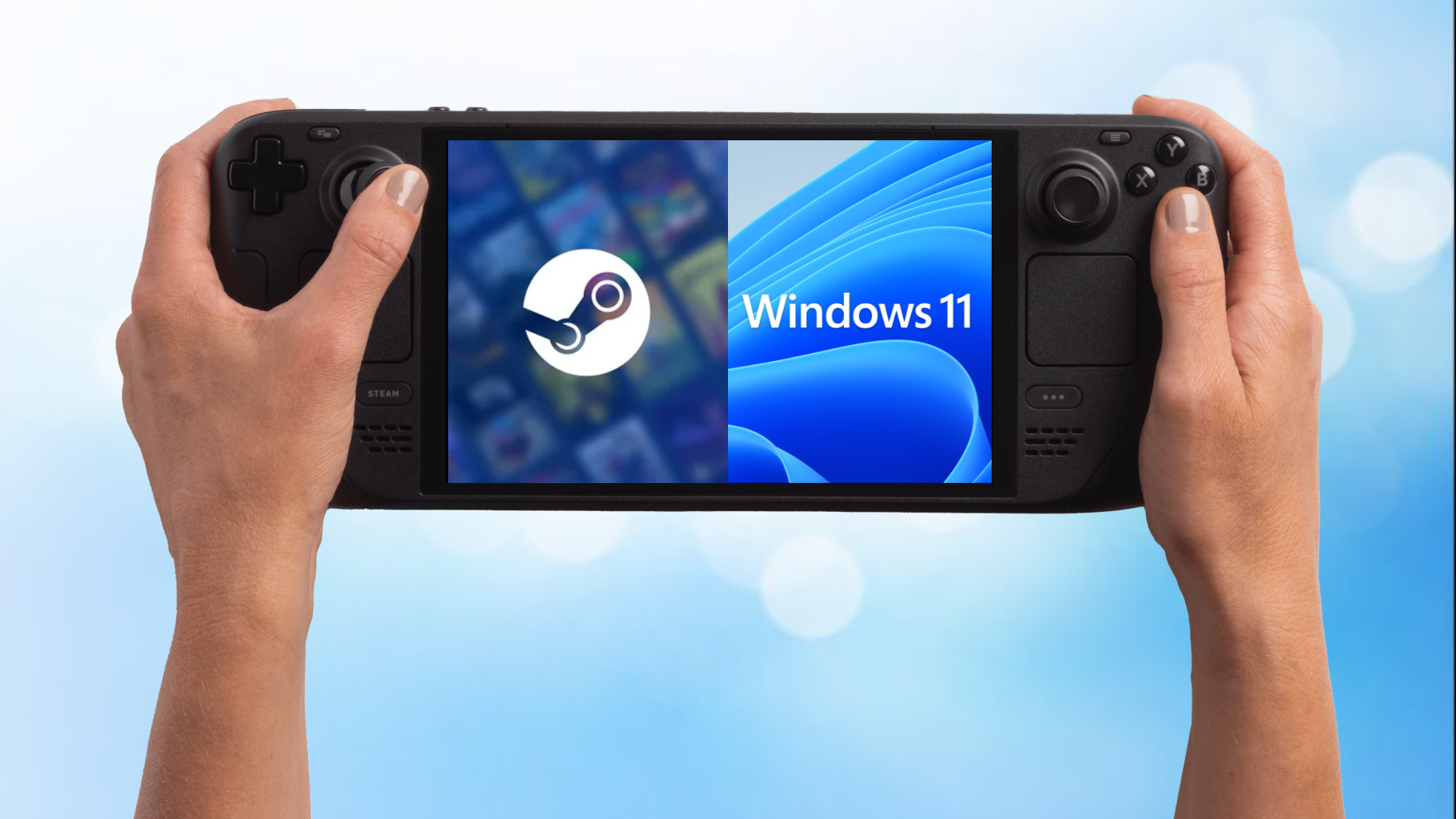 The easiest way to dual boot Windows and SteamOS
 SteamOS is slowly winning over gamers for these four reasons
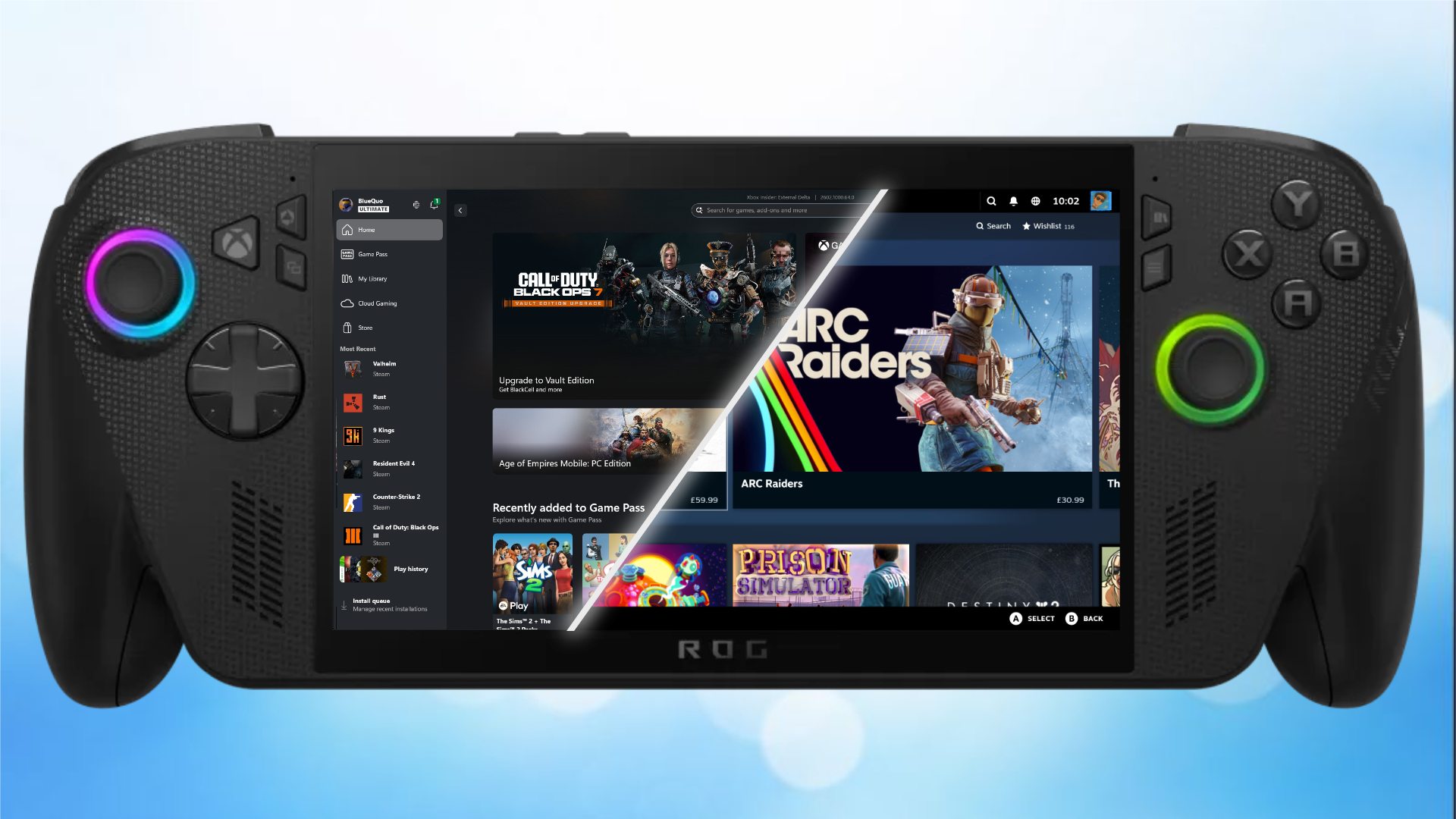 Bazzite and Windows dual boot on handheld PCs
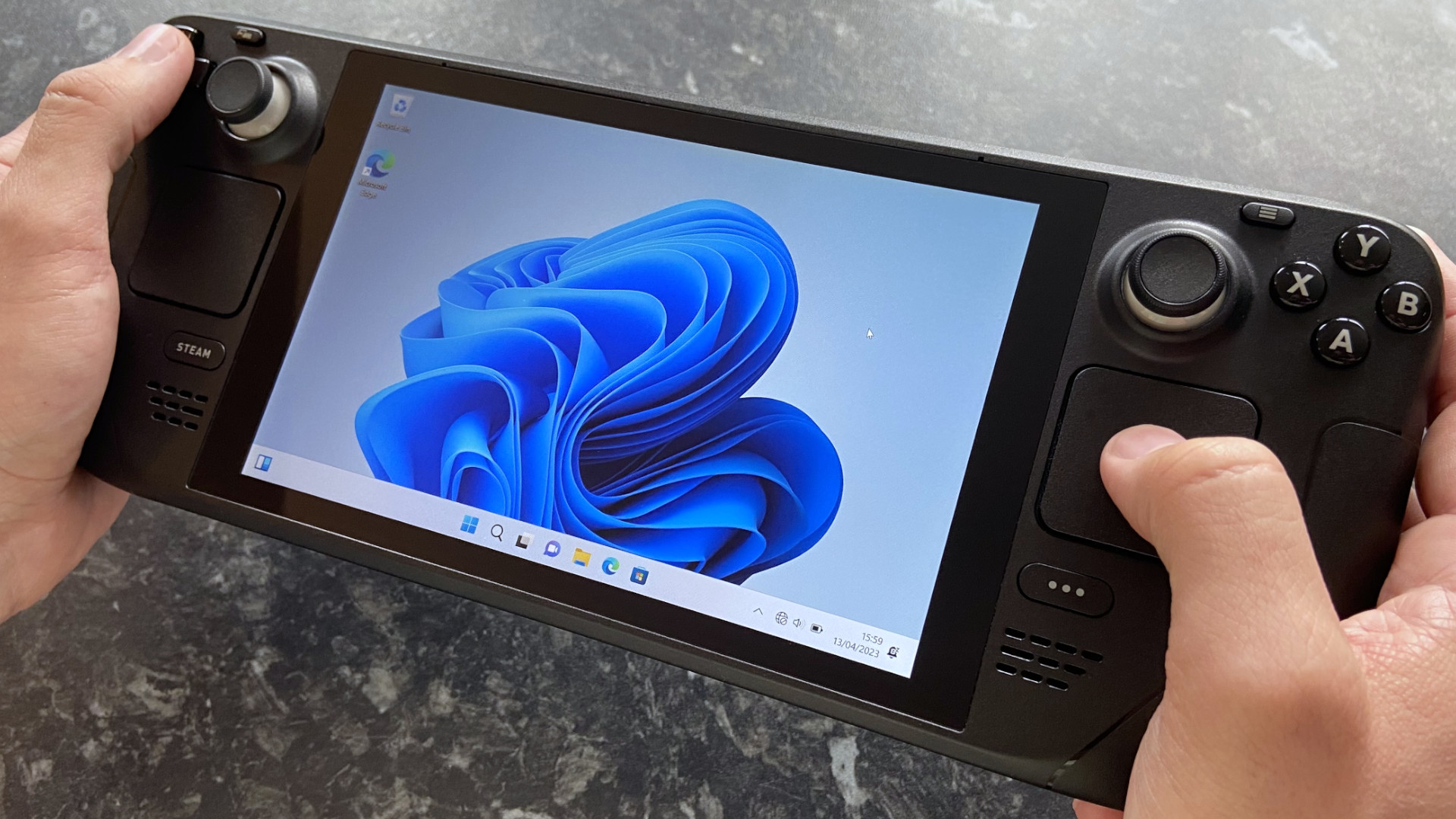
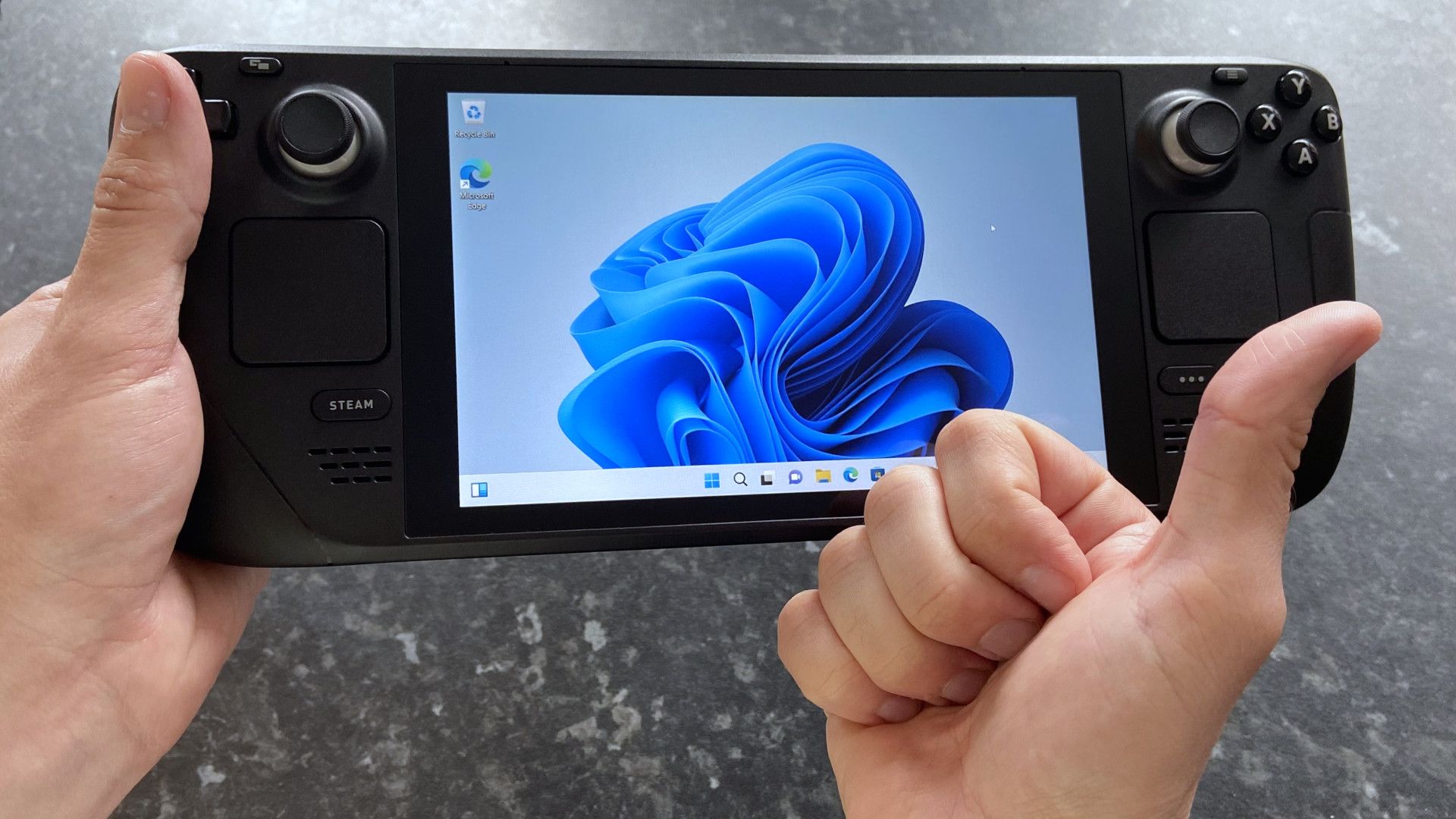
Was it always possible to run Windows 11 on a Steam Deck?A look at the Steam Deck running Windows 11. (Image credit: Ben Wilson | Windows Central)
Bazzite and Windows dual boot on handheld PCs
Was it always possible to run Windows 11 on a Steam Deck?A look at the Steam Deck running Windows 11. (Image credit: Ben Wilson | Windows Central)The Steam Deck was never intended to be a Windows 11 device. While you could "hack" Windows onto the hardware with some awkward steps and community driver efforts during the first year of the Deck's life, Valve eventually made the process a lot easier by releasing an official Windows driver package.
This didn't mean that Valve was suddenly distancing itself from its SteamOS. The company was simply acknowledging interest in Windows running on its hardware while removing some of the biggest obstacles.
With Windows 11 installed on Steam Deck, users could get full support for anti-cheat, access to Xbox Game Pass titles, and better support for other game launchers like Epic, Battle.net, and Ubisoft.
What to read next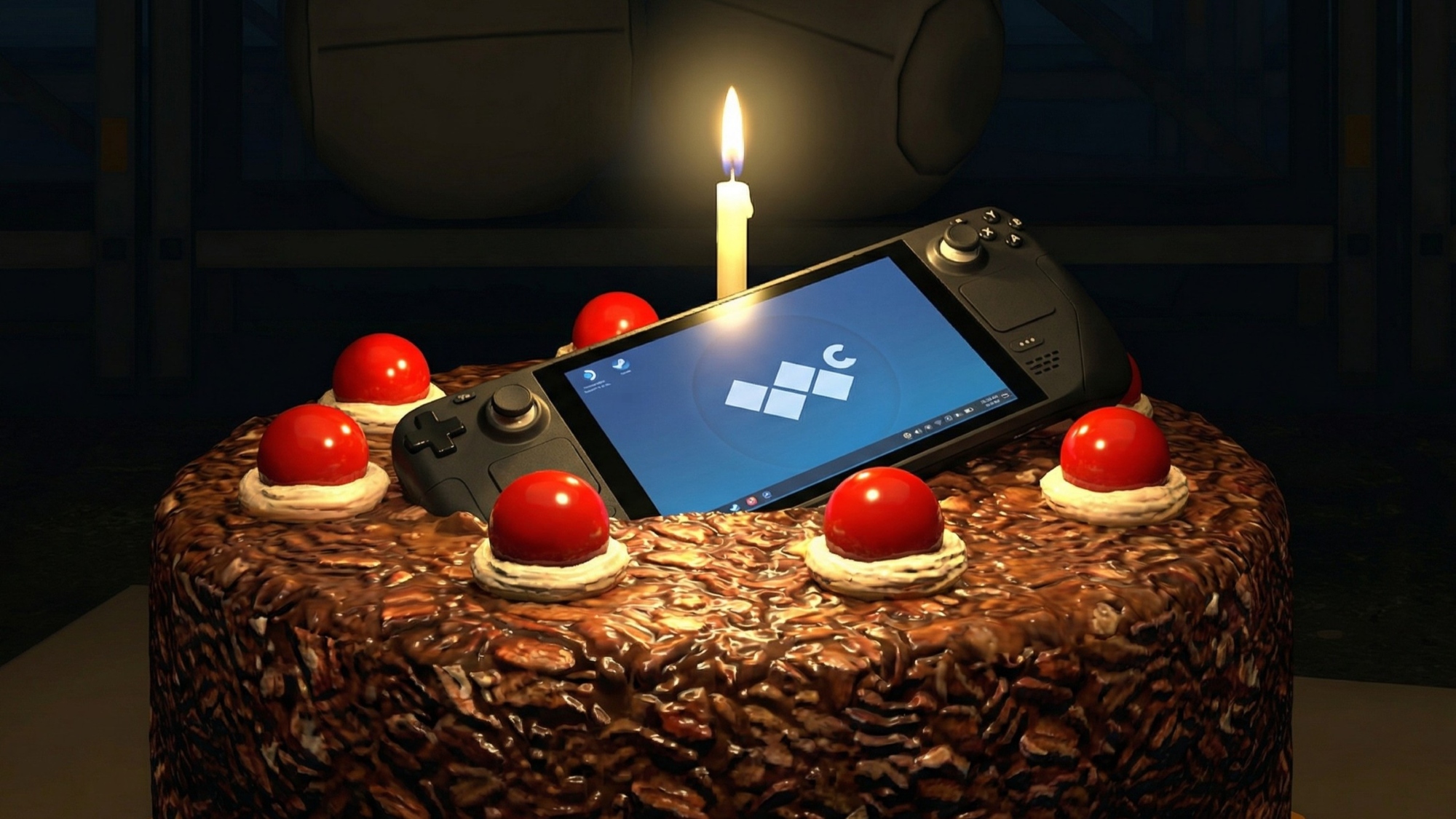 Steam Deck just turned 4 years old, and Valve's near-future looks bleak
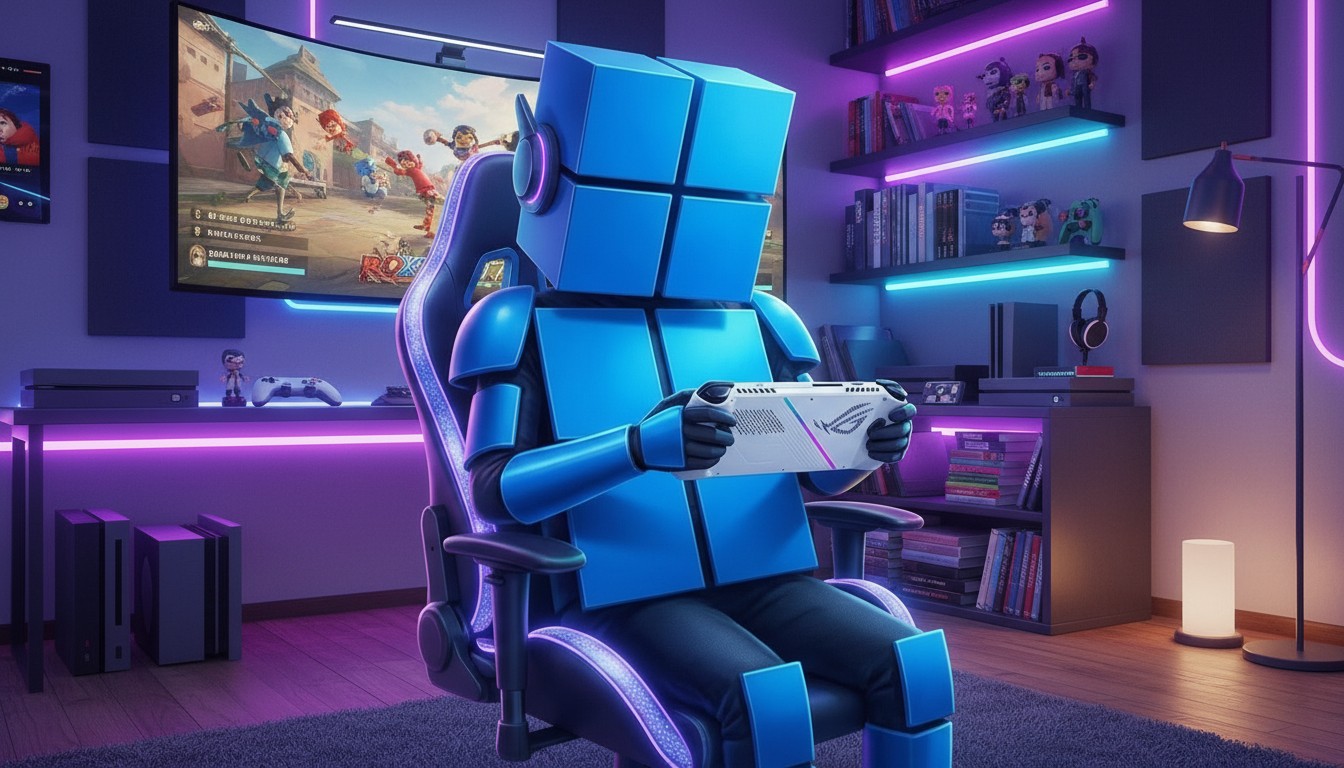 Windows Gaming Edition? What an OS made for fun could look like.
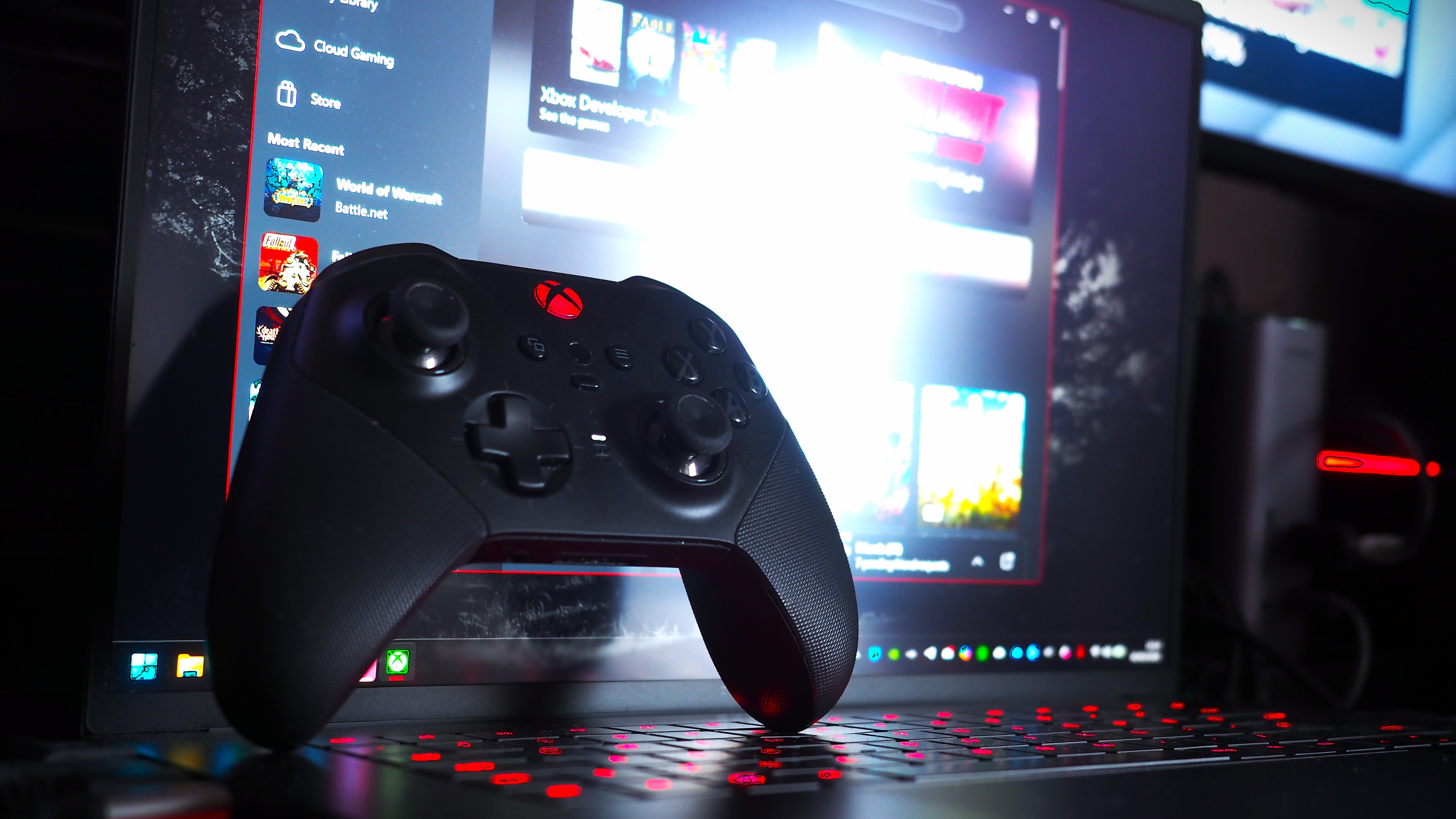 Jez Corden breaks down why a PC‑like Xbox is both exciting and risky for Microsoft
As you can imagine, getting it all to work properly wasn't exactly a straightforward process.
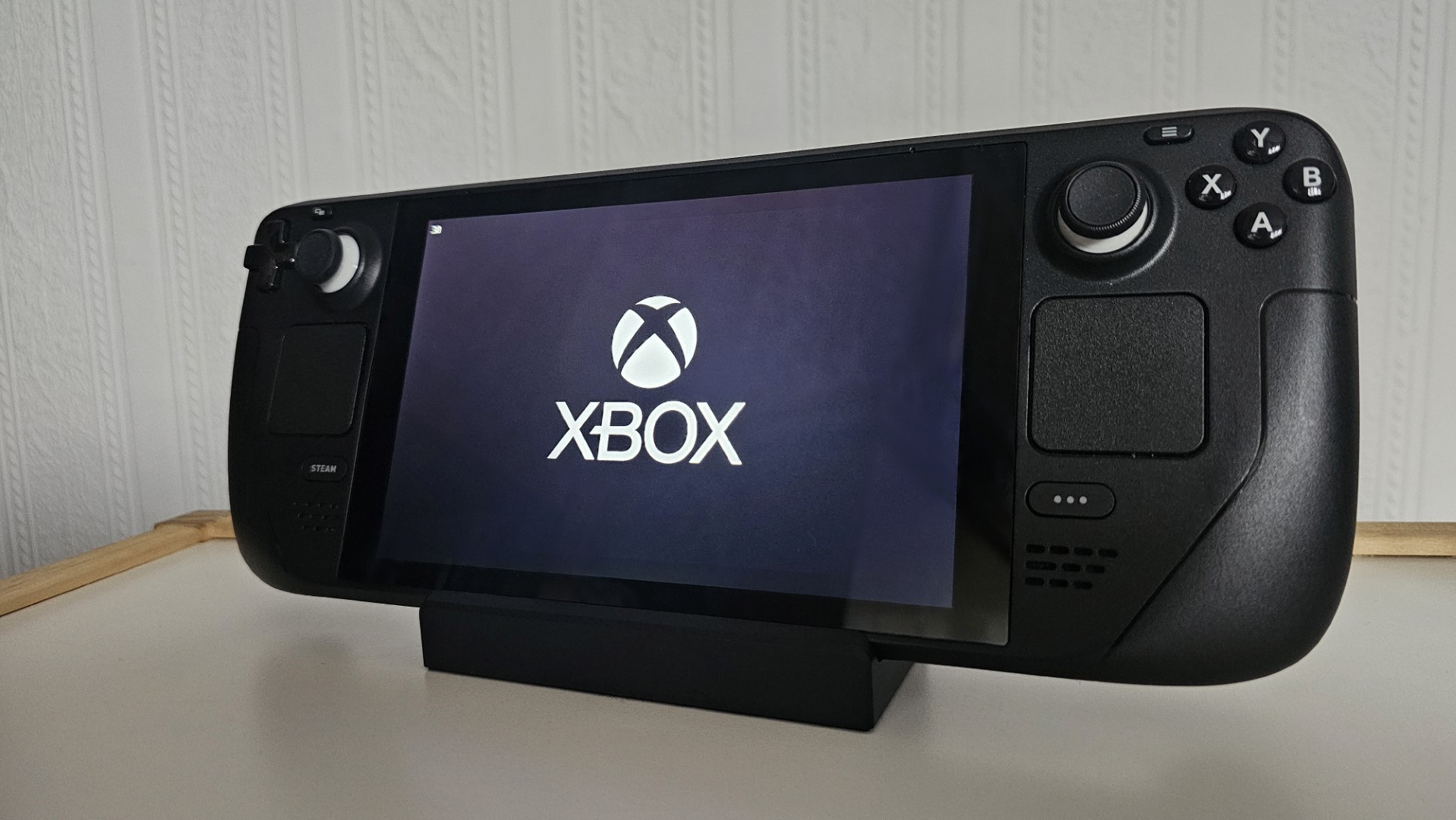
The Xbox logo displayed on a Steam Deck's display. (Image credit: Jennifer Young - Windows Central)Until recently, when Microsoft began pushing its Xbox Full Screen Experience/Xbox mode for gaming PCs, Windows wasn't much fun to operate on a small screen using gamepad input.
Windows on a Steam Deck, being the full Windows experience, also came with additional telemetry and bloat, reducing efficiency and performance compared to SteamOS.
This issue wasn't unique to the Steam Deck. In our Xbox Ally X review, it was noted that the Windows experience was still lacking due chiefly to missing optimization.
Many of these issues remain despite Microsoft's recent advancements for gaming handhelds. What else were Steam Deck users to do but create their own solutions?
A Reddit community known as r/WindowsOnDeck arrived in 2022 and has since grown to have more than 15,000 weekly visitors. The community is made up of like-minded PC gamers who prefer installing Windows to dual-boot alongside SteamOS, and it's home to an impressive amount of support documents and how-to guides.
Bald Sealion's ultimate Steam Deck Windows guide can be considered the WindowsOnDeck community's first stop on the journey. It's a veritable treasure chest of installation help, Windows OS tweaks, controller setups, quality-of-life improvements, FAQs, troubleshooting help, and much more.
Community-made utilities that help with controller mapping and more granular power control are available, as are custom scripts that help improve performance and battery life when running Windows.
If you're at all interested in dual-booting Windows and SteamOS on your Steam Deck, I can't think of a better place to check out first. The community is quite active answering troubleshooting help requests, and there are some great discussions on a wide variety of topics.
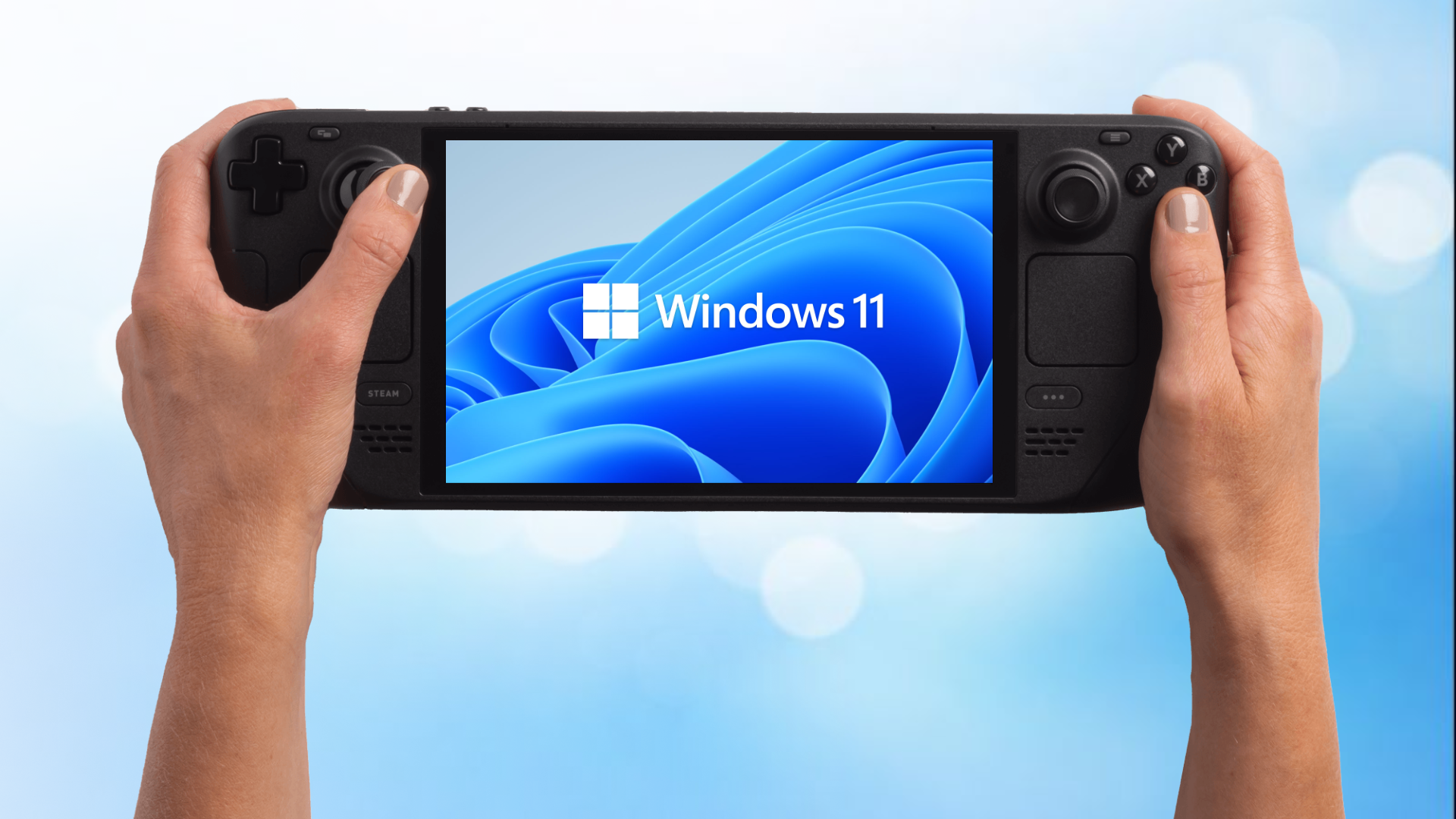
Why is the Steam Deck an unlikely Windows gaming handheld?The Steam Deck with the Windows 11 logo displayed on the display. (Image credit: Windows Central | Valve | Microsoft)Despite the evident hurdles, including the necessity of custom tinkering and the fact that many consider SteamOS to be the superior way to game, the Steam Deck has become an unlikely Windows gaming handheld.
While Valve made the initial steps easier with its official Windows drivers package roughly a year after the Steam Deck's launch (likely in response to Valve seeing how many users wanted to try Windows on its hardware), it's been the community that sprang up around it that has really kept the dream alive.
Although I've always toyed with the idea of putting Windows 11 on my Steam Deck, I've yet to actually go through the process. That's going to change this weekend now that I've seen how many gamers are having positive experiences, and I can't wait to get my favorite Game Pass titles running while I sit back on the couch.
Do you have your Steam Deck set up to dual-boot Windows and SteamOS? How are you enjoying the experience? If you haven't taken the dual-boot pill, do you plan to in the future? Let me know what you think in the comments section!

Join us on Reddit at r/WindowsCentral to share your insights and discuss our latest news, reviews, and more.