
Remember me


Apple erased the last of Wesley's needs for a Mac in his workflow in 2026, so his setup remains focused on the iPad Pro, but there's still room for Apple Vision Pro for select tasks.
My desk setup didn't change much year over year, at least what's directly in front of me. However, the rest of my office evolved, so I'm going to detail each section and how I get work done for AppleInsider.
The iPad Pro is still my primary tool for getting work done. I can perform most work from Apple Vision Pro as desired, but it's only from time to time.
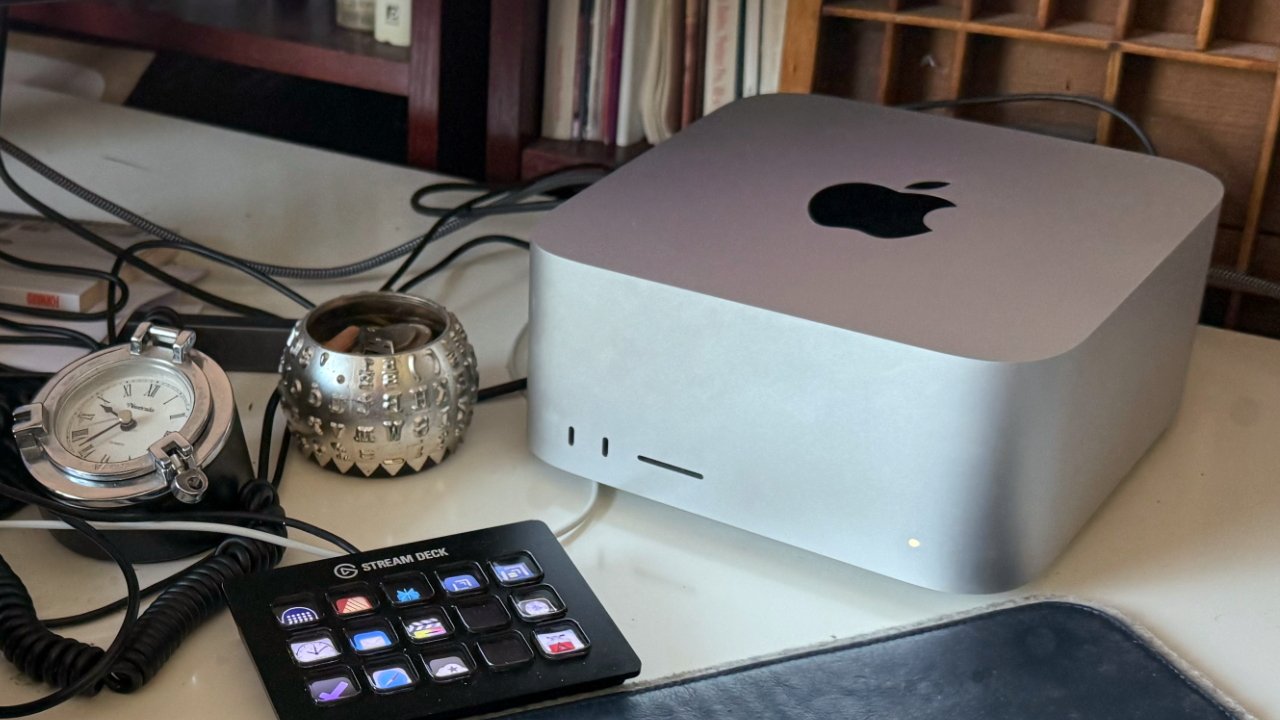
The Mac mini has increasingly lost its place in my workflows to the point I have to remember to wake it up some days. About the only useful feature it gives me at this point is keeping my Slack green dot on during my shift since the dot turns off if the app is in the background on iPad.
Apple's work on iPadOS 26 helped push the iPad Pro even further. Apple Vision Pro is basically where the iPad was around 2020, but with improvements in some places and things it will never do in this version of hardware.
Let's get into how I utilize each area of my office and the tools that help me get work done.
Main desk: an iPad-focused setupMy desk layout has changed a lot over the years, but the desk itself hasn't. I've had the Uplift L-Shaped Standing Desk V2 since 2022, and it's still standing.
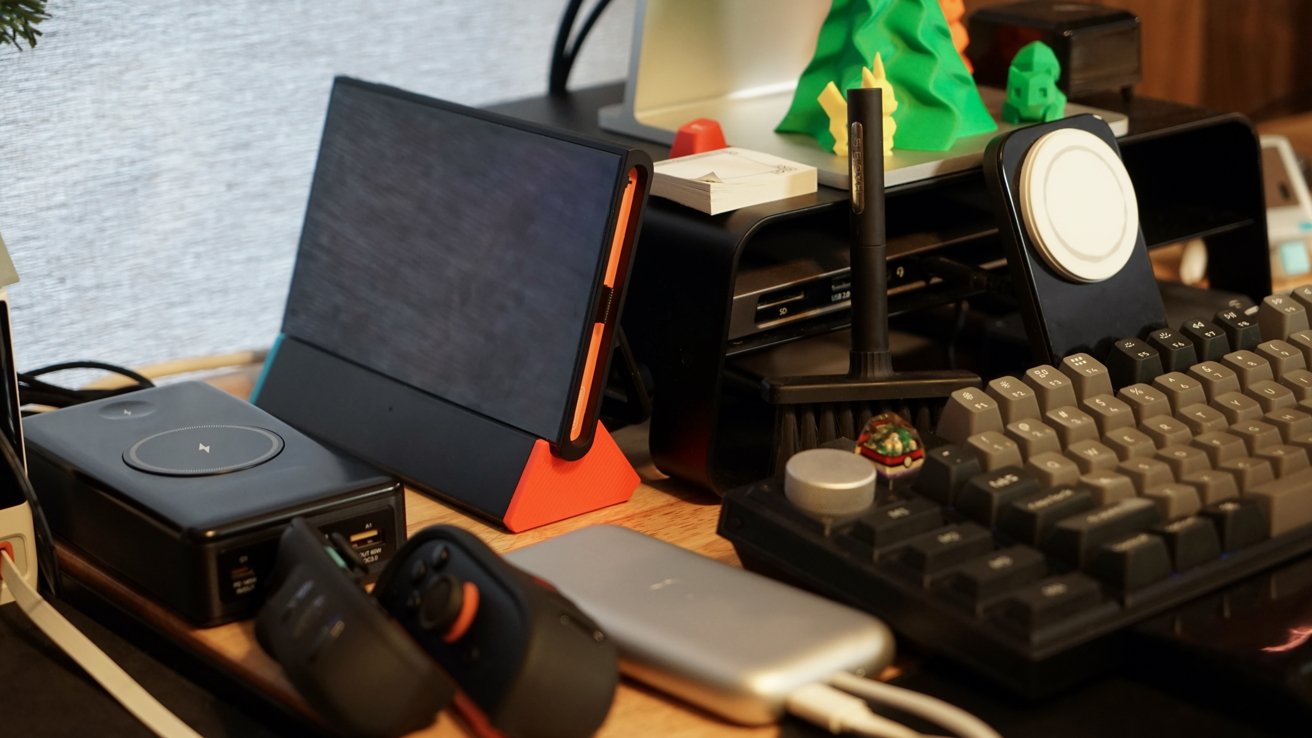
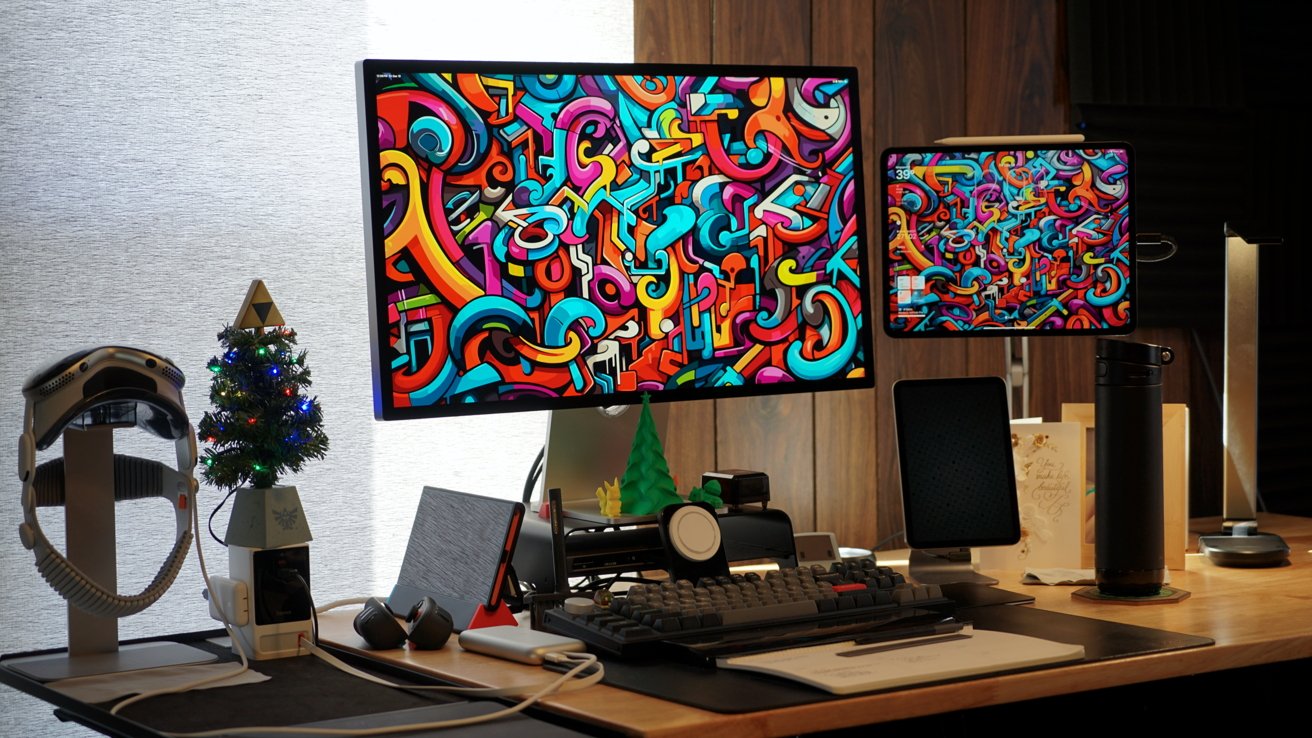
Much of my main work area revolves around this single Thunderbolt 4 dock
I chose to keep my M4 iPad Pro (1TB, Nano Texture, cellular), as the M5 model didn't make a difference in how I use the device. It is mounted to a Kuxiu magnetic stand, connected to a StarTech Thunderbolt 4 dock.
Connected to that dock is the Apple Studio Display, a 1TB Samsung SSD, Keychron Q3 Pro SE, Magic Trackpad, and ASUS TUF capture card for use with the Nintendo Switch 2.
The iPad Pro is where I perform all of my work for AppleInsider and my personal blog at hilli.tech. When I'm not at my desk, the iPad Pro is connected to the Magic Keyboard and used out in town to help produce reviews and such.
Below the iPad Pro is an iPad mini in a Lululook magnetic stand. Sadly, there isn't a way to have it magnetically charge like other iPads, so there's a cable sticking out of the side.
The iPad mini is used as a second screen for whatever I might need at that moment. Maybe for watching a tech keynote, having an interview on in the background, or CNBC when I'm working a day shift, but mostly, it just shows the now-playing music going out over the HomePods.
My iPhone 17 Pro Max is set in a Nomad Stand One MagSafe charger and displays information via StandBy. The incoming notification view and various widgets are helpful as yet another point of reference.
These four displays work as a kind of physical "spatial" computing that's easily replaced by a single Apple Vision Pro. More on that later.

The right side of my desk is full of tools, but has empty space for writing
I have three Cortex Brand paper products to help organize my work lists and thoughts. The Sidekick Notepad sits off to my right for long-term planning, the Sidekick Calendar Companion sits below my keyboard for daily task tracking, and the Sidekick Pocket is great for jotting down notes, like during a call or podcast.
I keep digital representations of my work lists in Reminders, but writing them down and having them physically in my space helps me keep things straight. I can glance at these lists instead of constantly having to re-open an app to remind myself how much work is left.
The far right side of my desk is a mishmash of various products I might need at any moment. There's a Kica Jet Fan Ultra for blowing dust off of products, and believe me, it's needed for every product photo I take.
You might be able to find three different Apple polishing cloths — one for Apple Vision Pro, one for Nano Texture, and the standard one. I also have cables, a multitool, and other little devices around.
And finally, I couldn't go without my mug full of Warheads sour hard candy. Also note the two SmartWings smart roller shades covering the windows.
Photography desk & podcast stationImmediately behind me is my photography desk. It's the FlexiSpot E7 Pro, and having a movable platform for photos has proven to be quite excellent.
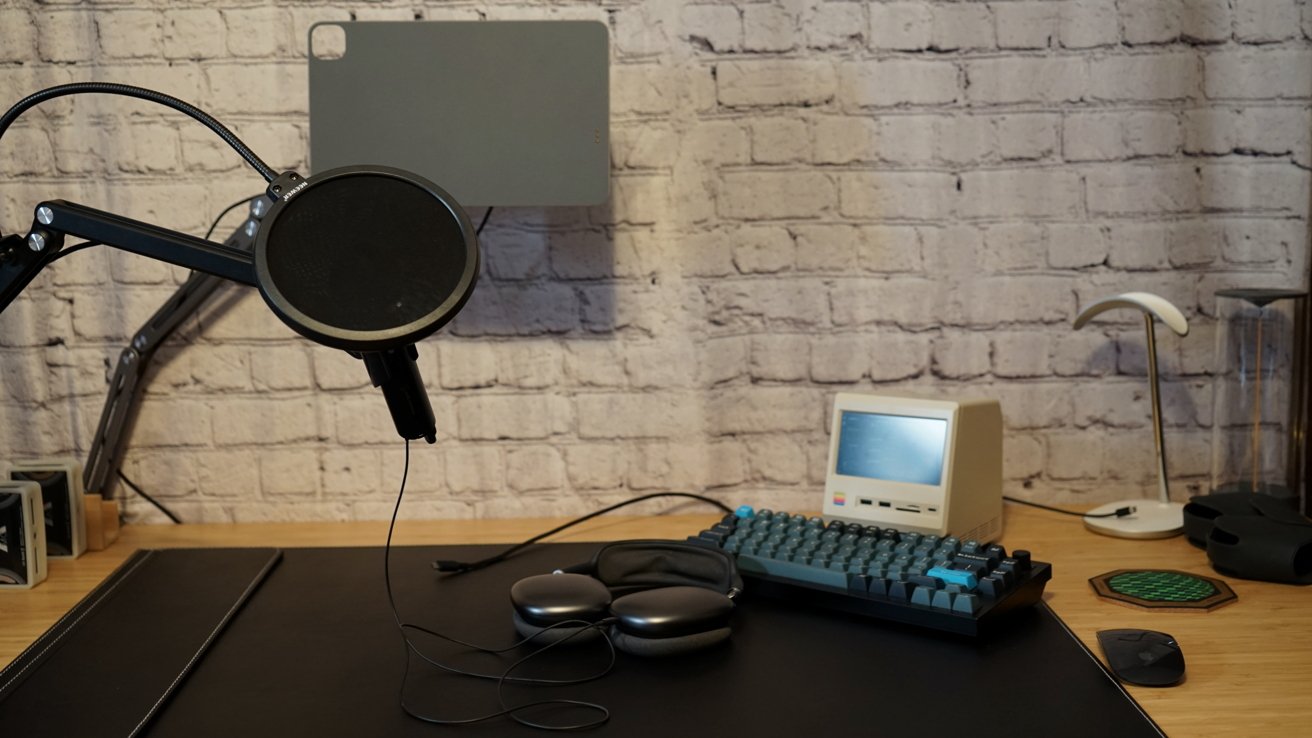
A photography and podcasting desk with a Mac mini on standby
Normally, it's set up as a podcast station with another magnetic iPad Pro stand. The iPad Pro mounts to it, charges via the Smart Connector, and connects to the microphone over USB-C.
The Mac mini used to be used for this purpose, but iPadOS 26 rendered that unnecessary. I prefer using the iPad for recording, as it's actually a bit more simple.
The Mac mini stays in its little Mac Plus disguise with its 5-inch display, a Keychron keyboard on standby, and the Magic Mouse.
It's basically fallen completely out of use, and not just because of the small display. I wake it so Slack is running, plus it lets me take advantage of Universal Control for my iPad Pro and iPad mini, so I can mouse down to the iPad mini if I want to from the main desk.
I keep the AirPods Max on this desk to keep within reach for the podcast.
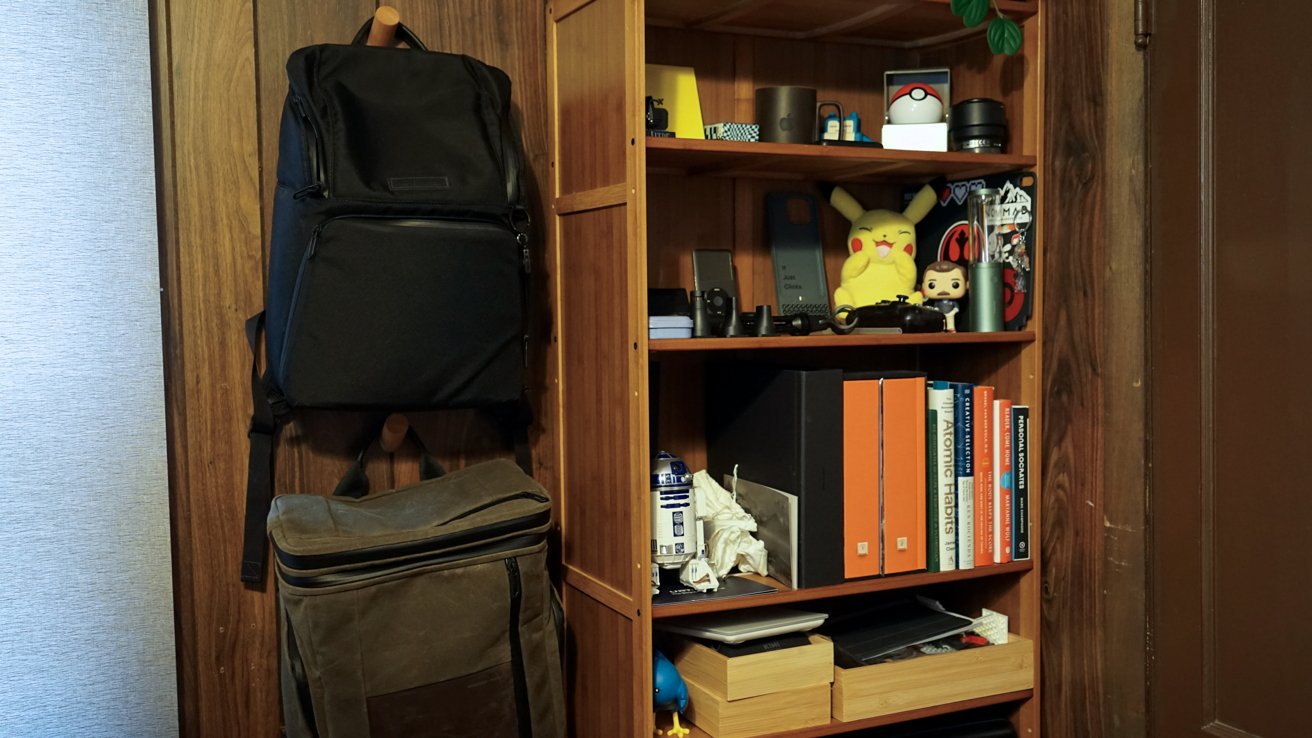
A bookshelf keeps more tools and gadgets nearby
To the left of the photography desk is my bookshelf packed with nerdy odds and ends and a few books I enjoy. There are a ton of things here, including a Lego set I'll build eventually, some old controllers, fittings, tools, camera lenses, tons of unused stickers, and the Twitterific bird statue.
I keep two of my backpacks here as well — the Waterfield Backpack for Apple Vision Pro and the Air Porter Backpack.
Utility desk & 3D printerFinally, there's the utility desk that acts as a review device repository, 3D printer workshop, and catch-all space. It's more utilitarian than the rest of my workspaces, and I like it that way.
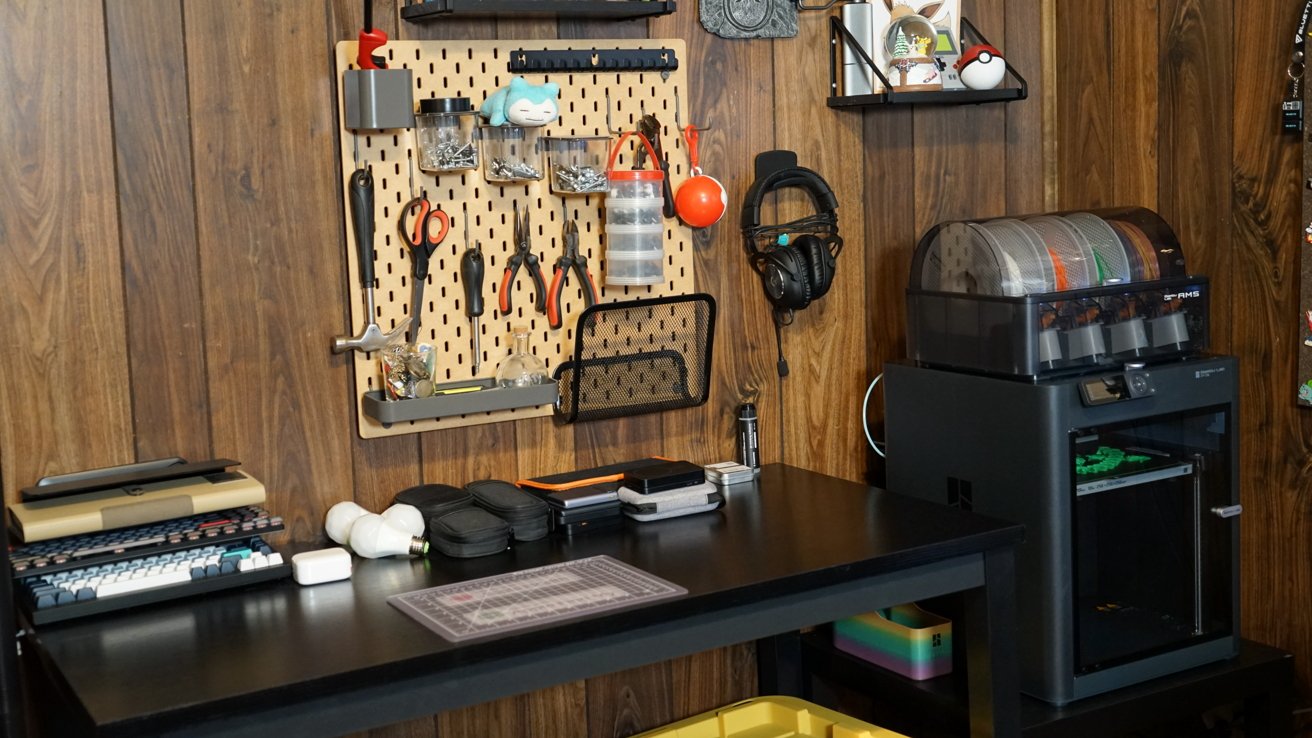
The utility desk acts as a catch all for incoming review products
I use the space to clean up new prints, and it's great as an alternative spot for product photos. I primarily keep spare tools, portable batteries, and similar products here for easy access.
The 3D printer, currently the Bambu Lab P1S, has proven to be a new favorite tech tool and hobby of mine. It's built some fun objects and gifts, but useful little things I'd never think to buy myself.
This is a lesser-used area of my office, but I'm glad it's here to help keep me organized. The space certainly comes in handy when I get a flood of review items I need to keep organized and available.
Apple Vision Pro's placeThis is a setup piece, and I didn't want to delve too deeply into something like Apple Vision Pro, which is a much less physical product. When I use Apple Vision Pro, nearly everything else in my office ceases to matter except the keyboard and trackpad I use with it.
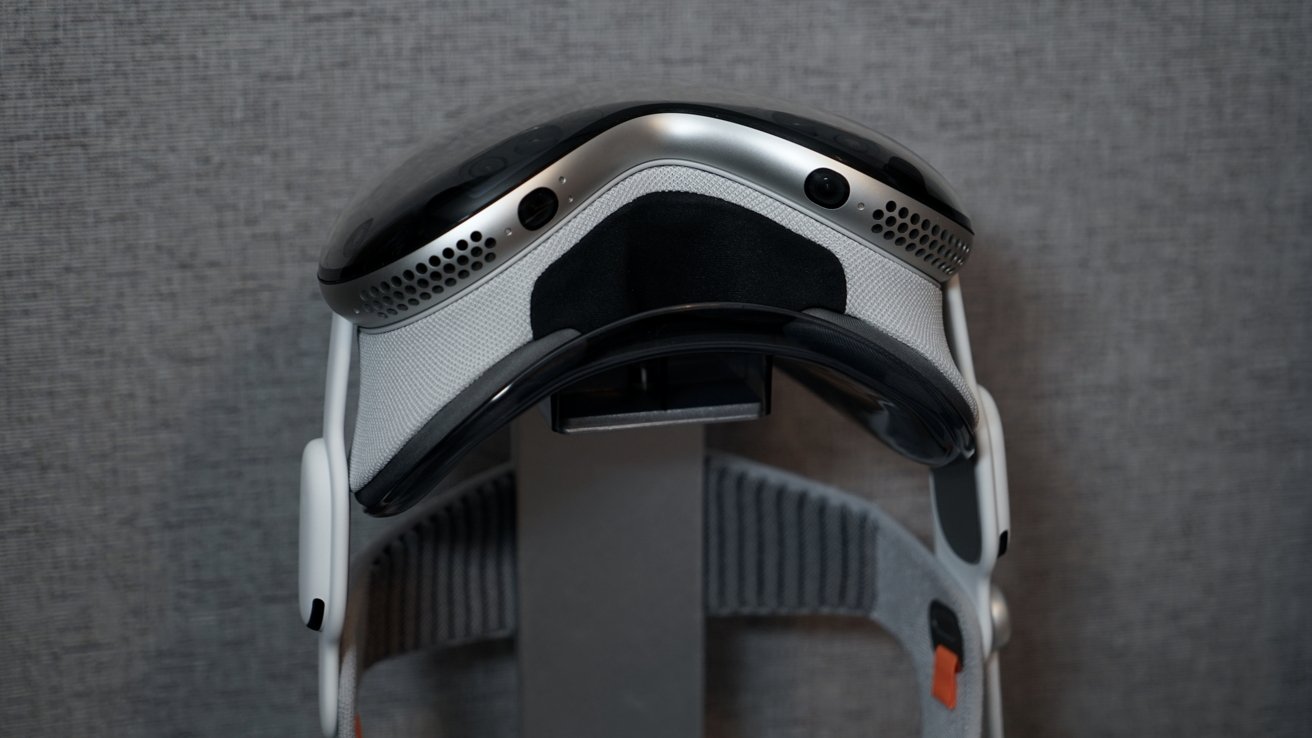
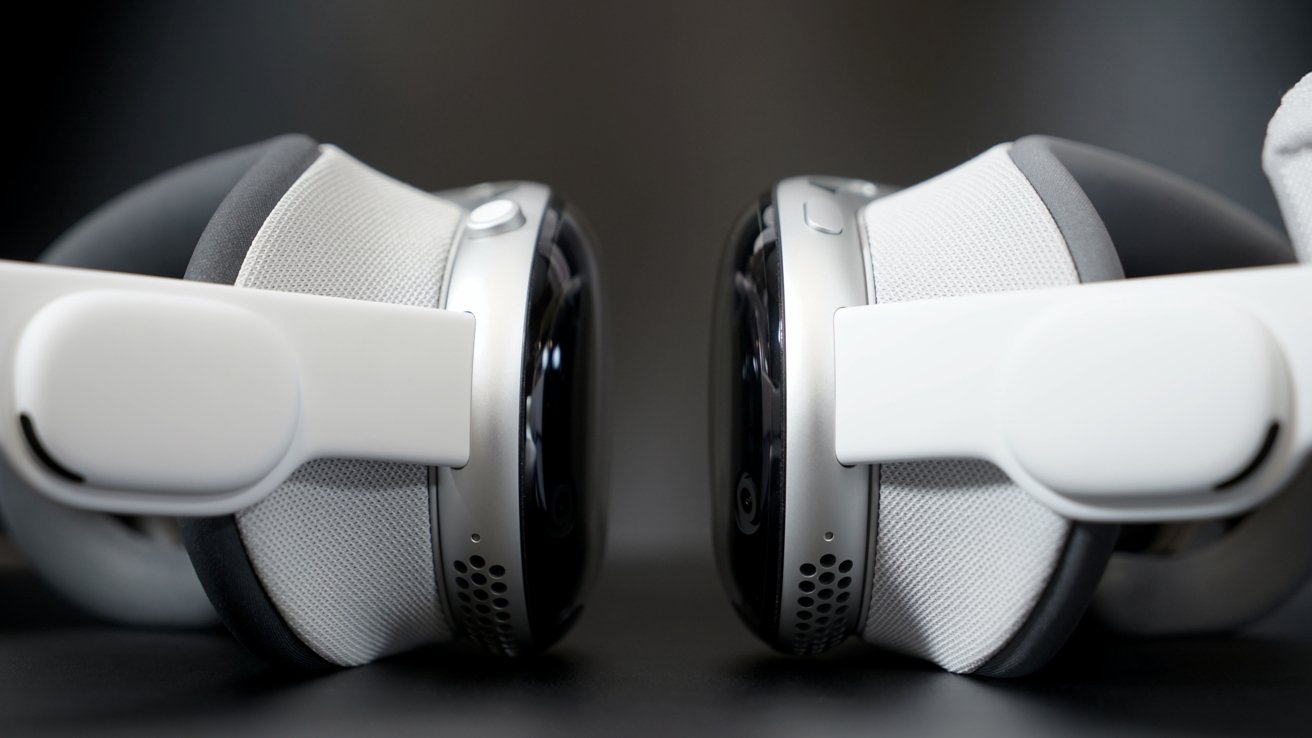
Apple Vision Pro with M5 is a good focus tool for getting work done
That in itself is kind of saddening in its own right. I've thought a lot about what augmented reality might do to our physical spaces and the objects inside them in the future, but that day hasn't arrived.
For now, Apple Vision Pro is used in my cluttered office, and those virtual windows and widgets have to contend with everything that's actually here. It is funny to think that I could get away with working in a virtually empty office minus the mouse and keyboard like some kind of dramatic sci-fi set piece, but that also sounds rather bleak.
For now, I'm happy using Apple Vision Pro as an augment to my setup. I can't record a podcast from it, nor do I want to read a book from it either.
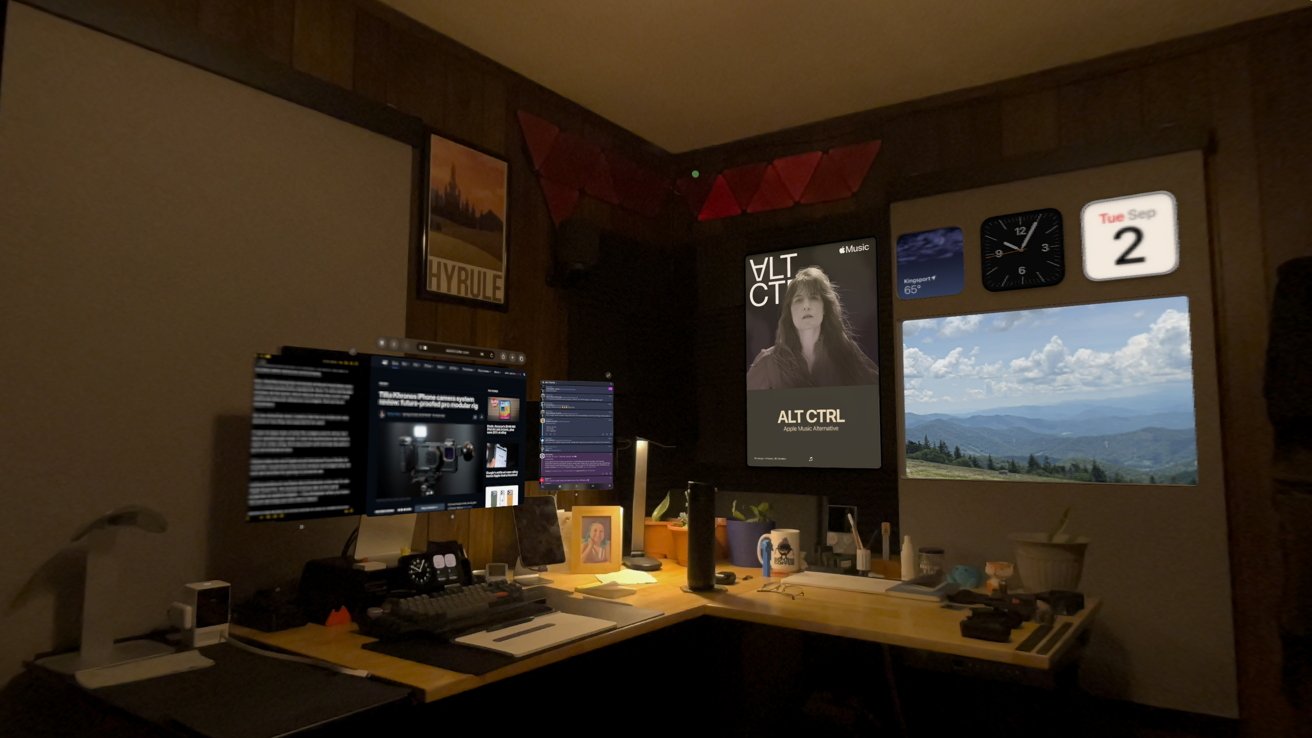
Physical objects become less important with spatial computing
Working from Apple Vision Pro is a focusing experience, and still elicits some awe. I love having widgets pinned to my walls and apps floating above my various desks waiting to be referenced.
However, that's one of the more odd aspects of Apple Vision Pro. It is a device built with the idea that one day, it will replace almost all of this other stuff.
For a company that likes selling most of that stuff, it truly is a conundrum of a device. Whatever the case, Apple Vision Pro is still something I like to work from multiple times a week — I even wrote a bunch of this while wearing it.
The future of workThat brings me to this final thought on my work setup. I started as an AppleInsider employee with my little corner desk crammed into an apartment in Virginia Beach, and this office has been an excellent next step in my work evolution.
What's next for my tiny family is a big move. I hope to purchase a home in 2026, if the market conditions allow, and that should mean a chance to rethink parts of my office.
There's a chance that very little will change except the location and organization of what's already in here, but I'd like the opportunity to think things through with Apple Vision Pro. This office has seen many iterations even since I moved here in 2020, but it was always designed around iPads or Macs.
I hope whatever space I end up in lets me spread out a bit more, which would be excellent for both product photography and spatial work. There should be some interesting things I can accomplish when moving into the new space, and I can't wait to try them out.
Meanwhile, I'll continue to churn out my work here for AppleInsider and confuse people with my lack of a Mac in my workflows. Perhaps WWDC 2027 will reveal new use cases and improved developer support for Apple Vision Pro that might help push it higher in my daily use.