
Remember me

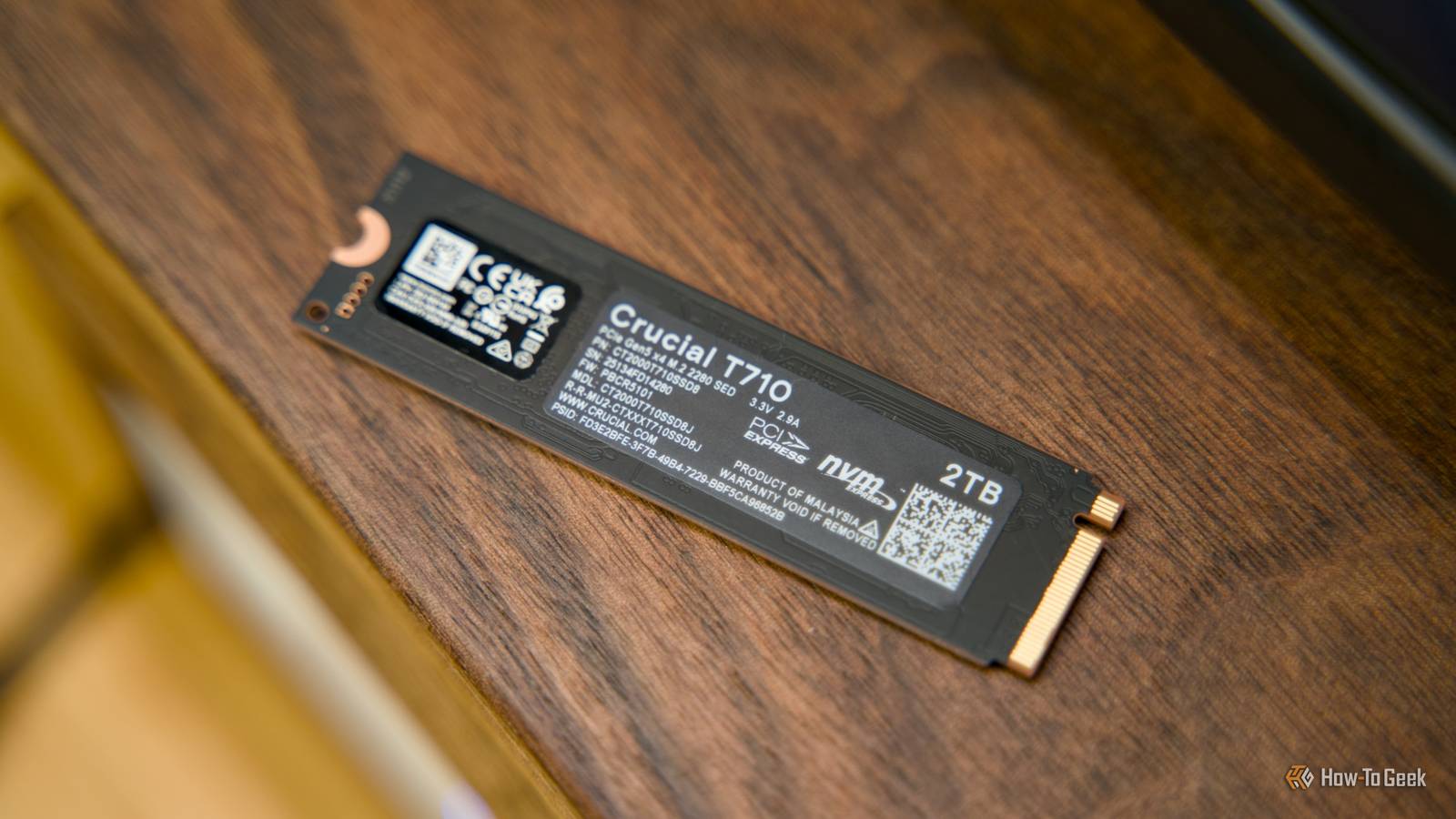
Not long ago, my colleague Monica made a convincing argument to stop buying 1TB SSDs—a point I actually reinforced in laptops because of their unique situation.
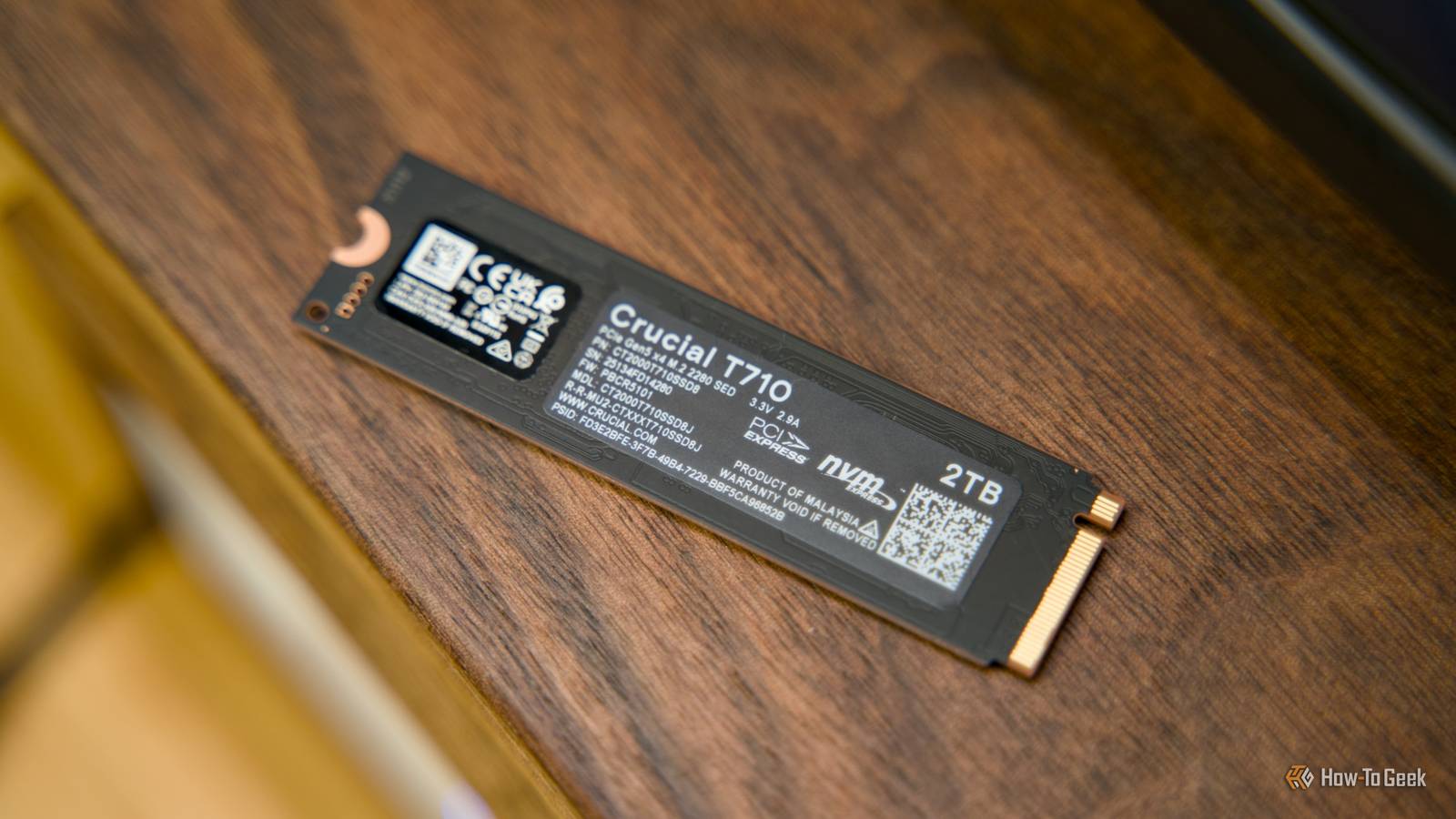
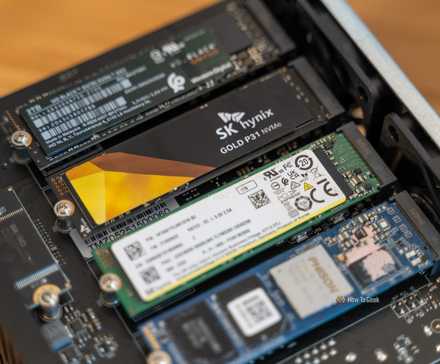
With the market shifting rapidly due to global memory chip shortages, recommending a 2TB NVMe SSD now that many hover above $200 is a lot harder to justify. If you didn’t catch a deal in time, now might not be the right time for this storage upgrade. Here’s why.
SSD prices have never been more volatileThe so-called "RAM-pocalypse" has officially spread to SSDs, so it’s already too late to buy a new SSD at a reasonable price.
To give you a point of reference, my Crucial P3 Plus 2TB PCIe 4.0 NVMe SSD set me back $128 at the same time last year, and today that same drive is listed at $289—more than twice as much (and I didn’t even get the best possible deal back then). The depressing part is that prices are likely to climb even beyond that, with some reports suggesting 250% price increases.
Case in point: unless you have money to burn, today might be your last chance to get an SSD at a relatively reasonable price. Otherwise, you should probably stay away from an SSD upgrade.
 Credit: Ismar Hrnjicevic / How-To Geek
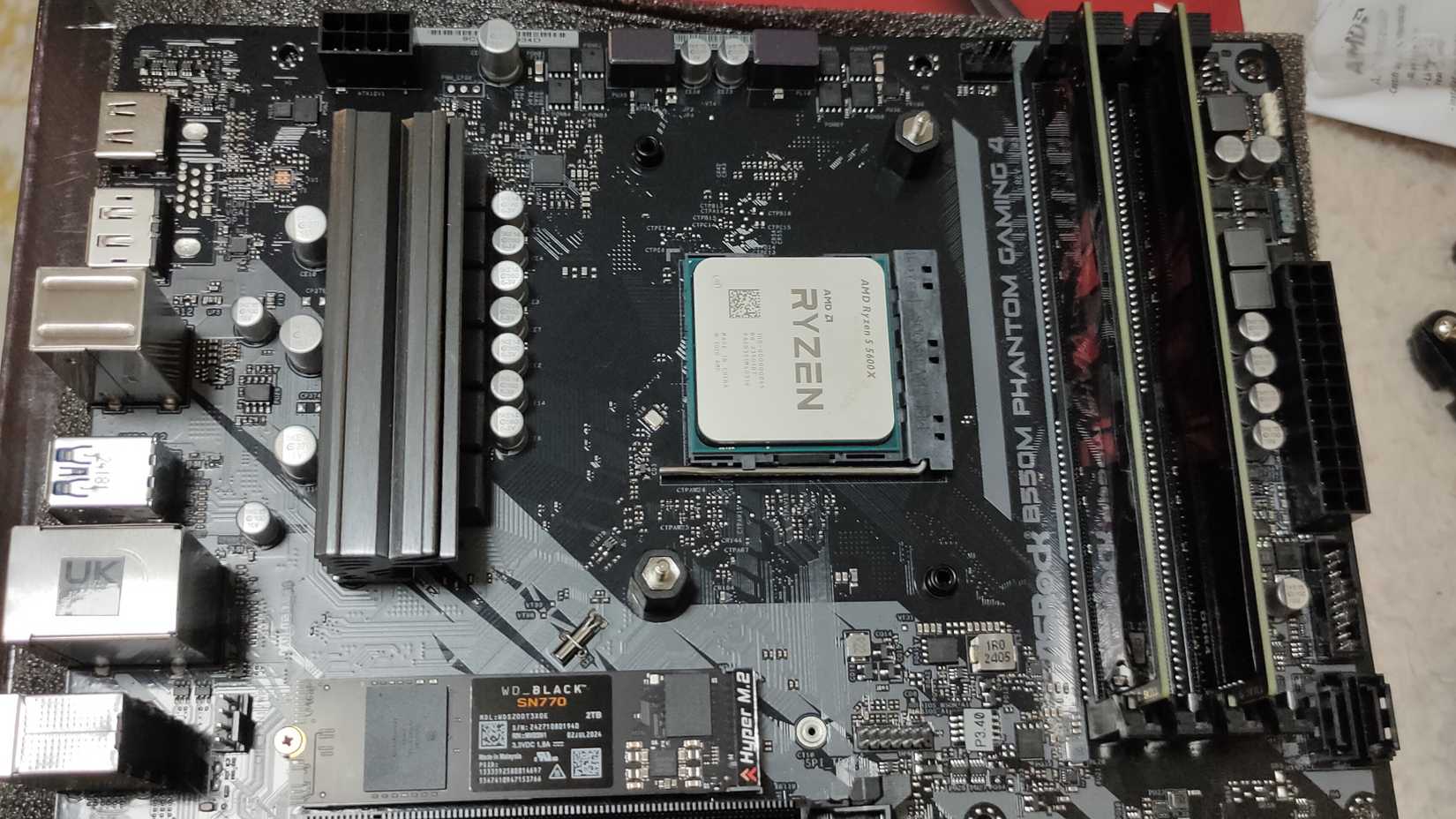
If you’re building a PC and need a PCIe NVMe to run your operating system and video games, it might be a smarter choice to buy a 1TB NVMe instead.
While it technically only gives you some 931GB after formatting, it’s still a lot more usable than 500GB—trust me, I’ve been there. It's hardly enough to store your operating system, a few essential programs, and a single larger game before it's full, effectively rendering it not an option unless you only play esports titles.
 Related
At the time of writing, the Kingston NV3 1TB is one of the cheapest 1TB PCIe 4.0 NVMe SSDs at $142. To compare apples to apples, the same drive at 2TB costs $264.
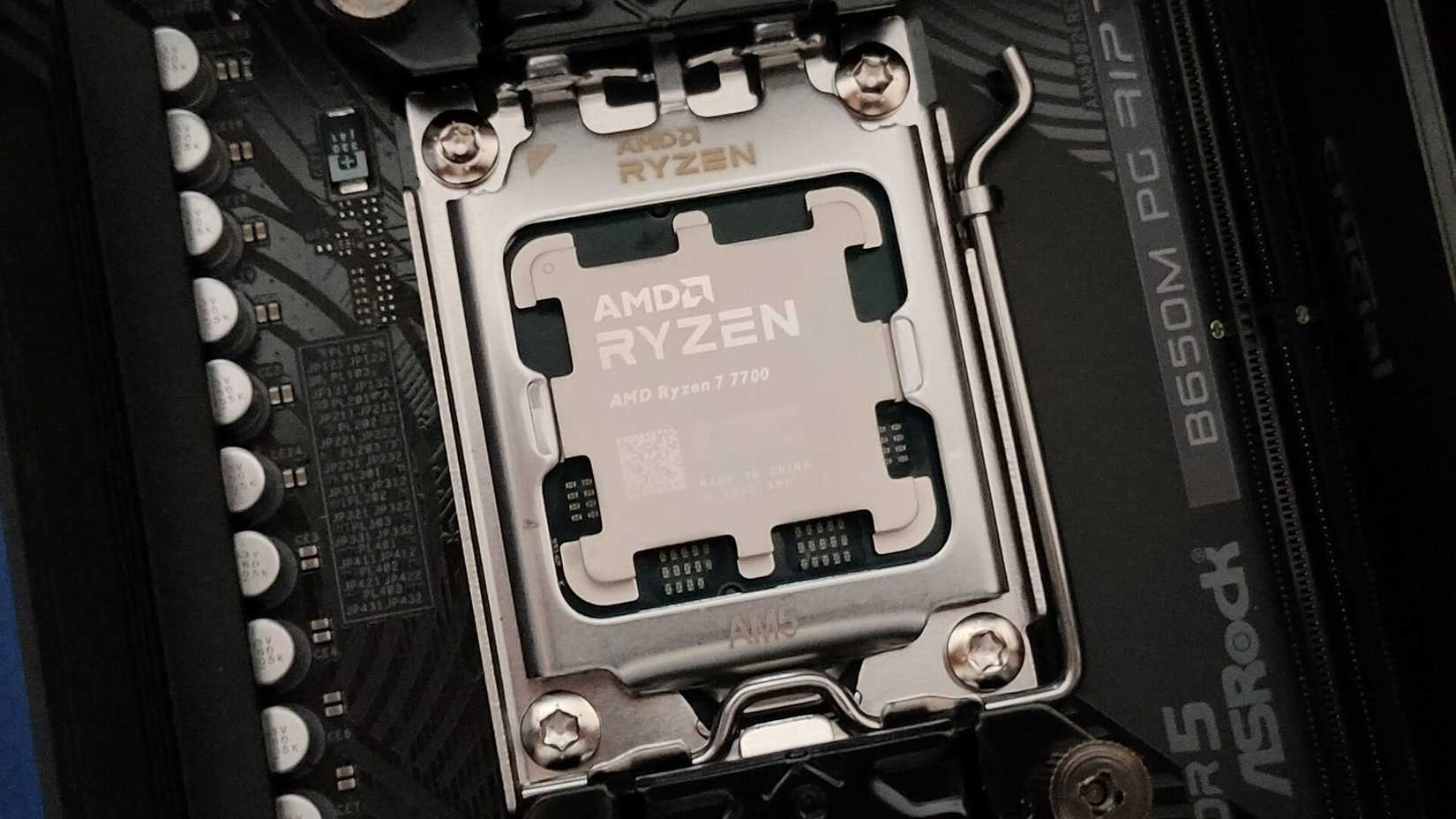
And again, that’s one of the lowest-end NVMes on the market—it's an option that budget-minded people often pick. Spending that kind of money on storage alone just isn’t sensible—you could get a brand-new AMD Ryzen 7 7700X for roughly the same price and get some serious processing power.
Case in point, if you're building a PC under $1,000, you should think twice before blowing a quarter of your storage on a single component that hardly contributes to your PC's performance.
 Credit: Ismar Hrnjicevic / How-To Geek
Realistically speaking, 1TB is the only "sensible" choice, especially as you'll also have to cough up a lot more cash just to get 16GB of RAM and a half-decent graphics card.
You might think that only the faster NVMe SSDs are affected, but since all semiconductor prices have skyrocketed, SATA SSDs and even HDDs are also seeing massive increases. AI data centers are gobbling up the world’s storage reserves, and even if you could save $30–$50 by opting for a SATA SSD, it’s still much slower than an NVMe drive that'll feel obsolete from day one.
1TB is still plenty if you manage it correctly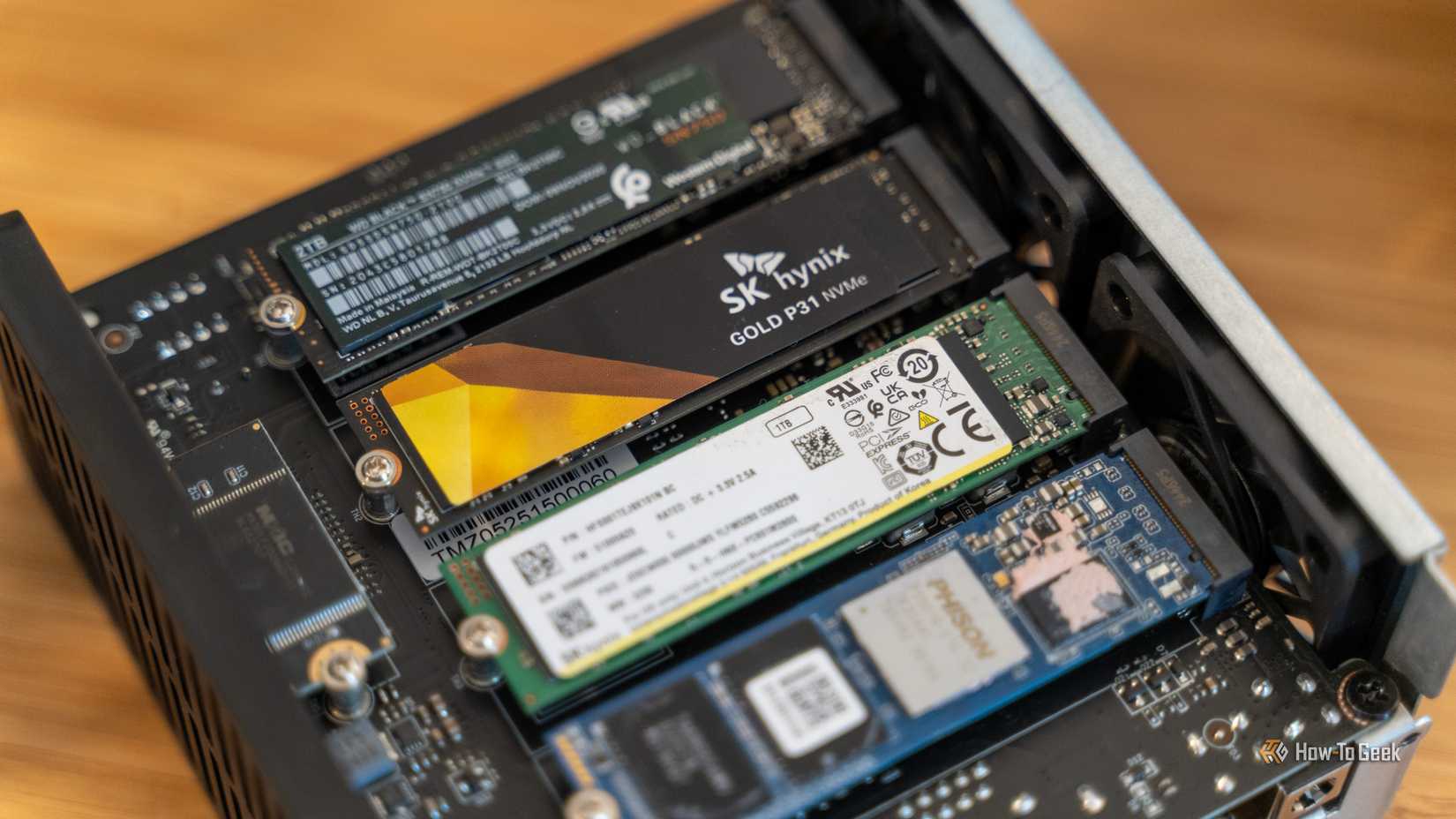 Credit: Patrick Campanale / How-To Geek
On paper, having only 931GB (OS excluded) of available space doesn’t sound like much, but it’s not as bad as it seems. If you know how to maximize your storage, you can easily keep all the apps you need, along with a few large games, and still have 15–20% free for optimal performance and drive health.
One of the best ways to preserve space is to be frugal with what you install. I follow the one-game-at-a-time rule, meaning I usually only play one AAA game at a time to maintain focus.
Incidentally, this works perfectly with limited drive space, though a 1TB SSD should still give you plenty of room for more than one large game, plus a bunch of indie and smaller titles.
 Credit: Ismar Hrnjicevic / How-To Geek / Dall-E
If your PC doubles as a backup for work files or a media center, you should consider investing in an HDD instead of keeping everything on pricier NVMe storage. HDDs are perfect for data you don’t need to access frequently, and a terabyte of spinning disk space is much cheaper than ultra-fast NAND flash.
Alternatively, you can store work files, movies, and even some apps on a USB flash drive. Prices have gone up slightly, but they’re still affordable, and you probably have a couple lying around collecting dust anyway. Just make sure to back up particularly important files.
You could even consider offloading files to the cloud. I generally avoid recommending subscriptions, but with storage prices so high, an annual cloud plan can make sense—especially if you replace it with physical storage once prices drop.
It’s hard to recommend buying a 2TB SSD when drives cost several hundred dollars due to current market conditions. The silver lining is that a 1TB NVMe will likely get you by for now. You can wait for prices to (hopefully) come back down and make use of your motherboard’s second NVMe slot down the line.
 Related
Comments (0)