
Remember me
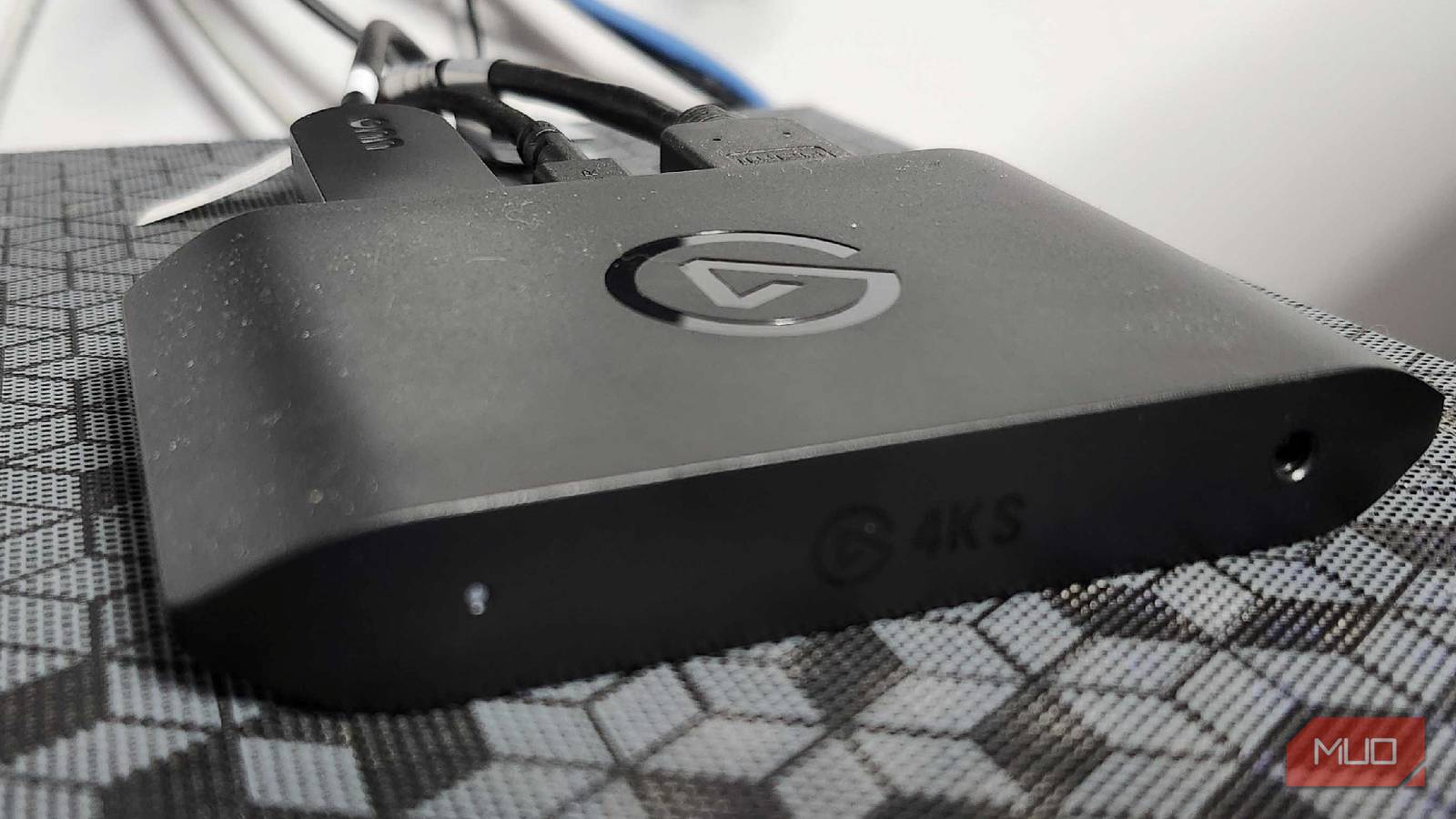

As someone who loves to savor the memories of an excellent victory or a humbling defeat, there was one piece of tech that I needed to add to my PC setup before anything else — a capture card. For quite a while, I enjoyed taking some time during the weekend, streaming different games or recording footage for content creation. But as I began experimenting with my ElGato capture card, I learned that there were plenty of other reasons folks should look into capture cards.
From additional outputs that may not otherwise work to using other cameras beyond your potentially outdated and dangerous webcam, capture cards offer tremendous value. Capture cards come in a variety of shapes and sizes, but offer great value regardless of the price.
Hook up a DSLR Camera as a webcam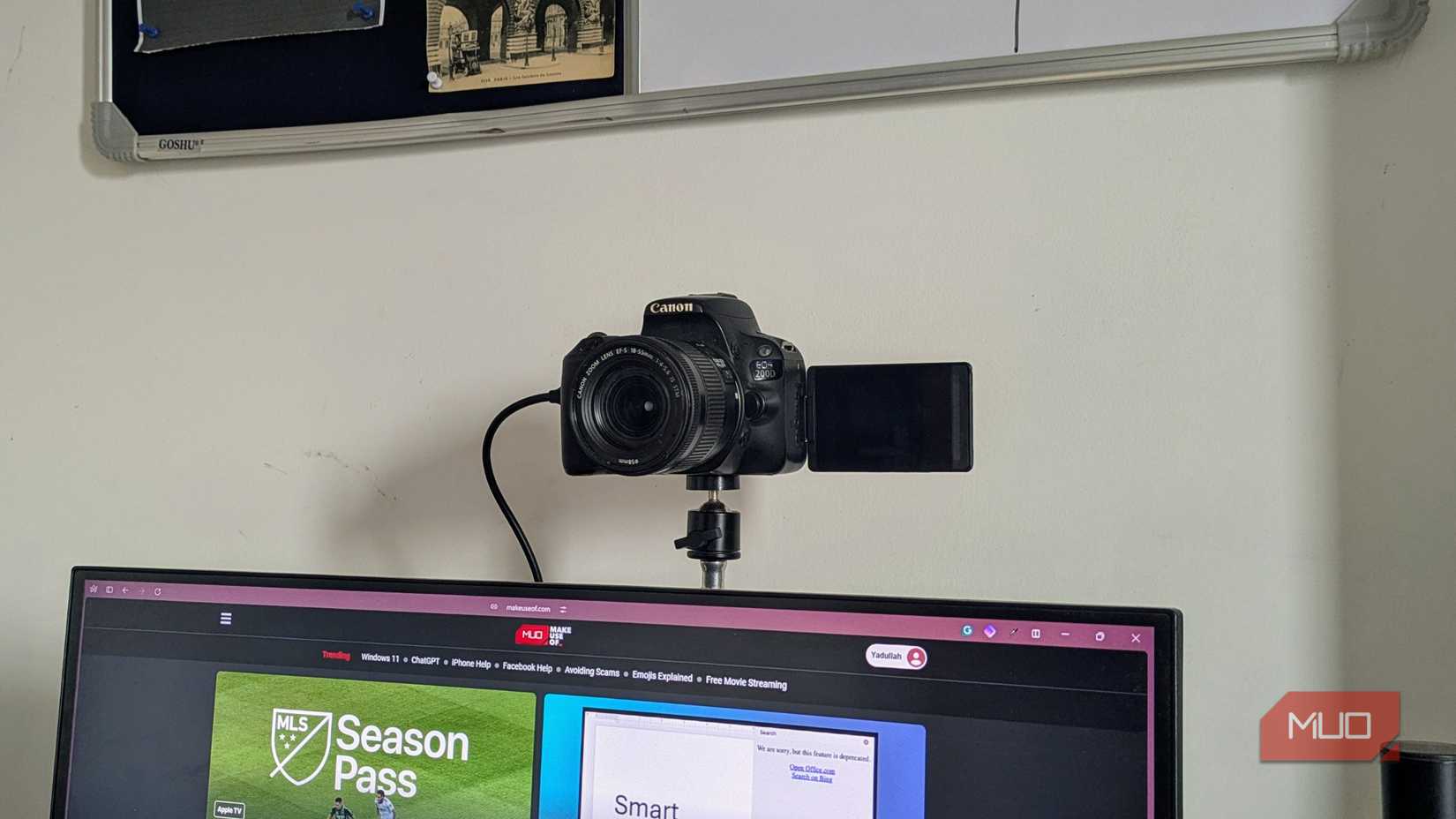 Yadullah Abid / MakeUseOfCredit: Yadullah Abidi / MakeUseOf
Some cameras have an option to connect directly to your PC to upload files, which is a great option. Always popping out an SD card can be incredibly annoying, so having an option to just plug it directly into your PC and get files off is great. But what if you wanted to unlock the full potential of your DSLR and make it the nicest webcam you'll ever see in your life? That's where a capture card can come into play.
As Yadullah Abidi mentions in an article about why he uses his DSLR as a webcam, the quality is unbeatable, he doesn't need to fret about lighting, and it's a great additional use for an already impressive camera. Plus, why shell out for a webcam when you may potentially already have something that beats it tenfold?
Using game consoles on laptops or portable monitors Put your Nintendo Switch or Steam Deck on a bigger screen on the goI'm a big fan of portable gaming, but sometimes I want to play my favorite games on a bigger screen or capture gameplay for YouTube or TikTok. The Nintendo Switch and Switch 2 can save specific gameplay clips, but they're roughly 30 seconds long and don't always look the best. That, and with laptop displays looking nicer than ever, there are a few different ways you can use a capture card with minimal lag. It won't be perfect; I'll be upfront and honest about that, but it's sometimes nicer than just playing on a 6- or 7-inch display.
Using programs like OBS can result in a bit of lag. However, after watching this video from @Shanselman on TikTok and testing it for myself with my ElGato 4KS, I can confirm that it works like a dream. There's still a small amount of lag, but using VLC and the following settings can make it run much nicer:
Frame Rate: 60.000 Color Space/Compression: MJPG Output Size: 1920x1080 Caching: 1ms Related
Turning my DeX into something better
Samsung DeX is slick, and now I can record what I'm doing
Related
Turning my DeX into something better
Samsung DeX is slick, and now I can record what I'm doing
 Credit: Shaun Cichacki/MUO
Samsung users may not realize it, but they can turn their phones or tablets into handy, portable computing machines. Or, if you're like me, you can play games on the big screen. I'm not talking about just playing Clash of Clans either — you can play bigger, better games with keyboard and mouse support, as well as controller support. Using an HDMI-to-USB-C adapter, you can turn your device into an extremely portable desktop experience with Samsung DeX.
Rather than recording directly on my device and then transferring it to my PC, I can use a capture card to record DeX directly. This saves precious space on my phone, removes an extra step from the recording/editing process, and helps me capture footage directly onto my PC. Since my phone only has 128GB of memory, this is a tremendous help when it comes to saving space.
Some capture cards can be incredibly expensive Know what you need, and shop smart from there Credit: Shaun Cichacki/MUO
While I've been using the ElGato 4KS for a while now, it's an expensive piece of technology. Some folks don't need all of the features that this particular card has, and that's no problem — there are a lot of excellent capture cards out there that offer similar features for a fraction of the price.
UGREEN, for example, has capture cards starting at roughly $30, all while offering 2K/30Hz or 1080p/60Hz, which would be more than enough for a majority of users. I've been using UGREEN cords, chargers, and video cables for years now, and have always been surprised at their quality. While I haven't personally used their UGREEN capture card, as I needed a replacement that I could get the same day, I wouldn't be surprised to see it on par with any other that I've tested.
They come in handy more than you may expectMuch like the ElGato Stream Deck, there are a surprising number of uses for something that is primarily meant for streaming. These are just some of the reasons why I love my capture card, and why one may be handy for you. I mean, I've always wanted a DSLR camera, and this may be the perfect excuse to finally convince myself that I should get one.
Regardless of whether it's for recording, streaming, or even taking DVD home videos and converting them to a newer file format, this could be a perfect addition to your build. I know that I've gotten my money's worth out of mine, and will continue to do so for the foreseeable future.
Comments (0)