
Remember me


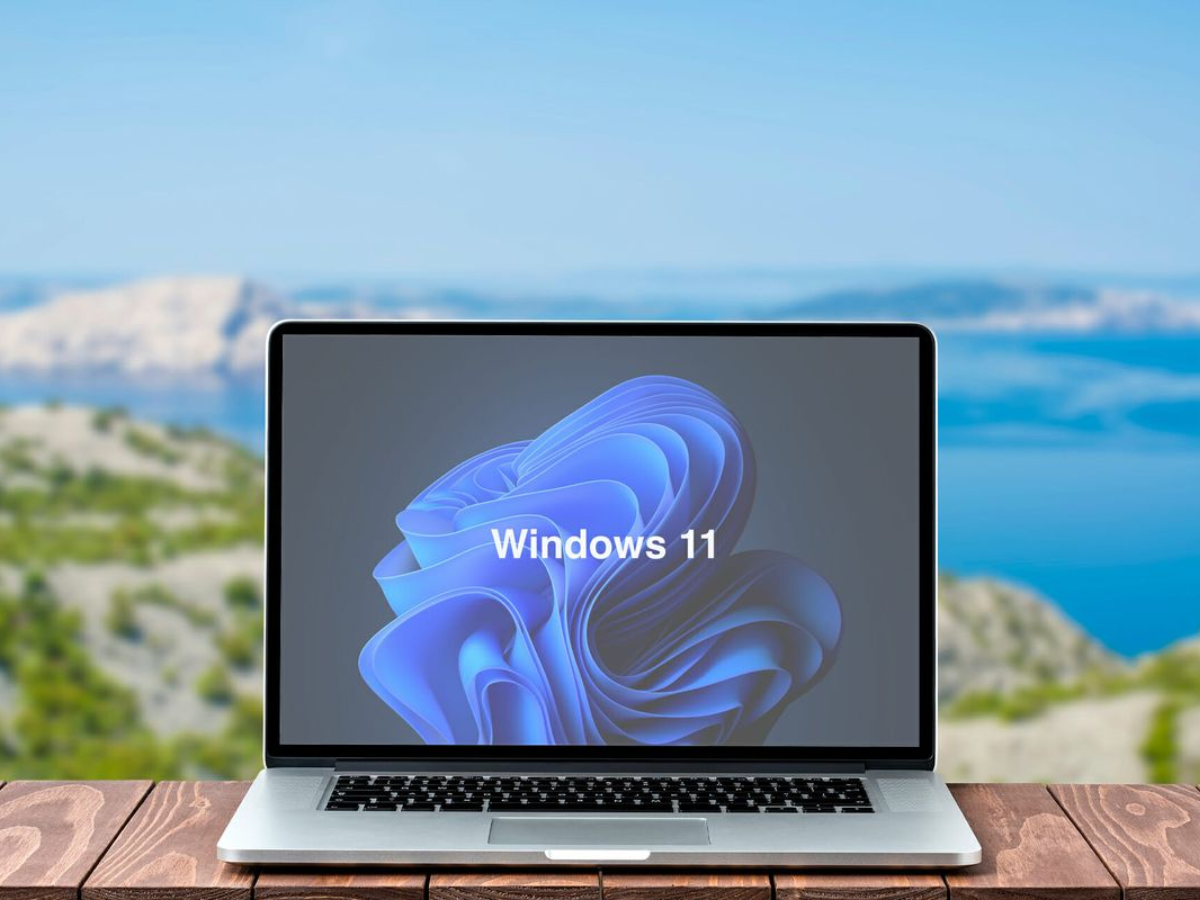


Windows Insider Program testers now have access to Windows 11 Insider Preview Build 26220.7755 (KB5077201), which began rolling out to the Beta Channel on February 9, 2026. The update is based on Windows 11 version 25H2 and is delivered through an enablement package.
As with recent Beta builds, features are divided into two categories: those gradually rolling out to users who have enabled the “get the latest updates as they are available” toggle, and changes that will eventually reach everyone in the channel.
Emoji 16.0 Begins Rolling Out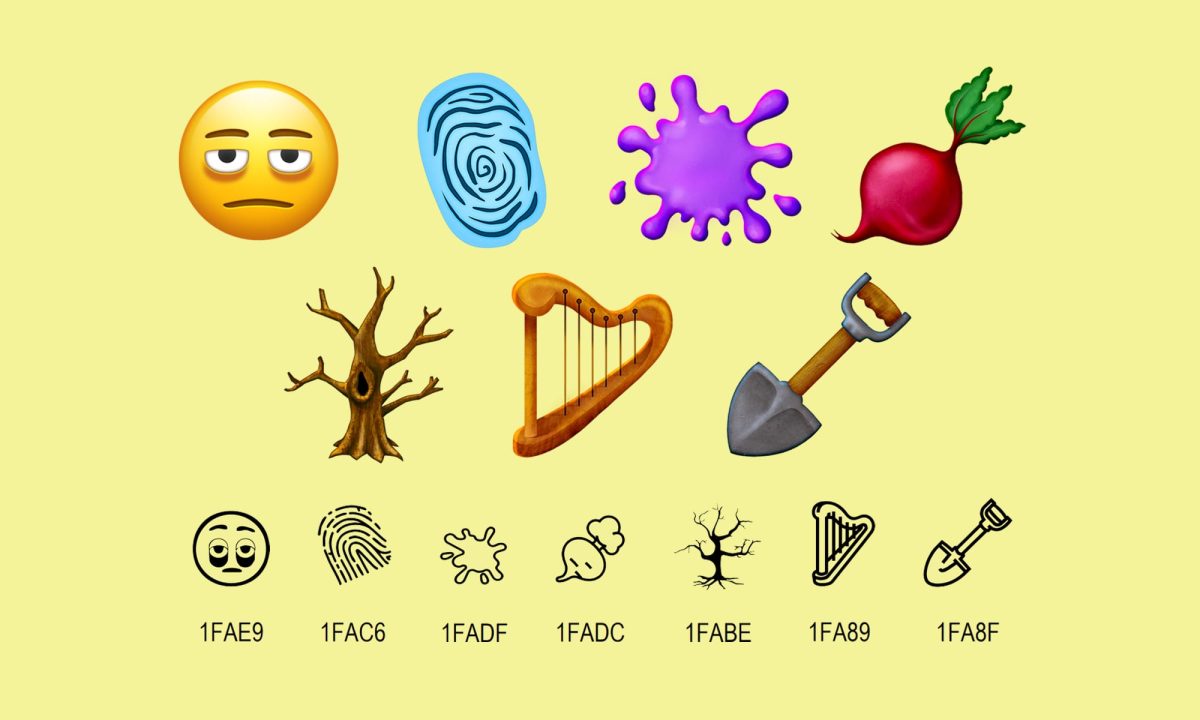
One of the most visible additions in this build is the return of Emoji 16.0, which is now being reintroduced to Insiders after earlier testing.
The new emoji set is intentionally small but broad, with one new symbol representing each major emoji category. The additions include a tired-looking face with bags under the eyes, a fingerprint, a root vegetable, a leafless tree, a harp, a shovel, and a splatter icon. Once enabled, these emojis appear directly in the Windows emoji panel.
Microsoft is encouraging testers to share feedback on the updated emoji experience through the Feedback Hub under the Emoji panel category.
Windows 11 Camera Managment with New Pan and Tilt ControlsThis build also expands camera management options in Windows 11. Users can now directly adjust pan and tilt settings from within the Settings app.
The new controls are located under Settings > Devices & drivers > Cameras, within the “Basic settings” section for supported cameras. This update removes the need for manufacturer-specific software for basic camera positioning and gives users more centralized control.
Feedback on these new camera options can be submitted through the Feedback Hub under Device Camera or Webcams.
Visual and Performance ImprovementsIn addition to new features, Microsoft has introduced several improvements that focus on polish and responsiveness. These include smoother visuals and better performance in scenarios such as using an auto-hiding taskbar, interacting with desktop icons that previously flickered, and handling Windows Security credential prompts.
While these changes are less noticeable than new features, they address long-standing annoyances reported by testers.
What Windows Beta Channel Users Should Know about 26220.7755 Build?Build 26220.7755 is part of a controlled feature rollout, meaning not all Insiders will see every feature immediately. Microsoft gradually expands access as it monitors and receives feedback from the early access users.
Users who want early access to features can enable the latest updates toggle in Windows Update settings, while others will receive features later as they become more stable. Microsoft also notes that some features tested in Insider builds may never ship publicly, may change significantly, or may be replaced entirely.
Localization for certain features may still be incomplete, and users who encounter translation or language issues are encouraged to report them.
This Beta build continues Microsoft’s approach to refining Windows 11 ahead of future releases. Insiders can check Flight Hub for a full breakdown of which builds are currently active across Insider channels.

Comments (0)