
Remember me





Buying a new GPU is the ultimate thrill when it comes to putting together a rig. Though be sure you’re not slipping into eight catastrophic mistakes first-time PC builders make. Yet no matter how powerful that shiny new graphics card is, if you don’t pair it with a suitably beefy gaming CPU, you’re asking for a world of performance problems.
CPU bottlenecking sometimes goes under the radar. There are a bunch of processor-intensive Steam games that will happily punish your system if your chip isn’t up to scratch, so it’s important that you don’t undercut your PC by investing in an underwhelming CPU. If you are experiencing processor bottlenecking, I have some tips below on how to get around your CPU issues.
 Related
Why do CPU bottlenecks in games happen?
Uneven hardware setups can cause poor performance
Related
Why do CPU bottlenecks in games happen?
Uneven hardware setups can cause poor performance
 Dave Meikleham \ MakeUseOf
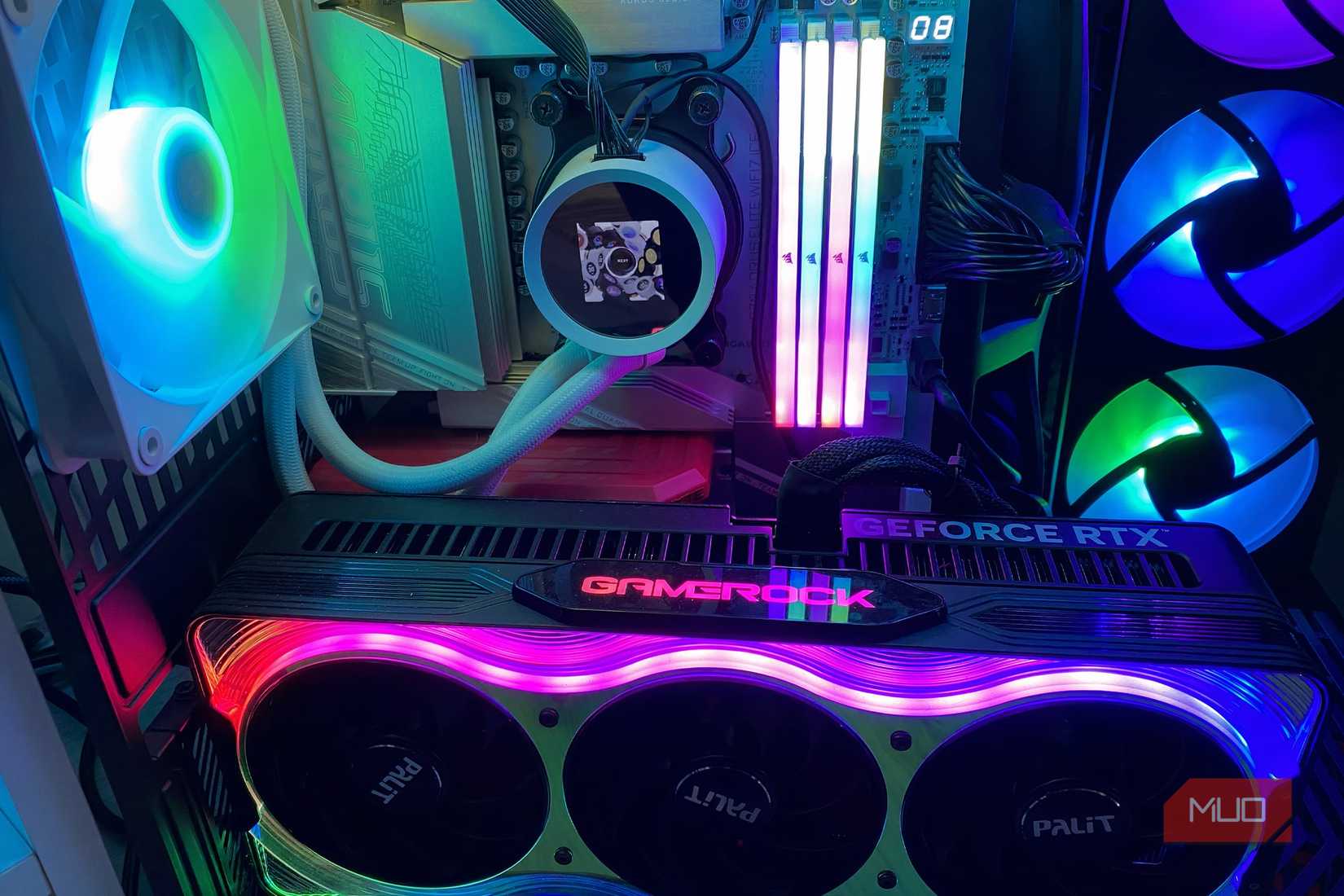
The main reason CPU bottlenecks occur in PC games is normally due to a performance discrepancy between your GPU and the processor in your rig. If you’re pairing a high-end Nvidia RTX 50-series graphics card with a chip that’s a few years old, for example, you’re asking for trouble.
In graphically intense titles like Cyberpunk 2077, your CPU has a lot of slack to pick up. With open-world games like CD Projekt RED’s gorgeous sci-fi hit, the processor needs to handle physics simulations, in-game AI, draw calls, and general sandbox simulation. If your chip can’t process these tasks before your GPU can draw the next frame, this leads to CPU bottlenecks.
The type of RAM that you’re using in your gaming desktop can also negatively impact processor performance. If your memory is slow or RAM latency is poor, this may produce less than ideal frame rate numbers. The size of your CPU’s cache will also have an effect on the chances of your chip becoming bottlenecked.
How does this manifest during in-game action? Stuttering is perhaps the easiest telltale sign that your PC is being bottlenecked by your processor. That’s certainly not the only outlier, though. If you’re playing a demanding AAA game and your GPU usage is comfortably under 90% with less than ideal frame rates, that points to your CPU being the issue.
For those times when you drop graphical settings yet don’t see a boost in FPS after slider downgrades, this is yet another red flag that your system might be CPU bottlenecked. Encountering significant frame drops during intense crowd scenes — the bustling streets of GTA V’s Los Santos can cripple processors — may also suggest you’re being limited by your current chip.
Even the best GPUs can’t save a poor CPU You can own an RTX 5090 and still experience CPU bottlenecksDuring demanding gameplay, if your processor can’t deliver data to your graphics card in swift fashion, FPS drops and irritating stutter are all but guaranteed.
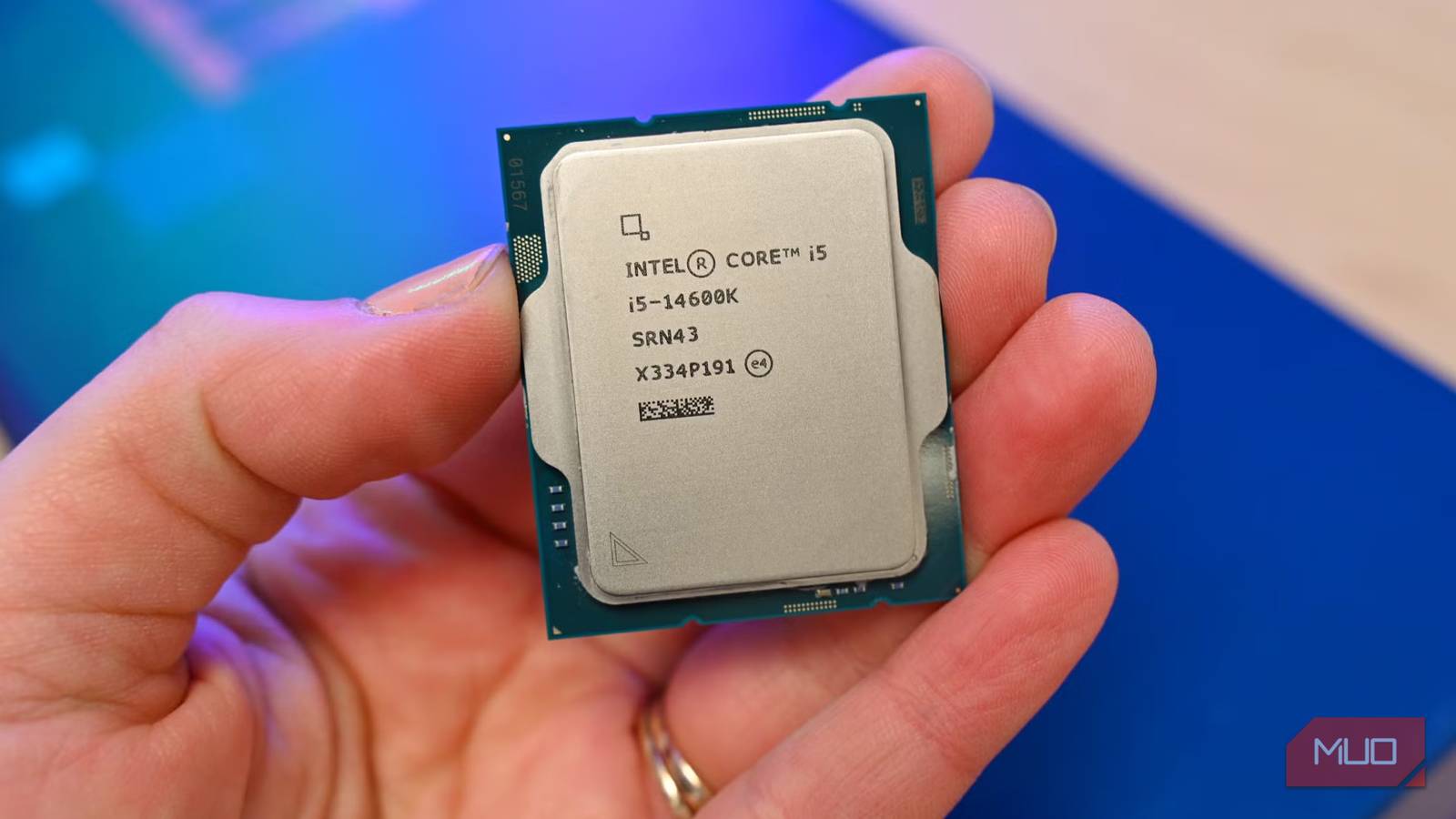
Though enthusiast PC builders are unlikely to pair a high-end GPU with a subpar CPU, anyone can make mistakes. Should you experience low GPU utilization and performance issues as the proud owner of a cutting-edge card, your CPU is likely to blame. I have the privilege of owning a PC that costs more than my car, yet if I paired my RTX 5090 with a half-decade-old Intel Core i5, I’d be begging for FPS woes.
Some of the worst games when it comes to courting CPU bottlenecks? Cities: Skylines 2, Escape from Tarkov, Factorio and Microsoft Flight Simulator 2024. All of these titles involve running heavy sim features, which can cause your CPU all sorts of problems. The higher resolutions and frame rates you run these games at, the greater chance you’ll encounter chip bottleneck issues.
Generally speaking, if you’re a big fan of the best open-world PC games or titles with simulation-heavy features, you should ensure your CPU falls under a similar performance bracket to your system’s graphics card in order to sidestep processor bottlenecking problems.
Ways to make CPU bottlenecks less troublesome Some quick tips to help your processor out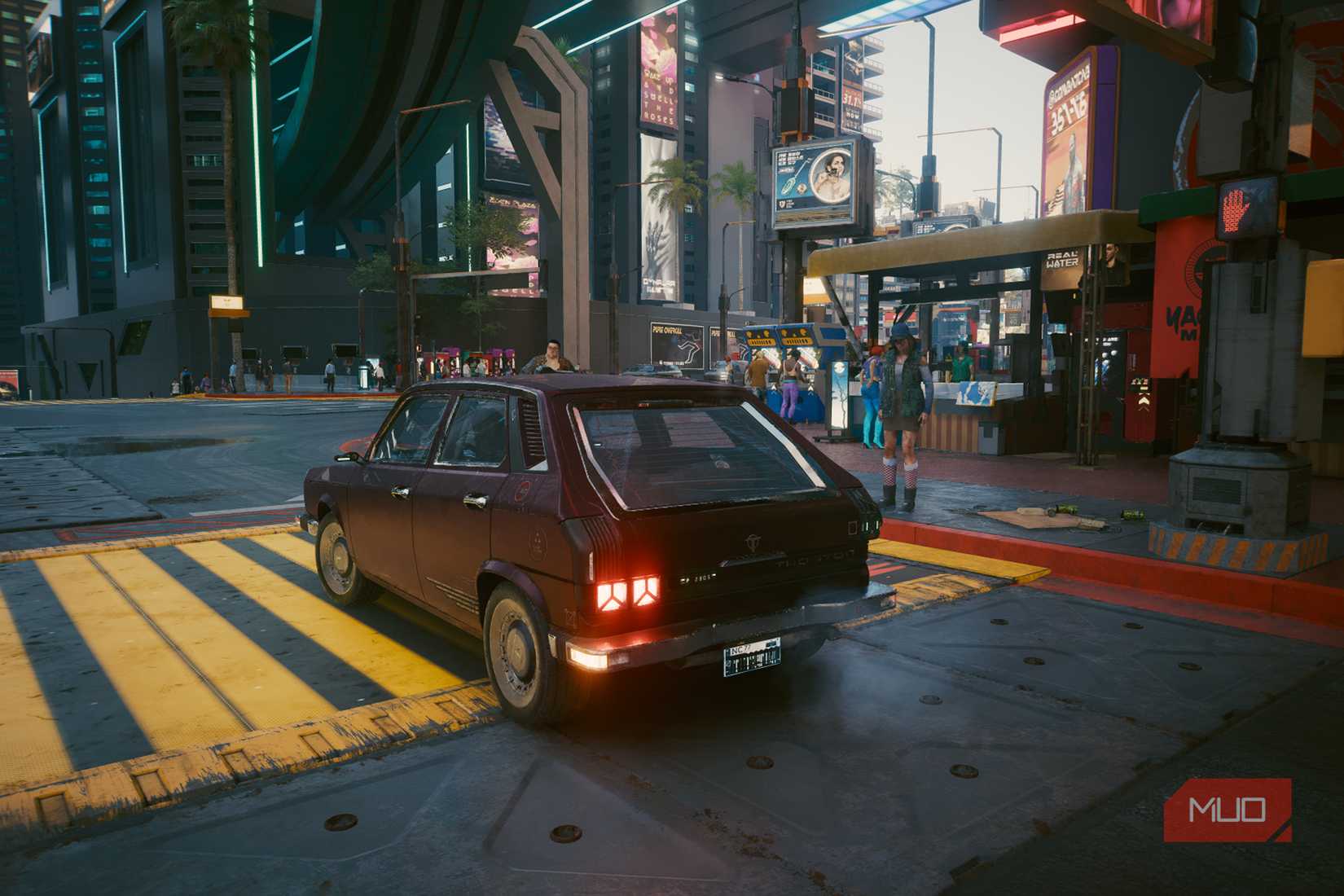 Dave Meikleham \ MakeUseOf
There’s no guaranteed, dyed-in-the-wool solution to getting around CPU bottlenecks, but there are certain steps you can take to minimize processor performance woes — especially if you’re gaming on older chips. Capping your display’s refresh rate is a good place to start. RivaTuner Statistics Server (RSS) is the one app I’d recommend above all if you need to tap into FPS capping.
If you own a Team Green GPU, the Nvidia Control Panel’s Max Frame Rate slider found under the Manage 3D Settings tab will also help limit your max FPS. On a similar note, you can also reduce CPU bottlenecks by lowering your screen’s refresh rate to a few frames under its max hertz output.
Your next best bet is to lower CPU-intensive sliders in whatever game you’re experiencing performance issues with. As I’ve stated previously, simulation factors can severely hobble your chip. To give your processor a little breathing room in select games, try reducing draw distances, object detail settings, and crowd density levels, depending on what title you’re playing.
If you love PC gaming, don’t skimp on your CPUThough it’s perfectly fine to pick up a secondhand processor, you need to make sure that chip is well aligned with your current PC’s existing hardware configuration. One of the worst things you can do in terms of inhibiting in-game performance is pairing a powerful GPU with a lackluster CPU. As long as your system’s components are a good match for each other, processor bottlenecks hopefully shouldn’t be an issue, but if they are, follow the hints above to give your CPU a break.