
Remember me
I'm extremely particular about keeping my photos safe inside my gallery app. It's too easy for our personal data to be accessed and misused without us even realizing it—by the time you notice, the damage is already done.
That's exactly why finding a reliable and trustworthy gallery app became a priority for me. After trying several options, one stood out enough to completely replace my default gallery.
What is Fossify all about? Transparency you can actually trust Credit: Shimul Sood / MakeUseOf
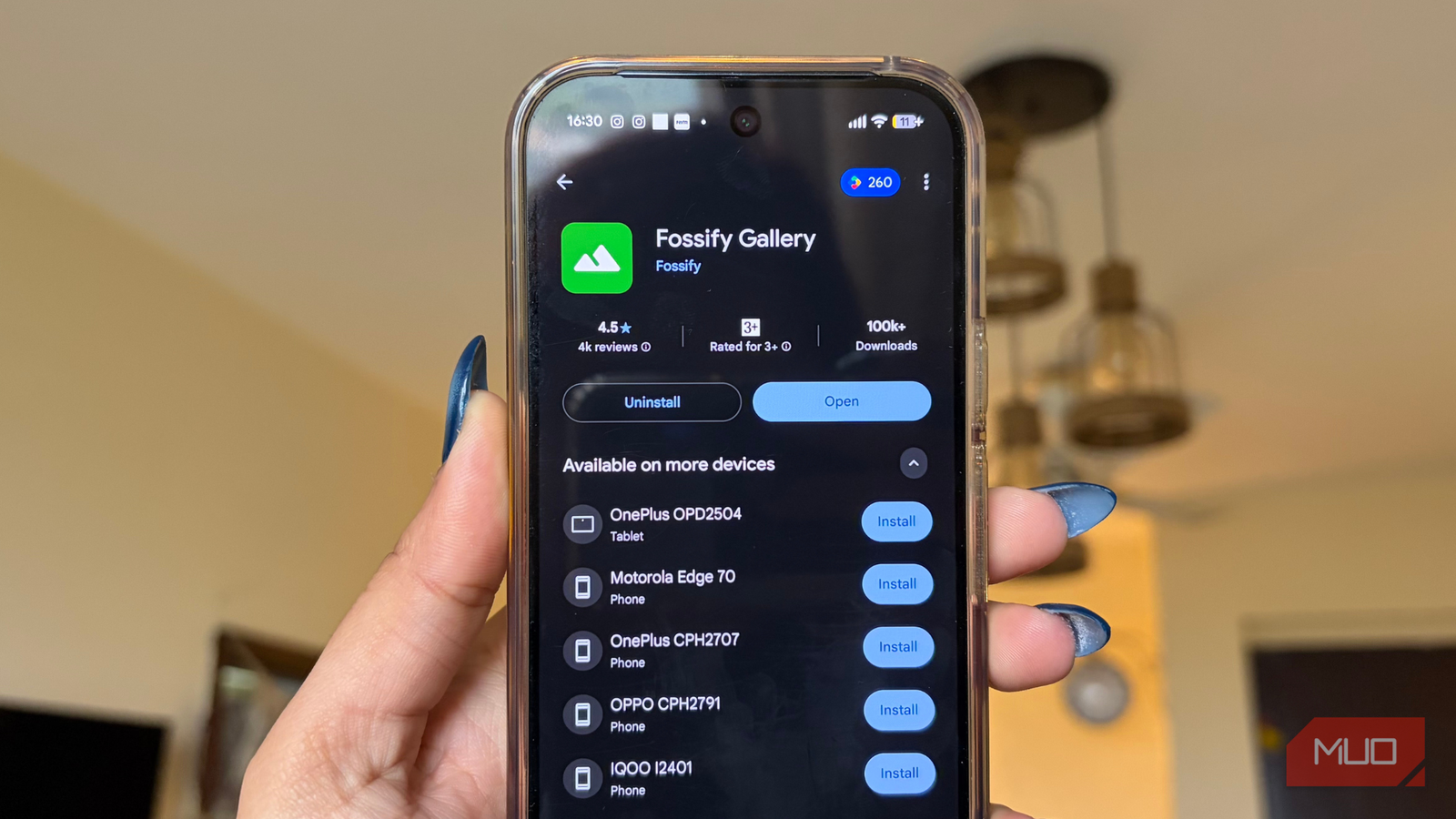
Fossify is a free and open-source gallery app for Android. There are no ads cluttering the interface and no unnecessary permissions tracking your activity in the background. The app is built around a clean, minimal design that's easy to understand and use. Most importantly, it gives you complete control over your photos and videos, ensuring your data stays safe with you.
Open-source means that the app's source code is publicly available. Anyone can view, use, and even modify it. This openness helps build trust, as developers around the world can check the code, making it easier to spot issues and ensure nothing shady is happening behind the scenes.
What are Fossify's key functions? A gallery app that keeps secrets better than you do Credit: Shimul Sood / MakeUseOf
The app is especially well-suited for anyone who prioritizes data privacy above all else. One standout feature is its ability to remove EXIF data from your photos (including GPS location details). This is an often-overlooked but important privacy safeguard.
At the moment, there is no manual toggle to strip EXIF data within the app. I looked all over and concluded that the option to remove this information from the photo properties section is no longer available in Fossify. That said, automatic removal of GPS data when you share an image is in place, ensuring you don't share your location details unintentionally.
Beyond privacy, Fossify also covers the basics you'd expect from a gallery app. It offers simple editing tools, slideshow support, and the option to protect photos and videos using a PIN. You can also customize the experience by tweaking themes, colors, and other visual elements of the app. Overall, it delivers everything your default gallery app does, with stronger privacy controls and a cleaner, more thoughtful approach.
And it doesn't stop there Everything where you expect it to be Credit: Shimul Sood / MakeUseOf
There's a lot more Fossify can do once you start using it regularly. The app neatly organizes your photos into separate folders, which makes finding specific images refreshingly easy. For instance, I have dedicated folders for screenshots meant for quick sharing, compared to photos captured using my excellent Meta RayBan smart glasses.
Meanwhile, images saved from WhatsApp are kept separate from photos I took on a recent trip to Mumbai. Everything stays exactly where it should be. This structure makes it incredibly easy to track down a photo the moment I need to share it, without endlessly scrolling through my entire gallery.
Switching to a new gallery app felt strange at first, as I'm not someone who instantly warms up to new apps. I prefer spending time with them, understanding how they work, and then deciding if they're worth sticking with. The same happened here. That initial unfamiliarity didn't last long, though, and had more to do with habit than actual usability. Once I settled in, Fossify felt just as natural as my default gallery app, if not more intuitive.
 Related
What really stands out is Fossify's openness to user feedback. There's a dedicated About section that includes frequently asked questions, known issues, and a direct email option to share feedback. You can also rate the app, invite friends, or support it through donations. This all makes Fossify feel like an app that actually wants to listen.
If you run into an issue or want to better understand a feature, the app makes it easy to find answers or make your voice heard. To access the About menu in Fossify, follow these steps:
Open Fossify on your Android phone. Tap the three-dot icon in the upper-right corner of the screen. Select About from the drop-down menu.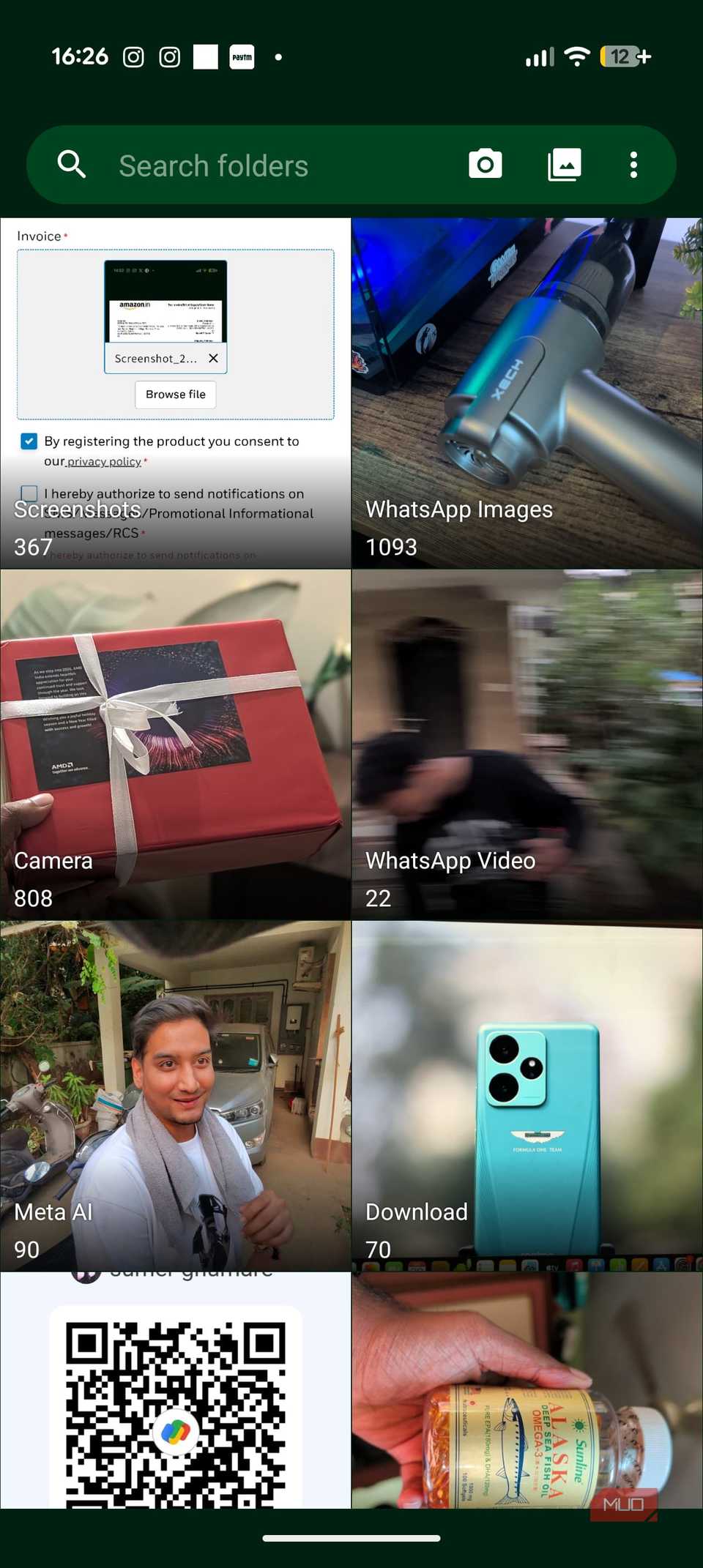
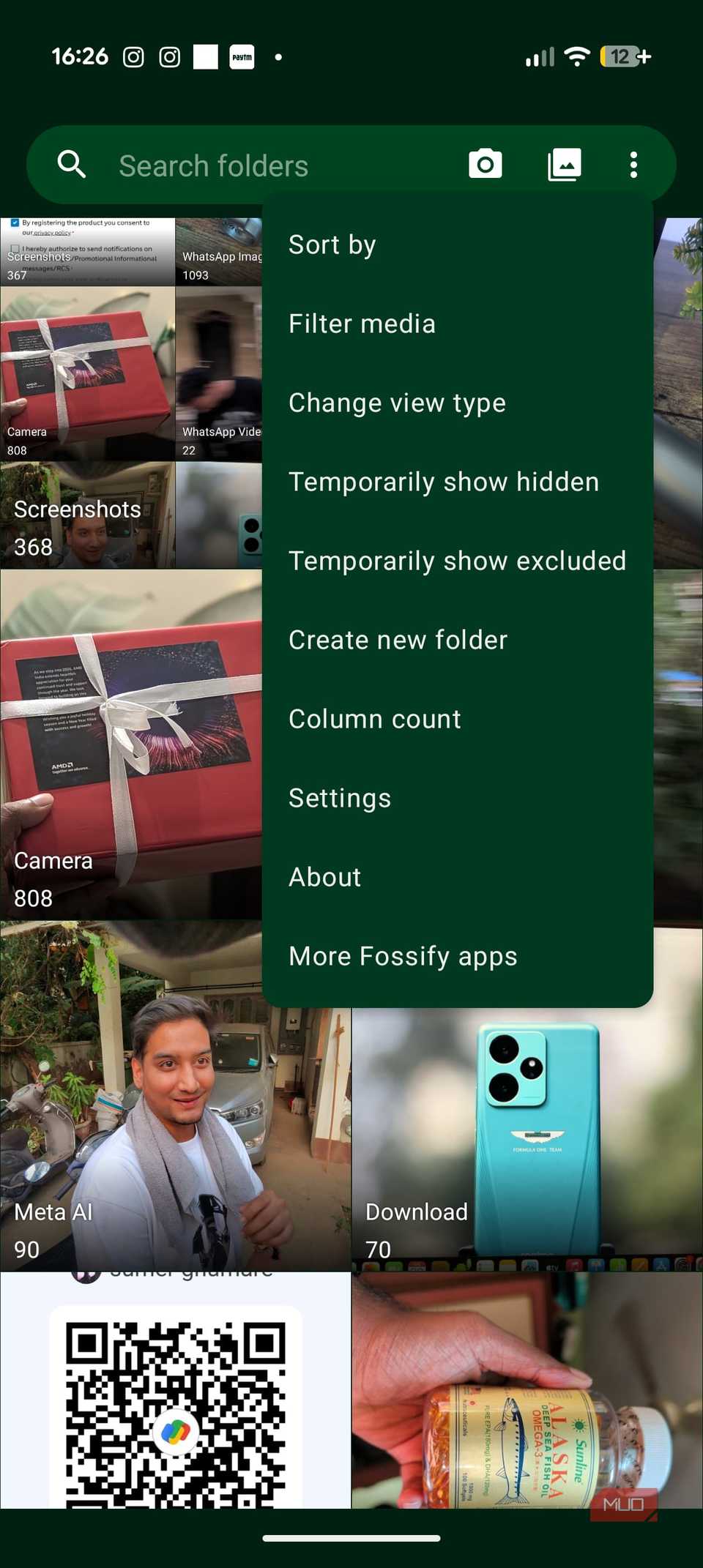

This section brings everything together you might need, including helpful information, FAQs, and ways to share feedback.
The kind of app that earns your trustFor me, privacy and security matter above everything else. At a time when apps casually ask for permissions they don't need, trusting any new app doesn't come easily to me. That's also why I prefer spending time with an app before fully committing to it. I need to understand how it works, and whether it genuinely respects my data. If you're also equally cautious about permissions, there's an easy way to automatically revoke permissions once you close an app.
Fossify's open-source nature makes it easier to build that trust. Knowing that its inner workings are open for anyone to inspect adds a level of transparency that most apps don't offer. And because of that, Fossify stands out as an easy recommendation for anyone who values privacy, security, and control over their personal data without compromising everyday usability.
Comments (0)