
Remember me

I remember back in 2008, I was lucky enough to save up my money to get an iPod Touch. I felt unstoppable with 8GB of internal storage, loading that bad boy up with music, games, and everything in between. Now, in 2026, it feels like we can throw about four apps on a phone with 128GB of internal storage before it starts to warn us that we're running out of space. Ever since I can remember, especially on Android devices, there have always been claims of miracle apps that could clean, optimize, and boost your phone's performance. Remember Clean Master? There's a reason they went under. But even now, some apps genuinely do work wonders at clearing out excess junk from your phone. Open-source apps have come a long way, and SD Maid SE has become one of my new favorites.
What does SD Maid SE do to phones? It checks and scrubs all of those hard-to-reach places Credit: Shaun Cichacki/MUO
Before writing about tech, I worked for a cellular company as a sales associate. I helped customers daily with their devices, and one thing I saw more often than not was apps like Clean Master — apps that would trick someone into downloading them, promising their phone would run faster, better, have more battery life, and every other promise under the sun. All while infecting it with a ton of additional bloatware that would automatically install in the background. Not good stuff at all.
Seeing as I'd had bad experiences with these "cleaning" apps, I was hesitant about SD Maid SE at first. But after researching and seeing that it genuinely does a great job of removing orphaned files, cleaning system residue, clearing and cleaning up app caches, and duplicate files, I decided to give it a spin for roughly a month at this point. I've seen no downsides to having this app, and it's cleared a pretty nice amount of garbage out that I didn't realize I had on my device.
You can set boundaries in SD Maid SE Don't want to clean a specific app or place? You can block it Credit: Shaun Cichacki/MUO
When I booted up SD Maid SE for the first time after downloading it from the F-Droid store, I quickly and eagerly started cleaning out as much junk as possible from my device. But what I didn't realize was that this was going to go into some folders I may not have wanted cleared. All of my custom ringtones, primarily for my alarm, were gone. Now that I know I can set up specific exclusions for apps, paths, or even segments of my device, I can make sure they don't go the way of the dodo in the future.
SD Maid SE requests many permissions when you launch it for the first time. These permissions give it complete access to your device, so it can find and eliminate as much junk as possible. If you've got files you want to ensure aren't touched, you'll want to do this before you run it for the first time. Don't make the same mistake that I did.
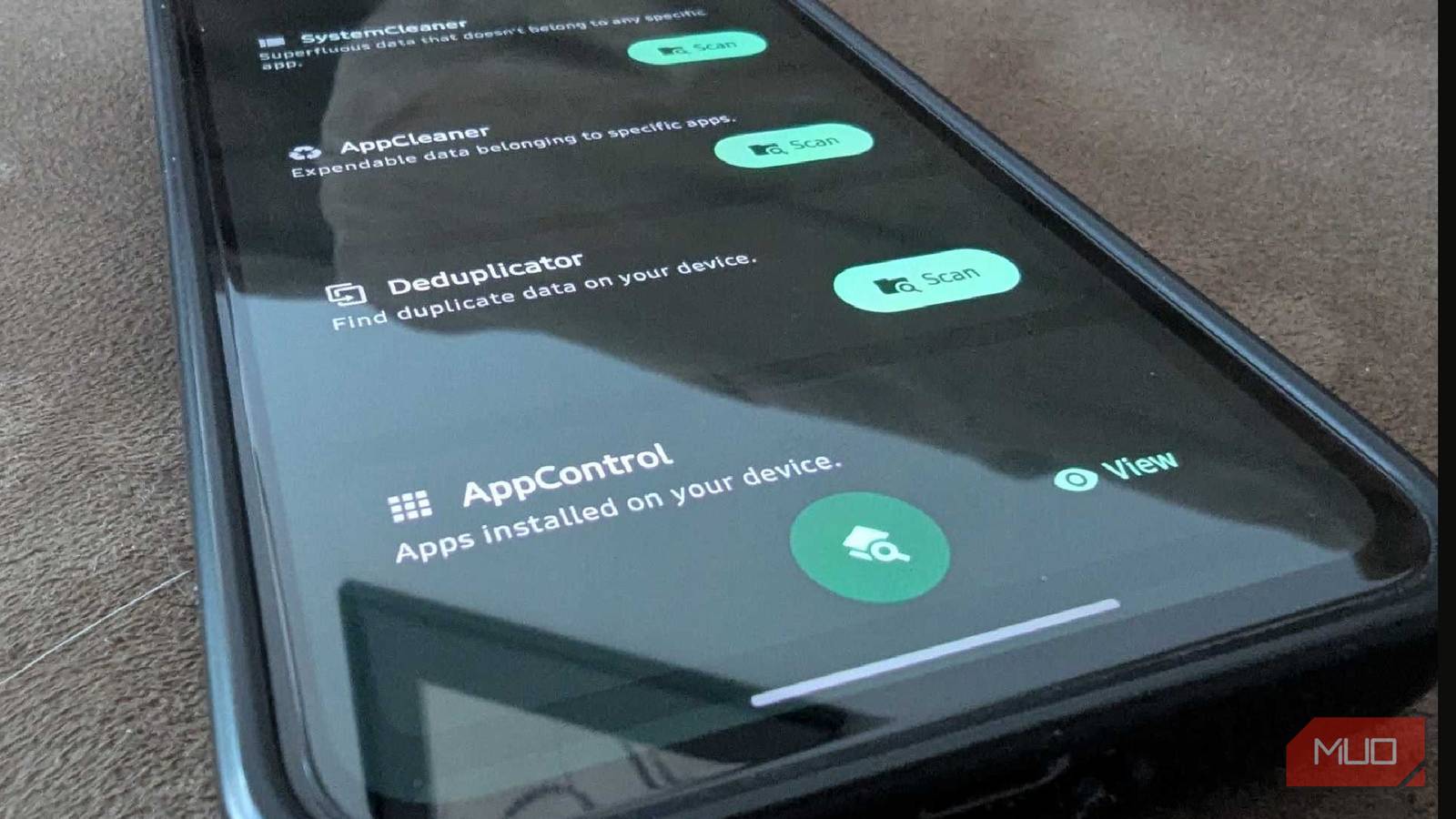
AppControl houses a lot of additional data You may be surprised to learn when you installed an app for the first time Credit: Shaun Cichacki/MUO
AppControl is one of the features I like most about SD Maid SE, primarily because it shows much more data than I expected at first. I like to keep an eye on things on my devices, but sometimes I hold on to apps that I don't need for far too long. I mean, it's been almost three years since I've gone to Chili's; why do I still have the app on my device at this point? AppControl shows the exact size of the app, when it was installed, and when it was last updated.
It works a lot like your built-in application manager on Android, but with more details for those who are curious. You can also exclude an app entirely from the built-in cleaner in this menu, too. Organize by size, installation date, or anything else to see what you can finally get rid of.
Some may not be comfortable with all the permissions SD Maid SE asks for a lot of permissions, and some folks may not appreciate thatOne thing that gave me a bit of a scare was how many permissions SD Maid SE asked for initially during the setup process. It asks for permission to access everything from App Inventory to Usage and Accessibility features. There are even options for root access for those who have rooted their devices, and I can understand why most people might be turned off by the idea. I was rather hesitant until I did some research into the program and saw it was trustworthy.
According to its privacy policy, SD Maid SE does not collect, store, or sell any of your data. If you want further clarification on why it needs everything? You can even email the app developer. Seeing as I recently moved all of my passwords off the internet and into a secure, offline-only password manager, knowing that SD Maid SE stores everything locally is a sigh of relief.
SD Maid SE helped breathe some life into my device Developers, why are apps so massive nowadays? 18GB for MapleStory is wildIt's weird to think that 128GB of onboard storage is hardly enough anymore, and that we'll need to keep aiming for bigger storage capacities in the future. Apps continue to get larger daily, and having something to help me get rid of the junk that I don't need on my device has been a lifesaver. I try to hold onto my devices for as long as I can, and so far, SD Maid SE has been a tremendous help.
I've had my Samsung Galaxy S23 FE for roughly two years now, and this app keeps my phone feeling fresh.
As the app says, nobody is perfect, and neither is Android. But at this point, at least I can keep the garbage off my phone, uninstall more than the stock OS allows, and keep my device running better for longer. At least, until I can get my hands on a device that lets me upgrade it to hold onto it for longer.