
Remember me




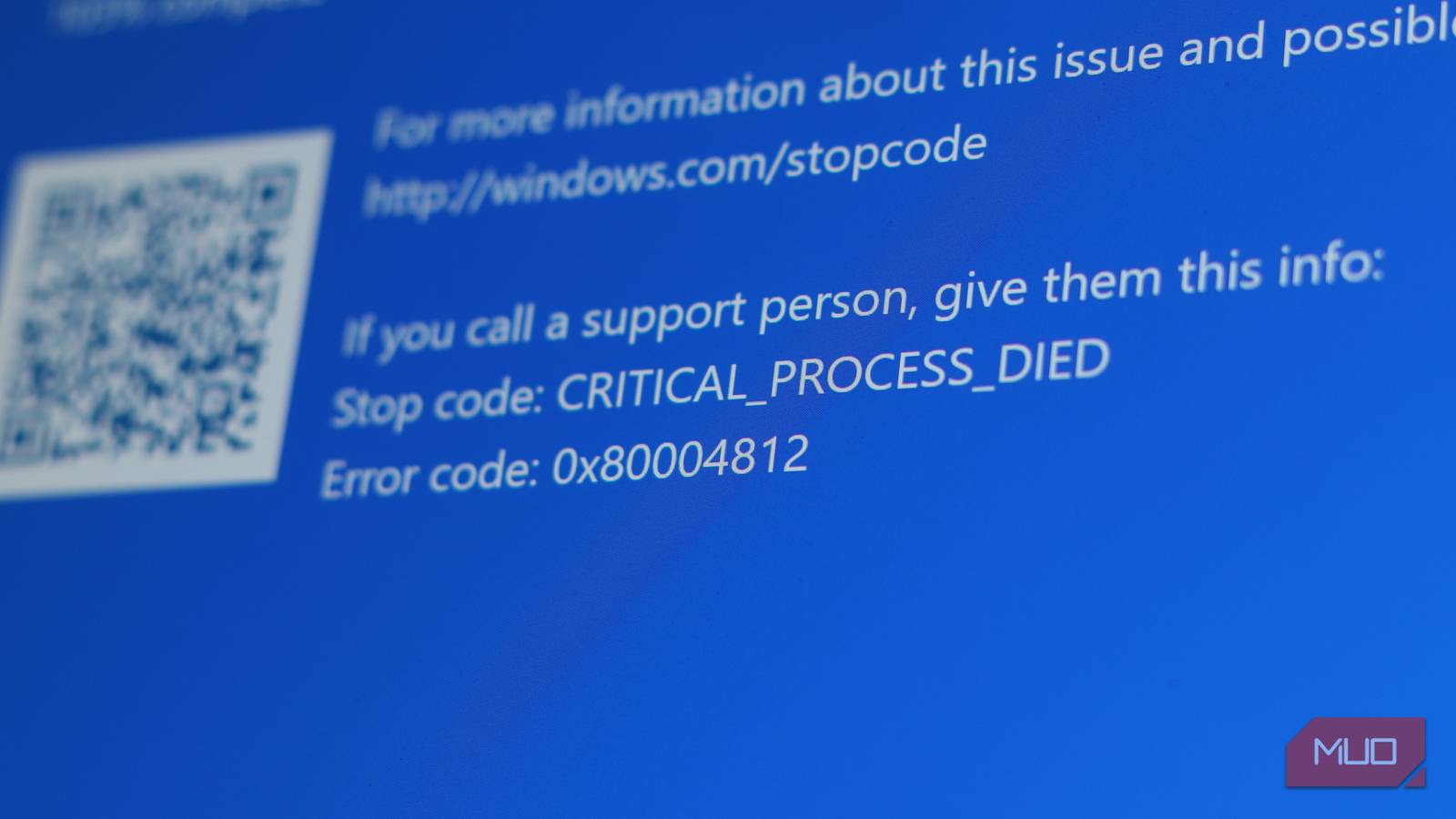

Windows has been around for a while, over 40 years now. And while it is the most popular operating system on consumer PCs, it's also riddled with bugs and errors most people can't decode. Each time a bug or error stops you from using your PC or doing a task, you get an error code that can only be described as a random string of characters, seemingly making no sense.
That's because Microsoft never intended you to understand Windows error codes. The Windows error code system was designed for developers who already know the internal functioning of the OS, except that those error codes have ended up on millions of consumer PCs for decades now. You might be able to use open-source tools to patch the parts of Windows that annoy you, but understanding error codes is how you'll actually fix those problems.
Windows error codes weren’t built for you Designed for engineers, shown to everyone elseWindows error codes are written in hexadecimal. That's the 0x prefix you always see before the actual code. Hexadecimal is base-16 counting, the language computers and low-level programmers use because it translates cleanly into binary. To normal human beings like you and me, it makes no sense. You can't try to fix error 0x000000709: Operation could not be completed if you don't know which operation failed.
To make matters worse, Windows actually has three separate, parallel error code systems laid on top of each other over decades of the OS's history. At the bottom, the Windows kernel uses NTSTATUS codes. These originate inside the NT executive, the core of Windows, and are used by device drivers, memory management, file systems, and everything else that runs at the hardware level.
For example, a kernel-level access denial error produces the 0xC0000022 STATUS_ACCESS_DENIED error code. You'll almost never see this exact code in your daily Windows usage, because the moment it leaves the kernel and reaches whatever program encountered the problem, it gets translated.
That translation layer is called the Win32 API. It converts NTSTATUS codes into a simple set of Win32 error codes. These get reported to your applications via an internal function called GetLastError(). This is where the numbers like 0x5 start translating into understandable error codes like "Access Denied" in plain English.
On the top layer, you'll see a third system called HRESULT, used by COM, Microsoft's Component Object Model. This provides the backend functionality behind apps like Office, ActiveX, and the majority of how Windows apps communicate with each other. However, instead of simplifying error codes further, HRESULT wraps the Win32 error code back into yet another hexadecimal structure before showing it to you.
What these error codes communicate The logic behind hexadecimal formatting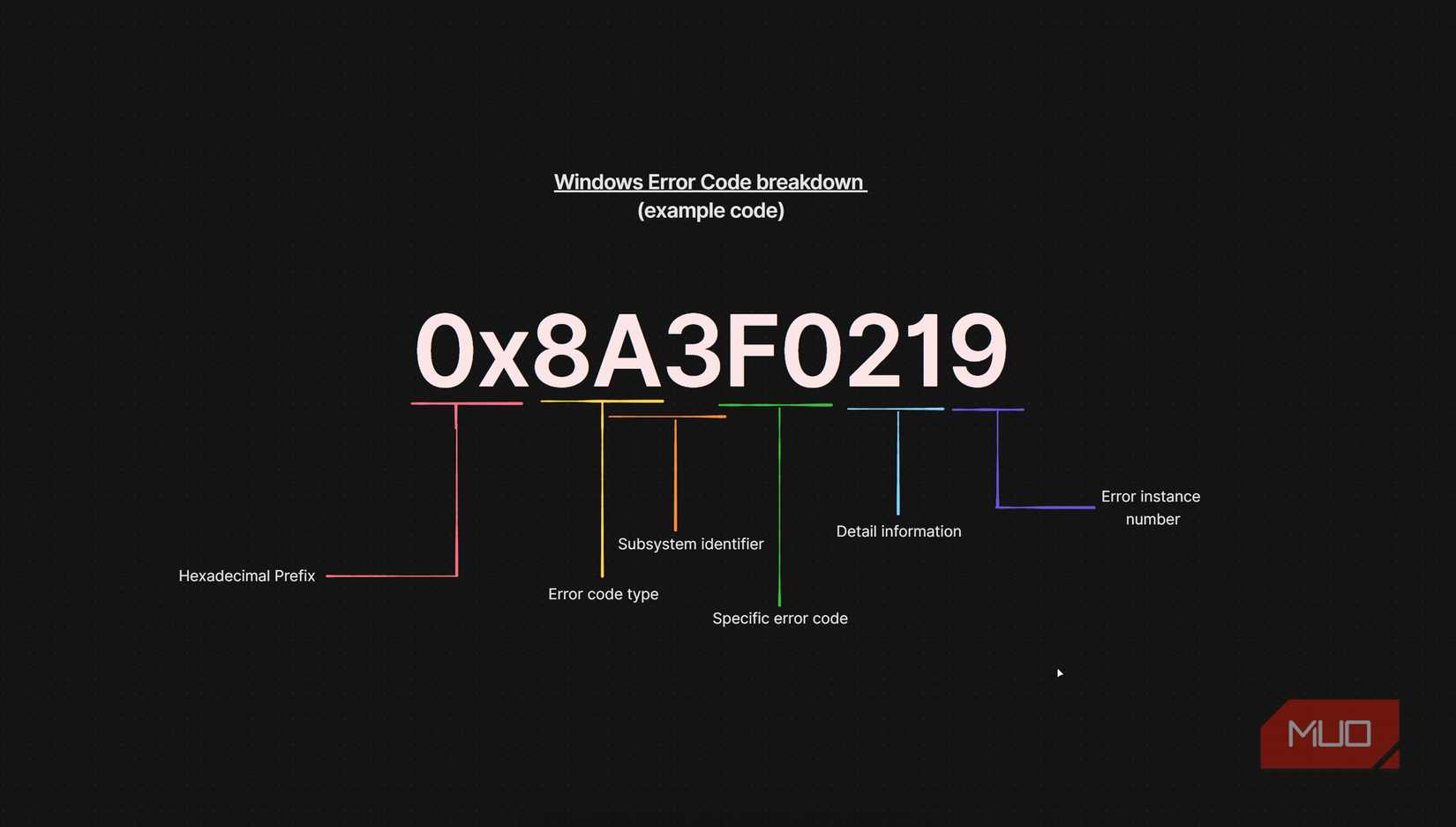 Screenshot by Yadullah Abidi | No Attribution Required.
When you look at a Windows error code, say 0x80070005, you're not looking at a random number. It's a structured 32-bit value packed with information. The leading 8 in the code above tells you the first bit is set to 1, which means it's a failure (a success would start with 0). The 0007 in the middle is a facility code. In this case, it came from FACILITY_WIN32, meaning the error originated in the Win32 subsystem. The final 0005 at the end is simply the Win32 error code 5, which means whatever process ran into this issue was denied access to a resource it needed. Like when you're trying to delete a file in use by another program in Windows.
This specific error code is trying to tell you that a process doesn't have permission to do what it's trying to do. This one error code can mean multiple things. It could mean that a file is locked, your user account doesn't have admin rights for that specific registry key, your antivirus might be blocking the operation, or Windows Update failed to write to a protected system folder. The same error code covers all of these very different situations, which is why fixing it is never as simple as one tutorial might make it appear.
Another example is the "0x80004005: Unspecified Error" error code. The facility code here is FACILITY_NULL, meaning Microsoft didn't assign this to a specific subsystem. The code 0x4005 maps to E_FAIL, which simply means something broke or didn't work right. You can see this error code when extracting ZIP files, running virtual machines, dealing with corrupt Windows Update files, or accessing network shares. Any time something lower down in the Windows stack failed, but the higher-level component didn't bother to pass the specific reason upwards, you'll be greeted with this error code.
The real issue is translation, not complexity The missing layer between system and userYou'd imagine that translation layers would help simplify these otherwise complex error codes. Instead, the error codes actually lose detail as they travel upwards through the translation layers.
A specific NTSTATUS code describing exactly why the memory manager failed might get mapped to a generic Win32 ERROR_NOT_ENOUGH_MEMORY code, even when RAM might not be the actual issue. It could be the system running out of a specific type of kernel pool memory that has nothing to do with your RAM. But that nuance is lost in translation.
A highly specific NTSTATUS value might indicate that a certain operation failed because the device is busy in a particular state, but when Win32 translates it, it runs into a generic ERROR_BUSY message. Several completely different NTSTATUS codes can all collapse into that same Win32 code. By the time it's wrapped as an HRESULT and shown to you, all you see is that something is busy. Not which device, which resource, or why.
BSODs play by completely different rules Stop codes versus regular error messagesBlue Screen of Death (BSOD) error codes are related to how Windows shows you error codes, but they're in their own league. They still show up as a hex code, but they come with names such as CRITICAL_PROCESS DIED or MEMORY_MANAGEMENT. The names are more useful here than the raw numbers, and are a much more direct indication of where the problem occurred.
This is probably the only area in Windows where the system does have human-readable error codes. That said, they haven't been surfaced well. Older versions of Windows were worse off in this regard, throwing random hex numbers at users and forcing them to decode the rest. The more recent updates in Windows 11 have finally started putting text front and center.
Turning Windows error codes into something you can understand Tools and tricks that actually help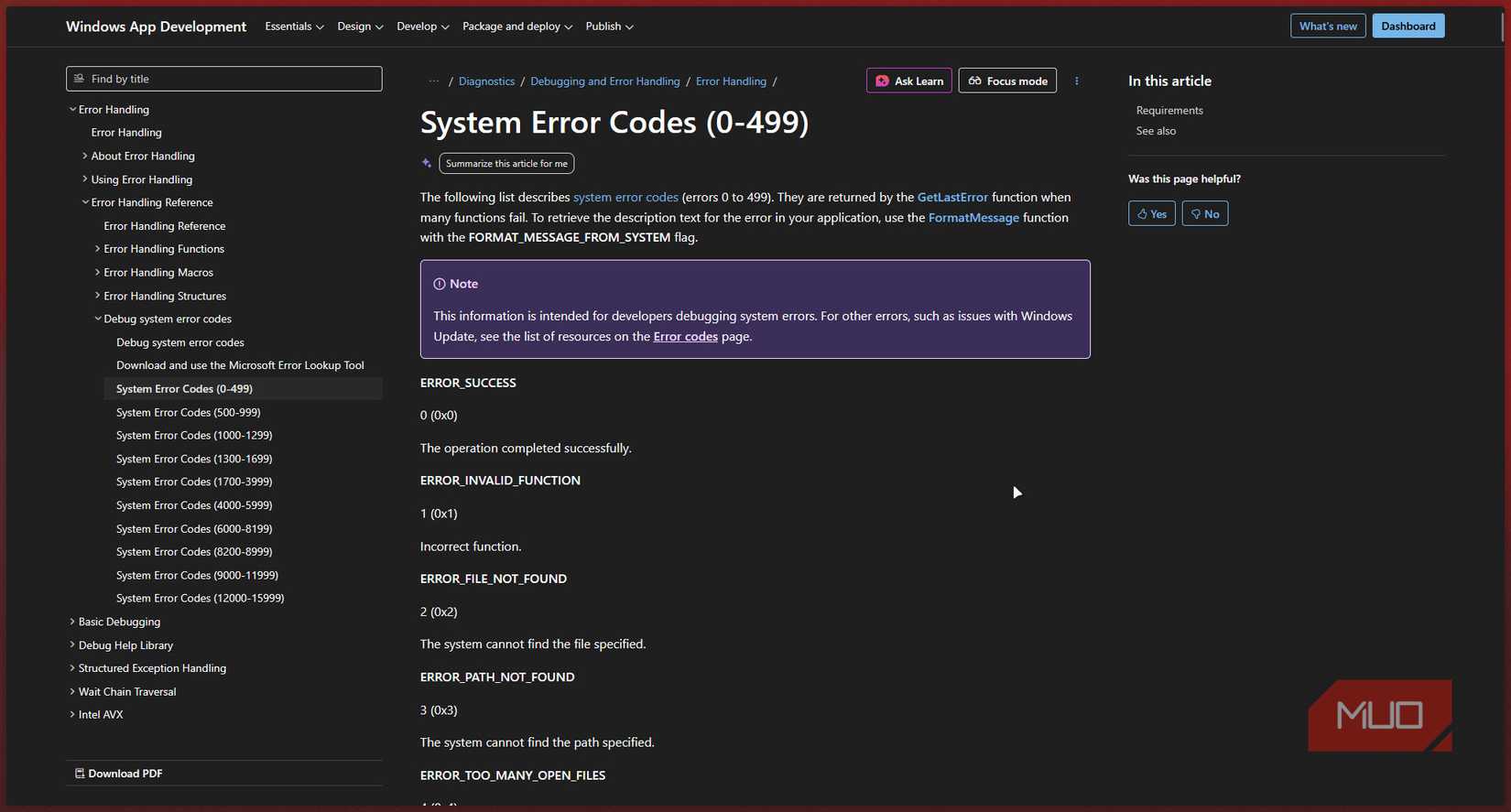 Screenshot by Yadullah Abidi | No Attribution Required.
The next time you see a 0x8007XXXX style error code, strip off the 0x8007 prefix and look up the remaining 16-bit value as a Win32 error. For example, 0x80070057 becomes 0x57, which translates to ERROR_INVALID_PARAMETER. This indicates that a registry entry, configuration value, or update metadata is corrupt. A lot of Windows Update failures boil down to exactly that kind of bad parameter.
There are also tools that can look these error codes up for you. Microsoft has a command-line tool called err.exe in the SDK that can translate NTSTATUS, Win32, and HRESULT codes into their corresponding names and descriptions. PowerShell can also pull Win32 error codes via GetLastError wrappers. Apart from this, there are also tons of third-party lookup sites like James Darpinian's Decoder or cable.arya.ch, where you can quickly search for a particular error code.
Hex isn’t the problem—bad communication is Where Microsoft dropped the ballThe real problem isn't that Windows reports error codes in hex or layered error systems. In fact, those actually make sense from an engineering perspective. The problem is that Microsoft never bothered to build a proper human layer on top of its error reporting structure, leaving error codes readable to only those who have deep knowledge of the system.
 Related
Is It Hardware or Software? How I Diagnose My Computer Issues Easily
Related
Is It Hardware or Software? How I Diagnose My Computer Issues Easily
If your computer doesn't work, there are a few ways to figure out if it's the software or hardware causing the issue.
Good error design is supposed to tell you what went wrong, why it happened, and what you can do to resolve it. Windows error codes technically know the first two, meaning they can help with the third; Microsoft just never bothered to actually make them readable.