
Remember me
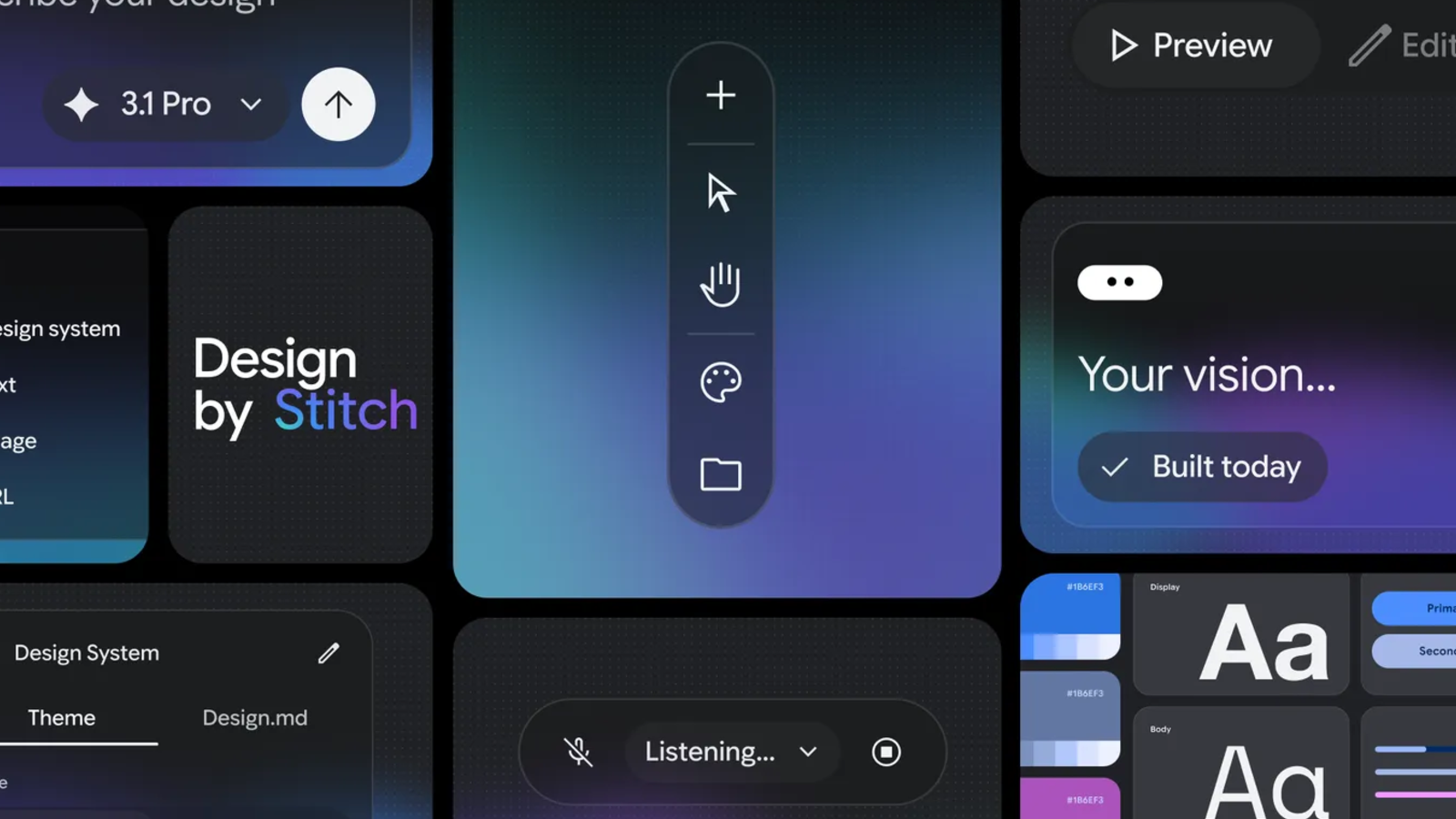

Google Labs Product Manager Rustin Banks lifted the wraps off the latest update to the company's Stitch tool in the form of "vibe design." Stitch is Google's experimental AI design tool, launched last year, that generates code from simple text prompts. The new vibe design concept takes what we have already seen with vibe coding but turns the finger towards designers, allowing them to create interfaces from a description of an idea, rather than from basic mockups. There's a lot to dissect here.
Today, we are evolving Stitch into an AI-native software design canvas. With it, anyone can create, iterate and collaborate to turn natural language into high-fidelity UI designs.
- Rustin Banks, Product Manager, Google Labs
 Related
10 Reasons Why Designing in Grayscale Will Improve Your UX/UI Designs
Related
10 Reasons Why Designing in Grayscale Will Improve Your UX/UI Designs
While many UI and UX designers will create their projects in color, using grayscale might be a good idea. Here are the benefits.
What vibe design brings to the table Plates full of creative freedom Credit: Google
The biggest update to Stitch is the all-new AI-native canvas, which gives you an infinite thinking space and lets you drop prompts, screenshots, code snippets, and other inspirations into a single workspace. In other words, it boosts creativity by bringing ideas, whatever form they take, directly to the canvas so you can have everything in one place without having to open different apps for it all.
Designers also get a personalized AI agent that will essentially work alongside them. It keeps tabs on what you do, how you do it, and how you like things done, all while tracking the entire project as you work. So whenever you ask it to suggest, critique, or propose, it already knows the context. Google has also added an option to extract design rules from any existing websites, colors, typography, and save them as a file called "DESIGN.md," saving you the hassle of rebuilding the same design tokens in every new tool.
Stitch not only designs on its own, but converts static interfaces into interactive, clickable prototypes so you can design from a user-first perspective. All you have to do is type or use voice control to give a prompt like "Design a landing page for my music app," and Stitch will give you a dozen UI designs to choose from. The rest is for Stitch to handle.
No Stitch will not replace designers At least we hope it doesn't
With every new AI tool, a common question is whether it will replace the experts in the field. And with Stitch, it's a tool that can help you get things done sooner when you are in a rush or want something for a first draft, but don't know where to start. It works similarly to downloading a Figma UI kit: a great starting point, but not a substitute for high-bar designers. Yes, it might intimidate beginners at first, but Stitch is also the kind of tool you can learn a lot from and grow your skills. It cuts both ways.
Stitch can also be implemented into other tools and workflows, meaning that the capabilities aren't just limited to designing UIs with prompts. Through the Stitch MCP server and SDK, you can leverage Stitch’s capabilities via skills and tools or export your designs to developer tools like AI Studio and Antigravity. You can also use Stitch alongside other UI design apps like Figma or open source alternatives to land on something you are happy with.
Stitch is free to useDesigners, creatives, and anyone who wants to put Stitch to the test can try the tool out for free. With the creative freedom Stitch gives you, we can expect to see some interesting results out of this. Google has not confirmed how or whether pricing will change based on AI token usage, but for the time being, the tool isn't behind a paywall.