
Remember me

There’s a drawer somewhere in your home. You know the one. It’s where old phones go to perish, without anyone officially admitting they’ve been retired. Not broken, or useful, but… there. Occasionally charged out of guilt, like a Tamagotchi you no longer have the emotional bandwidth for. Mine had been sitting there for a couple of years, fully functional, but completely ignored.
Meanwhile, I had six tabs open comparing home security cameras I absolutely did not need, reading phrases like “AI-powered detection” as if my living room required military-grade oversight.That’s when it hit me. I wasn’t missing a device. I was missing common sense. Ten minutes later, that old Android phone was streaming a live feed of my living room, with motion detection, and remote access. The whole thing, with no subscription, no checkout flow, or “start your free trial” energy lurking in the background. It was me, realizing I had almost paid money to solve a problem I’d already solved years ago.
Why your old phone is already a security camera It’s not a hack, it’s just you finally noticing things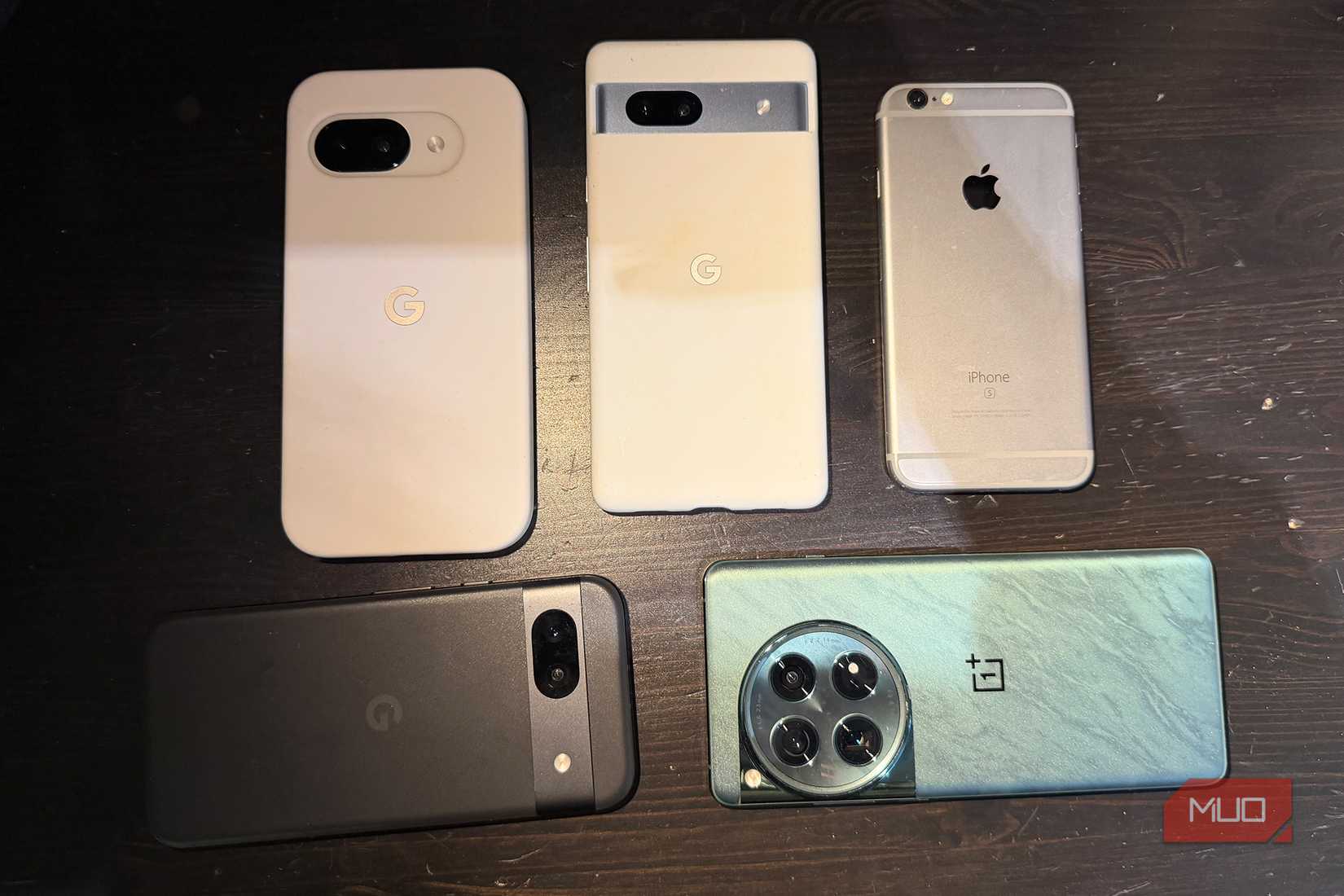 Credit: Christine Persaud / MUO
We love pretending certain devices are special. Security cameras, smart home gear, or anything with a sleek product page and words like “ecosystem.” It feels official, purpose-built, and necessary. But strip it down, and it’s a thing that you can see, hear, and send somewhere else, which is exactly what your old Android phone has been doing since the day you bought it. And probably doing it better than whatever budget camera you were about to impulse buy at midnight.
Decent camera, stable Wi-Fi, and a microphone that hears things you wish it didn’t. With enough processing power to stream video without having an existential crisis. The only thing it’s missing is a marketing team telling you it’s a security camera. There’s something mildly humbling about that. Not because it’s clever, but because it reveals how quickly we default to “buy new” instead of “use old.”
That phone didn’t magically become useful again. You stopped ignoring it.
The 10-minute setup and how it quietly takes over your setup This was supposed to be a quick fix Credit: Brady Snyder / MakeUseOf
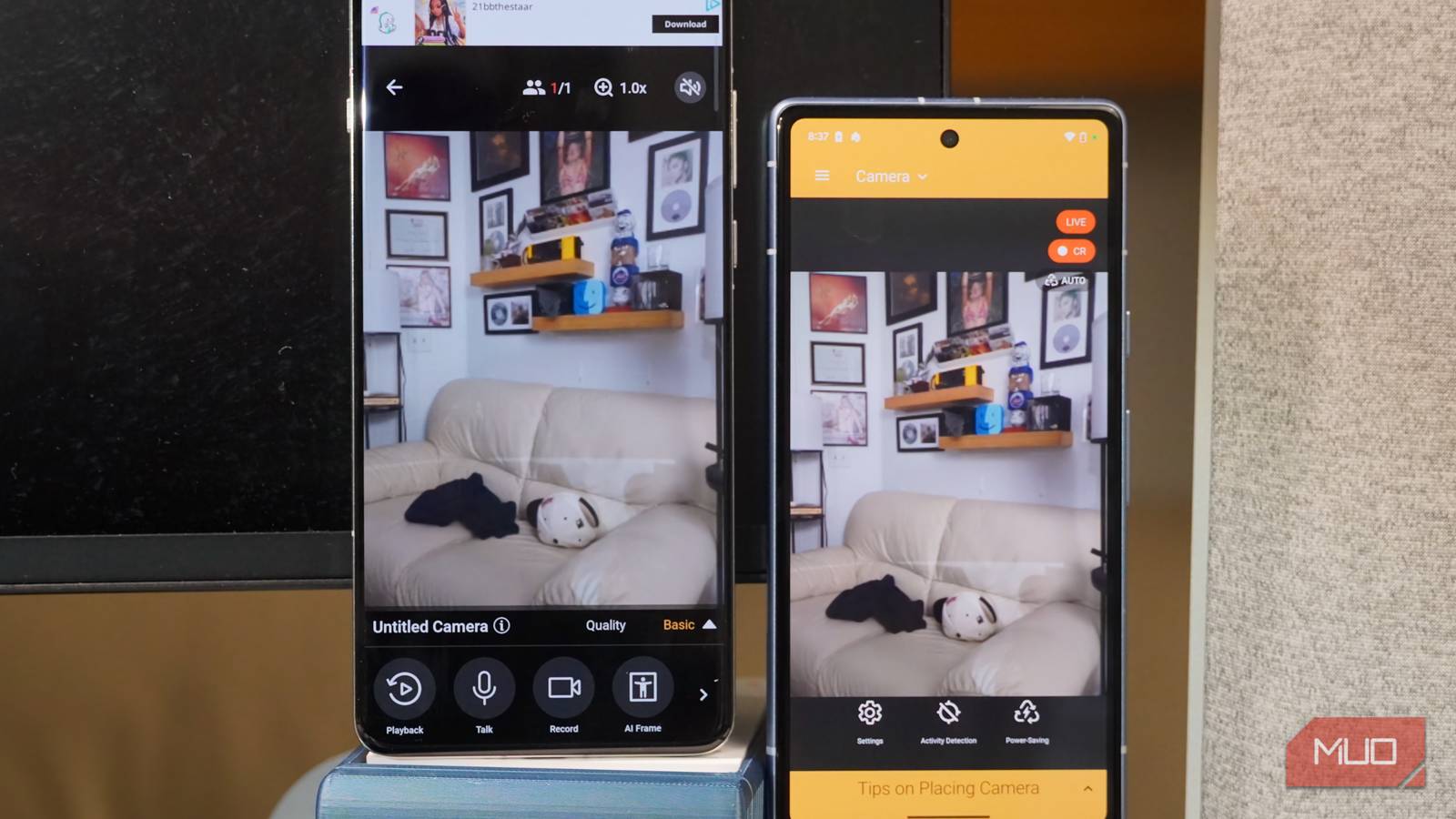
I went with Alfred Camera because I did not feel like turning this into a weekend project. Installed it on the old phone. Installed it on my current one. No setup spiral, and no cryptic errors. No moment where I ended up in a forum thread from 2012 written by someone named “DarkPenguin88.” I placed the phone on a shelf, plugged it in, and pointed it toward the entrance like a security guard who showed up five minutes late but is eager to prove themselves. And it … worked. But here’s where it got weird.
Instead of occasionally checking the feed on my phone, I opened it on my Linux Mint desktop. One browser tab is all it took. And suddenly, this wasn’t a thing I used. It was a thing that just existed. Like a low-level awareness of your own home running in the background while you’re doing something else. At some point, I stopped thinking of it as “that old phone I repurposed.” It became part of my rig. Which is either efficient… or the beginning of a very specific personality trait.
Local vs. remote access (or how deep down the rabbit hole you want to go) This is where you decide who you areAlfred is the easy path. You open the app or the web viewer, and the feed is there. It doesn’t matter where you are. It works, which is honestly what most people want. No thinking, no setup, and no accidental cybersecurity incidents. But if you’re running Linux, there’s always that moment. That quiet voice that goes, “What if I didn’t need an account for this at all?” So I tried the other route.
IP Webcam turns your phone into a tiny streaming server. It gives you a local address; you open it in your browser, and boom, a live feed. No cloud, no login, or middle layer quietly collecting your data while promising it’s for your convenience. It’s fast, and it’s clean. It feels … right. And also slightly dangerous, because it invites tinkering. Locally, it’s flawless. You can open the feed from your Linux Mint machine, your Android phone, whatever you want, as long as you’re on your network. Step outside your home, though, and reality shows up.
Now you need a way back in. VPN tunneling, a little more advanced than “tap app, get camera.” And yes, you can open it up on the internet directly. You can also leave your front door unlocked and hope for the best. Both are technically valid strategies.
How old can your phone be before this becomes a bad idea Not everything deserves a second life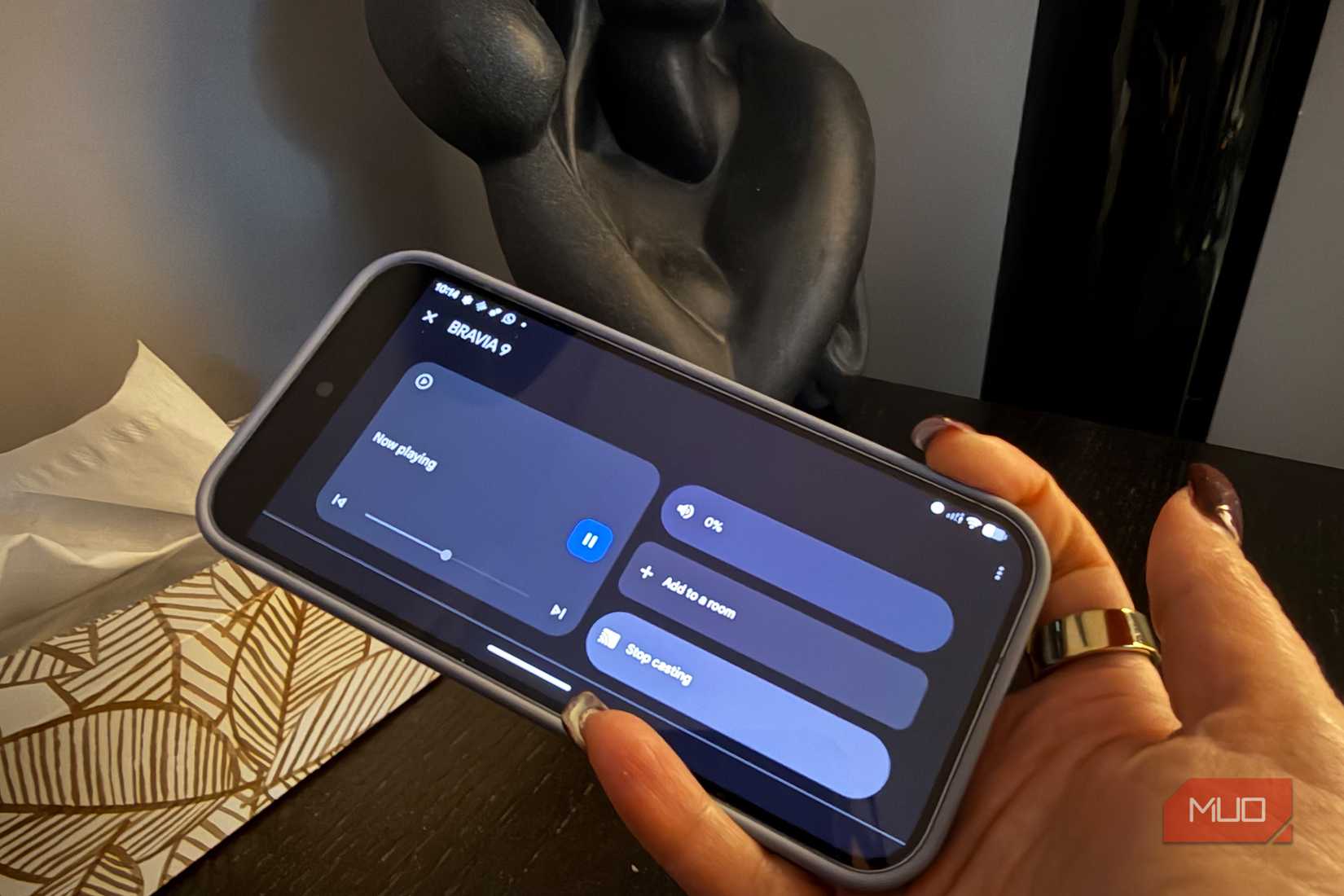 Credit: Christine Persaud / MUO
There’s no official age limit, but there is a point where you’re no longer being resourceful, but stubborn. Apps like Alfred need Android 5.0 or newer, so anything from around 2014 and up will usually install. But “installs” is a very low bar.
If the phone:
Struggles to stay connected Freezes when you open more than one app Sounds like it’s negotiating with itself just to function…maybe let it rest.
What you want is something stable. Boring, even. A former flagship that’s no longer exciting but still very capable of doing one job without drama. Also, a quick reality check: if you’re leaving it plugged in all the time, you’re trusting an old battery to behave. Most do, while others have opinions. Keep an eye on it for the first few days. Just in case it decides to express those opinions physically.
 Related
9 Ways to Make Your Old Android Phone Useful Again
Related
9 Ways to Make Your Old Android Phone Useful Again
Don't toss that old Android device just yet! With a little creativity, you can give it a second life.
It solves a problem without creating three new onesMost modern tech solves one problem and introduces at least two new ones. Usually, there are accounts, subscriptions, or notifications asking if you’re enjoying your experience, as if they're emotionally invested in your answer. This doesn’t. It uses something you already own. It fits into your setup instead of trying to replace it. It quietly does its job without trying to upsell you into a more “premium lifestyle.”
And if you’re on Linux, it fits even better. A browser tab. A local stream. Something that exists alongside your workflow instead of interrupting it. There’s also something else going on here. You stop asking “What do I need to buy?” and start asking “What am I not using?” Turns out, sometimes the answer is sitting in a drawer, fully charged, waiting for you to stop overthinking and plug it in.