
Remember me

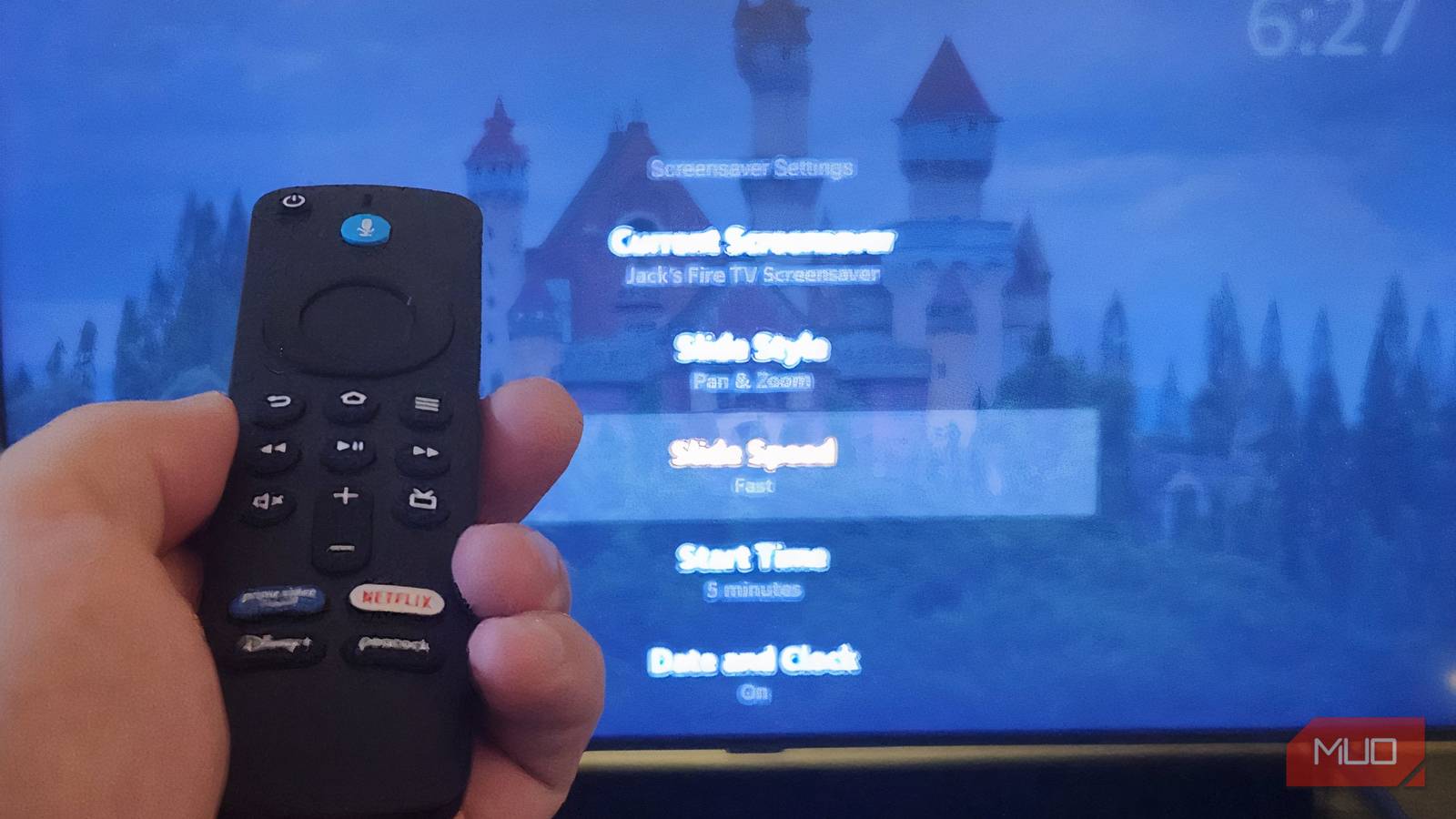
The latest Android phones offer up to seven years of software and security updates. But this doesn't necessarily mean that you hang onto an Android phone for that long. It's a welcome upgrade that ensures better resale value and the option to hand the device down to a friend or family member, knowing there's still plenty of life left in it. It's a phone that's perfect for kids. But if software support has lapsed, or there are only a few years left, there are plenty of other ways to make use of the device.
First, clear the device of your personal files, photos, apps, content, and passwords. You can do this when transferring everything to a new, active phone, but don't forget to back up to the cloud as well. Once the phone is completely wiped, turn it into a useful tool that goes beyond on-the-go communication. One of our writers cleverly turned his old Android phone into a navigation device for his motorcycle, for example, finding a unique use for it. But there are more practical, everyday ways you can use an old Android phone in the home.
 Related
Use it for backup storage
Save old photos, videos, and files
Related
Use it for backup storage
Save old photos, videos, and files
 Credit: Christine Persaud / MUO
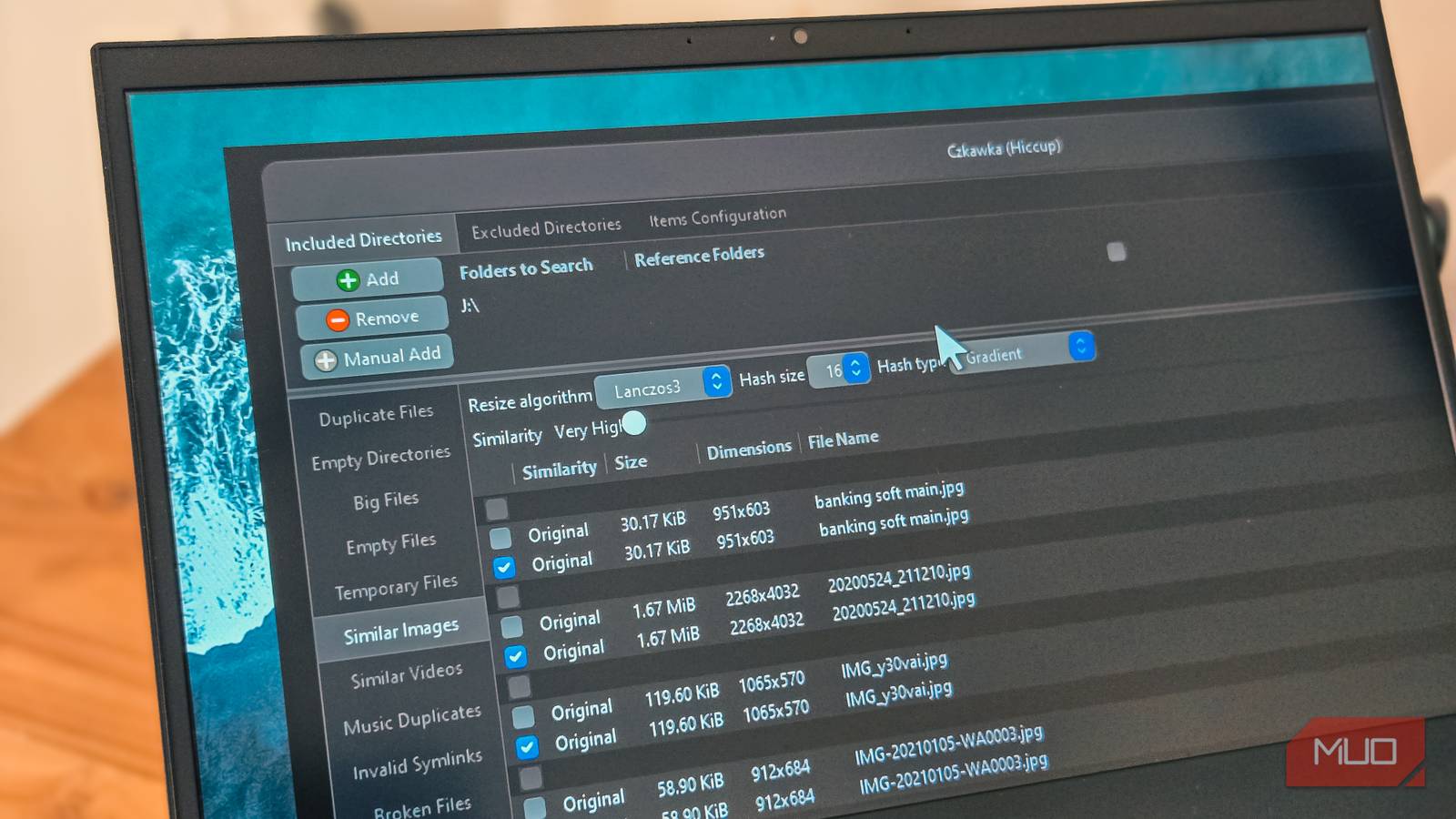
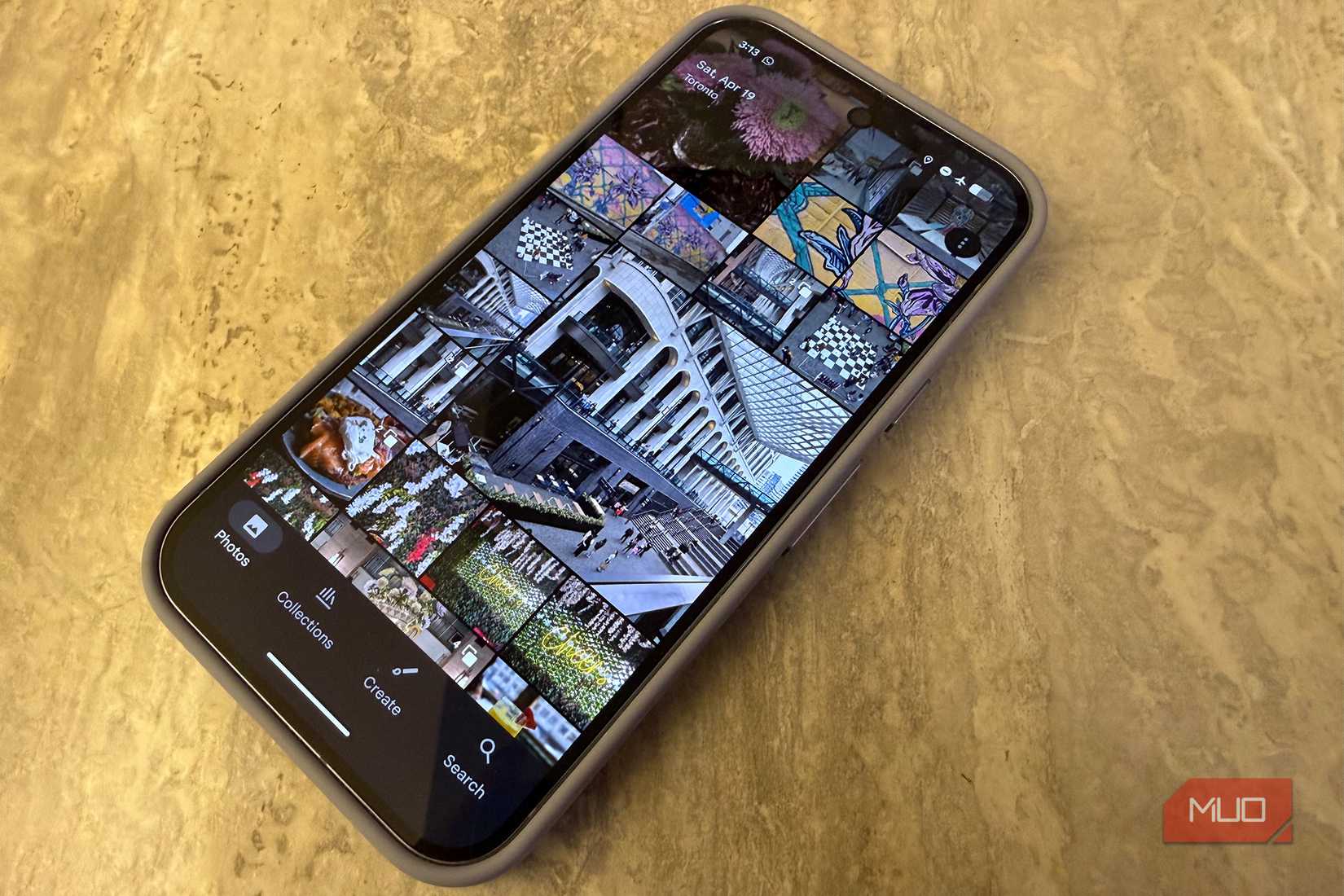
I mentioned it was important to wipe the old device of files, photos, and videos, and back up your contents to the cloud. But a physical backup isn't a bad idea, too. And you can use this very same phone to do it. Instead of wiping your photos and videos, keep them on this phone in addition to the cloud. Disconnect the phone from Wi-Fi and cellular access, tuck it in a drawer, and use it like a portable storage drive.
The benefit is that should something happen to your new device, you'll have this backup of old photos and videos. You can also use the old Android phone as physical storage for older photos and videos and leverage cloud storage for only newer content to avoid having to pay for more storage space. While you might get a year of free Google One cloud storage with the purchase of some phones, like Pixel devices, if you exceed the free 15GB allotment after that, you'll have to pay monthly. Instead, offload older files to the old phone and keep cloud storage for newer synced content.
Make it a smart home controller Set it up for family access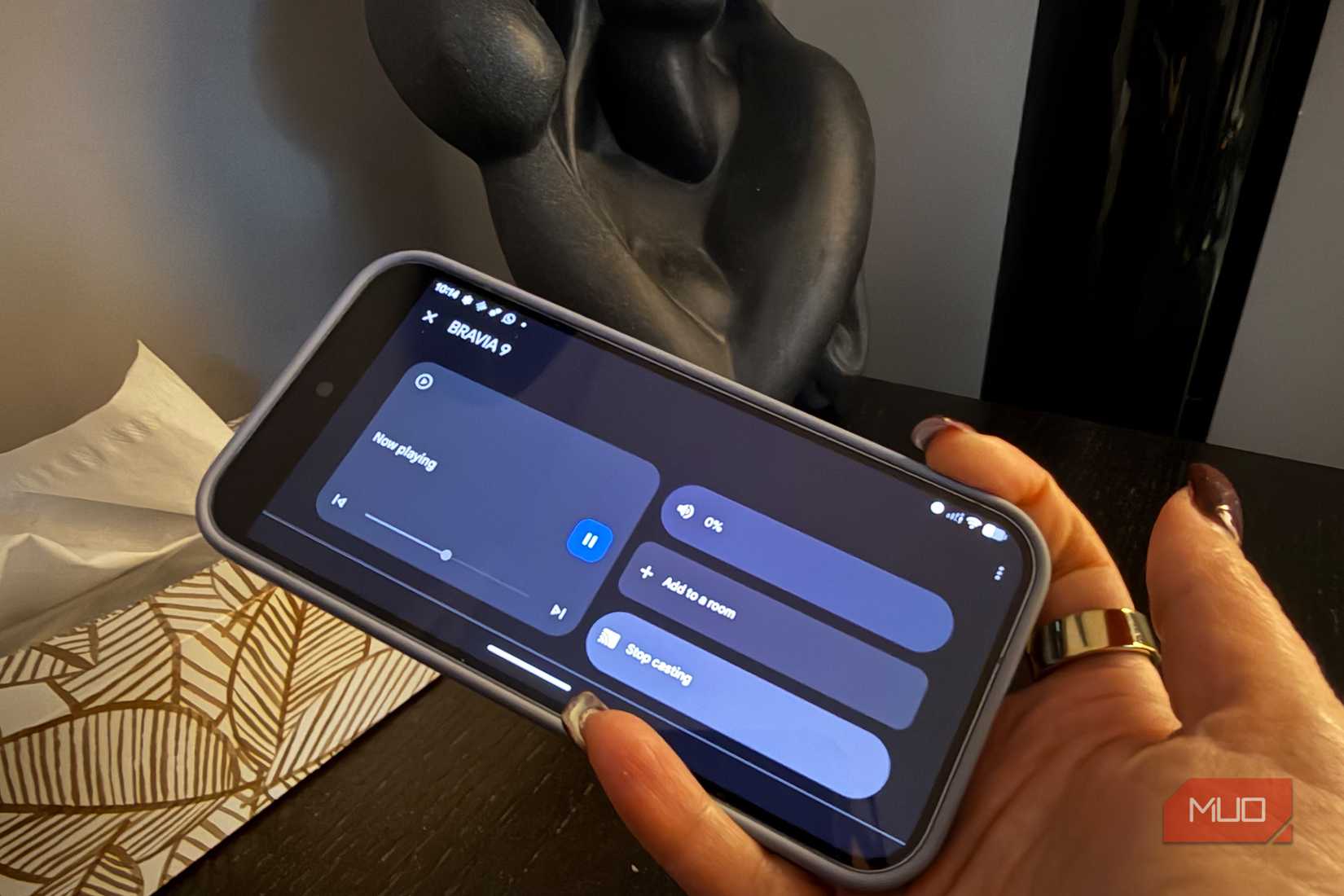 Credit: Christine Persaud / MUO
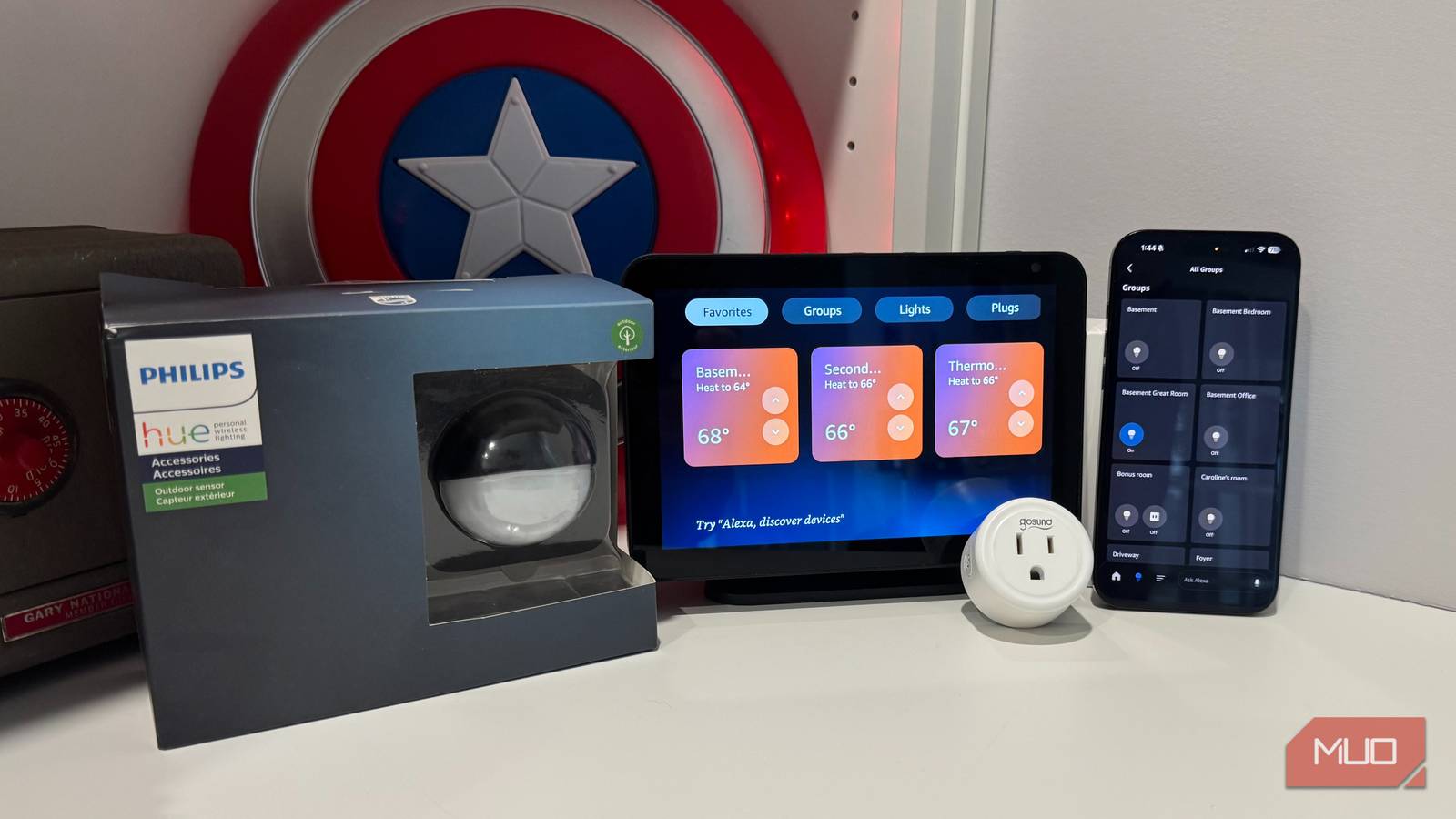
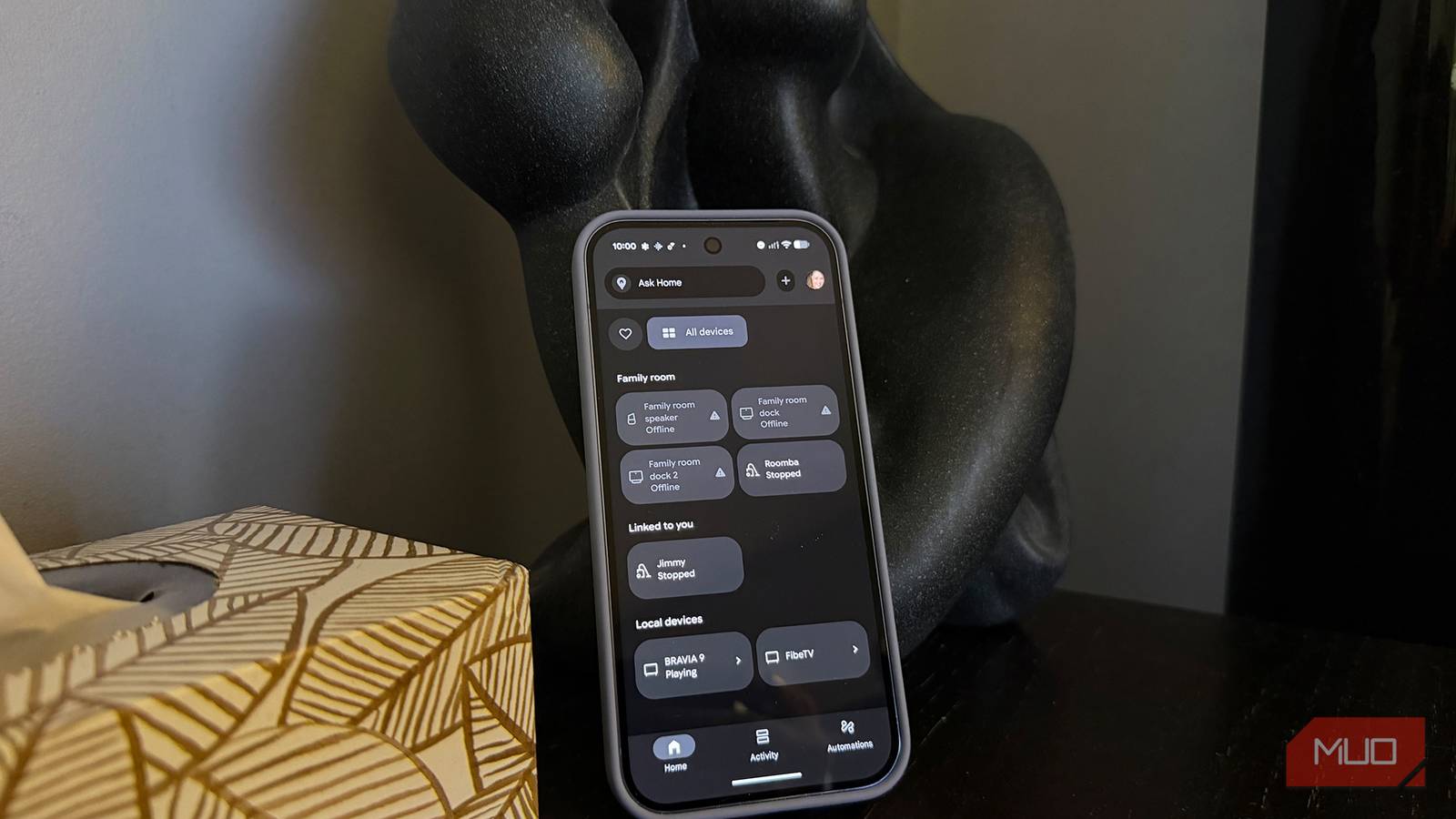
Set up a global family account on the device, remove all apps except for your home control app, or individual device control apps, then get a stand and position the phone as a smart home remote device in a spot like the living room side table or kitchen. Anyone in the family can access it to do things like turn on lights, play music, and check calendars. They can even activate scenes, like Good Morning that turns on the kitchen lights, plays music, and sets the smart coffee maker to brew, or Good Night that turns off all lights, locks the door, and activates the outdoor security camera.
This works best if you have Google Home products. The latest update replaced Google Assistant with Gemini, and it even works with older Google smart devices. Once set up, you can use this old phone as a single-room touchscreen access hub. Have it show who is at the door through a feed from a connected video doorbell, use it to control your TV and robot vacuum, even set reminders, like for your kid's dentist appointment or to pick up ingredients for lasagna this weekend.
Use it as a secondary phone Help reduce screen time during off-hours Credit: Christine Persaud / MUO
There's a trend towards dumb phones nowadays, simpler phones that limit functions, have smaller screens, some even physical keyboards. They are designed to reduce distractions and help you digital detox. Turn an old Android phone into a dumb phone, or at least a secondary one to help reduce screen time. Keep it connected, but remove all non-essential apps and features. Maybe only load your personal e-mail account versus work account. Delete social apps and focus on just communication, with screen time limits set.
Use this phone on weeknights or weekends to prevent temptation from mobile distractions like with a dumbphone. Some people have a work-issued device they aren't supposed to use off-hours, or don't want to. Some also carry two devices to keep their work and personal life separate. An old Android phone might be all you need to keep in touch with family and for light app usage and web surfing.
Make it an alarm clock, desk calendar A smarter setupRather than use a dedicated digital alarm clock, mount the old Android phone horizontally and set it up to exclusively display the time on the sleep mode screen so it functions as your night table clock and alarm. If you keep it connected, it can not only sound your alarm in the morning but also provide useful information, like calendar appointments, traffic and weather updates. It can even queue up your favorite music or news station to keep you informed while you get ready in the morning.
Essentially, the phone functions like a smart speaker or a smart display with voice assistant capabilities. You might even want to use it to play white noise, music, or a podcast to help lull you to sleep. This is a great option for a student as well, who can use "Hey Google" or "Gemini" commands to ask what classes they have that day, what assignments are due, or even to remind them of deadlines, sports practices, and more, all before getting out of bed.
Make use of old tech Old phones still have life left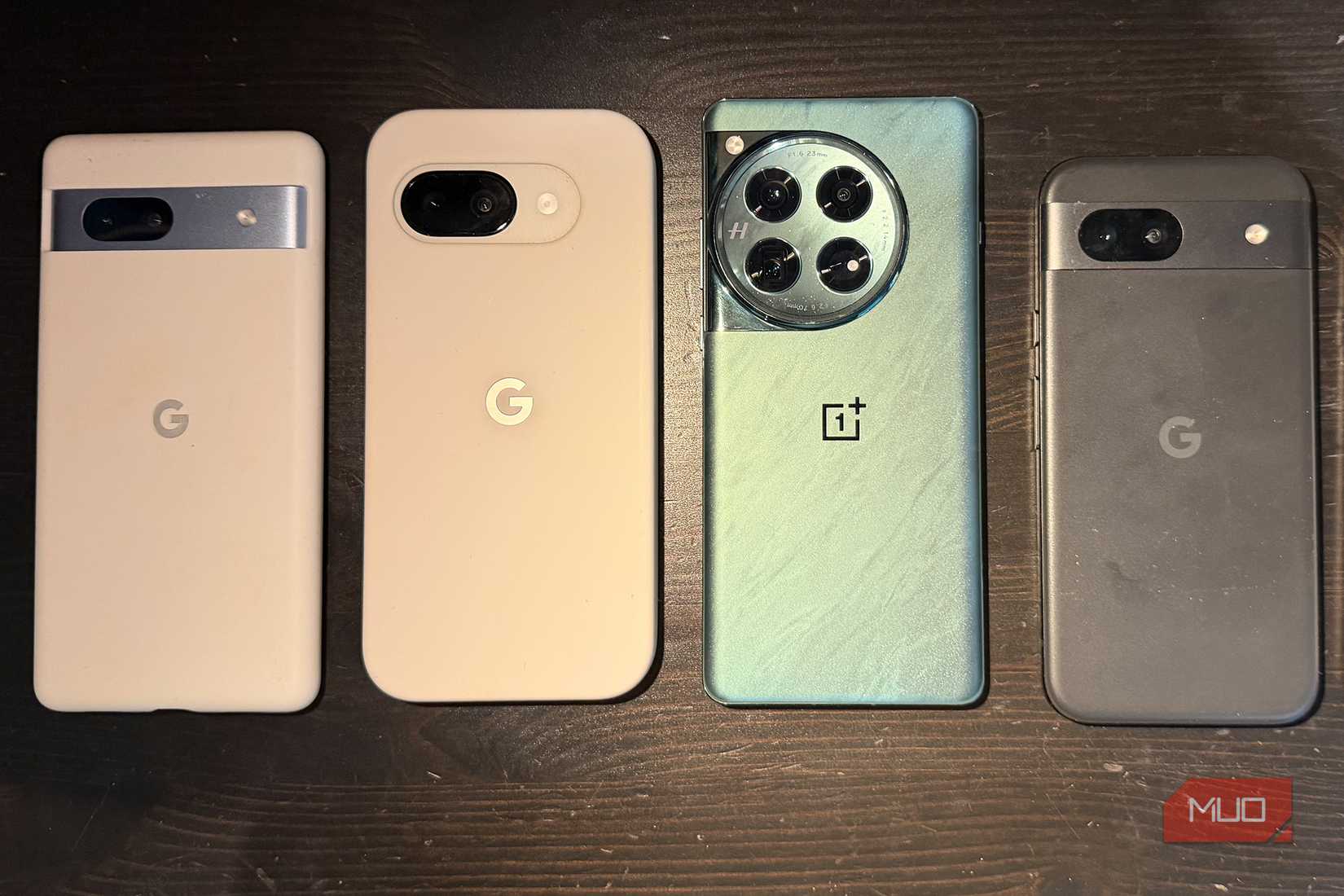 Credit: Christine Persaud / MUO
Even if your Android phone is outdated, and you have upgraded to a new device, reselling or handing down isn't the only option. You can repurpose the phone in so many ways to still get some usage from it. Instead of paying for cloud storage, use the phone like a portable hard drive. Rather than draining your primary phone's battery to use the Roku TV control app or control your lights, music, and smart appliances, make this phone a dedicated controller. You can use it like a smart display on your nightstand: all you need is a mount or kickstand case to prop it up.
Secondary phones are ironically popular ways to reduce screen time, and using this as a pared-down phone for evenings and weekends can help you with a digital detox. You have so many options to squeeze some more life out of an old Android phone.