
Remember me

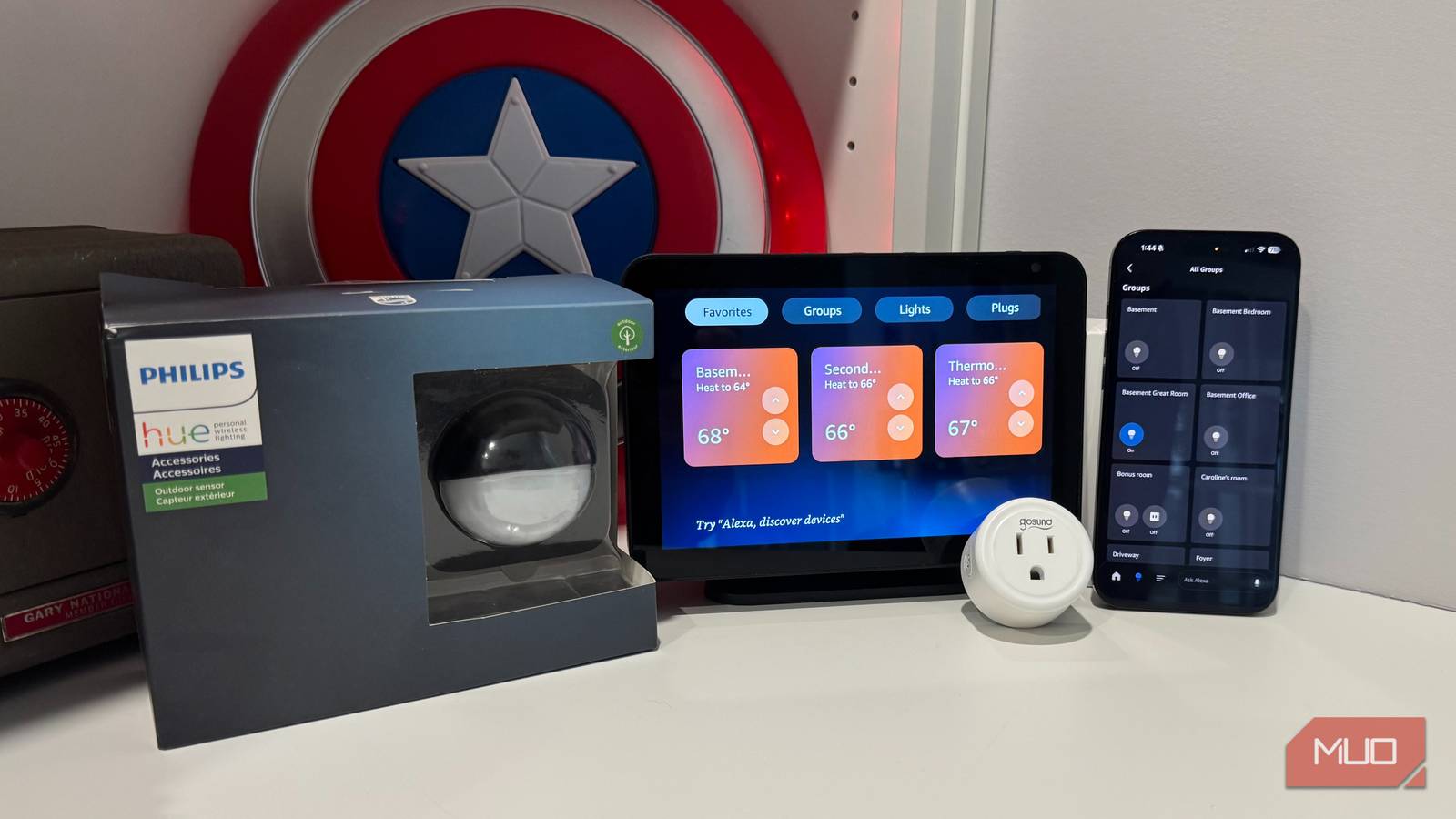


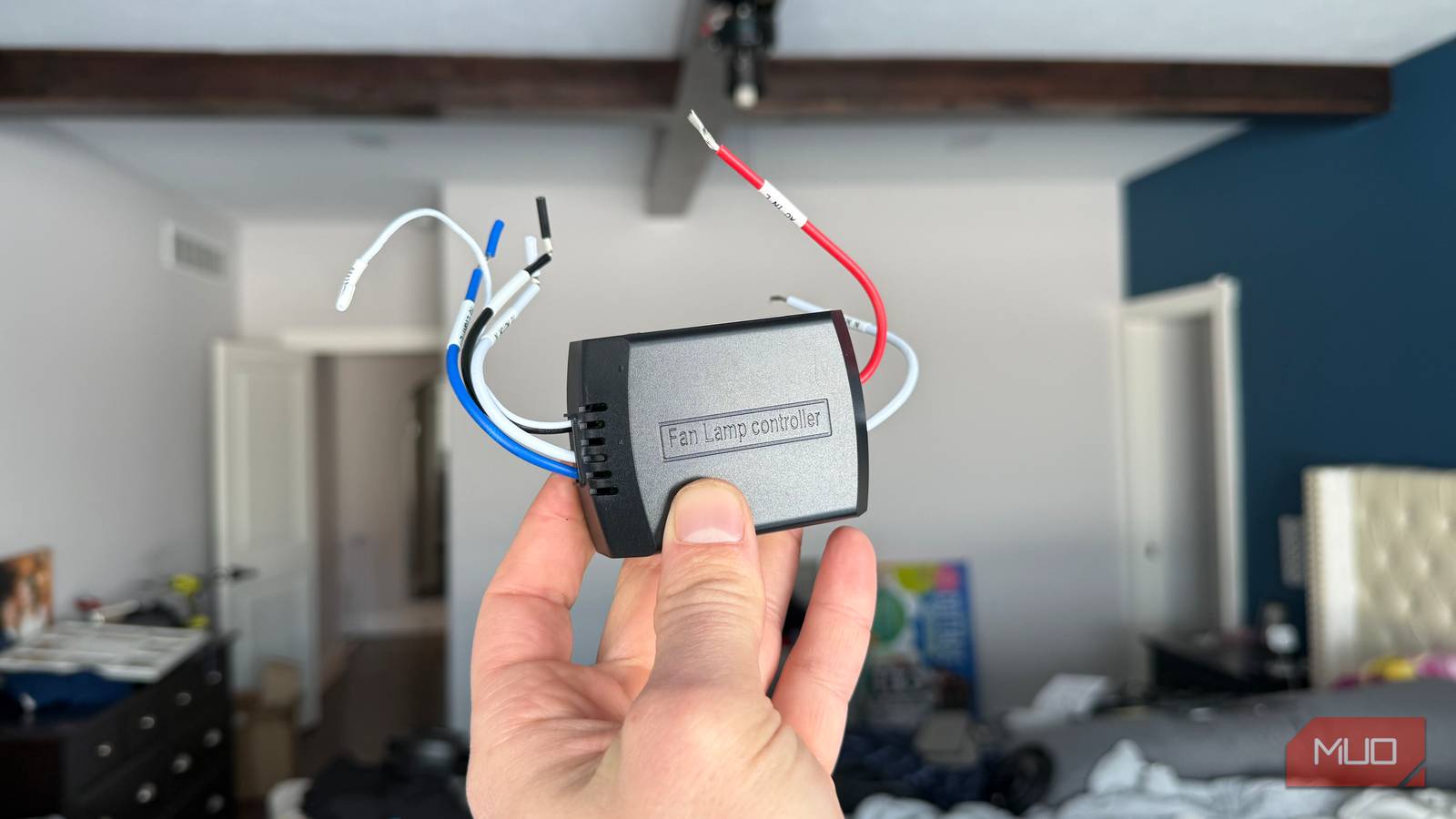

Building a smart home that's actually functional takes time. You need to decide on the most important smart home devices for you and you need to acquire them. After deciding how you want to utilize those devices, you have to set them up. This isn't always the easiest part, as some devices require extra pieces of equipment, like hubs, to run properly.
Doing your homework ahead of time to make sure your devices work well together can save you a lot of headaches. It's almost pointless to have smart home gadgets that have to run parallel to one another rather than together. If this has been you, you've probably made some mistakes in the past when setting up your smart home. If you haven't and are interested in getting the most out of your home space by adding some smart home devices to it, there are some lessons that you can learn that will make your place run more efficiently. One of them is to get rid of some of the devices you have, even though you probably spent money on them.
 Related
Get rid of old devices from your network
They are clogging it up
Related
Get rid of old devices from your network
They are clogging it up
Setting up the most efficient smart home you can means streamlining the processes of your devices. This includes only using the essential devices that you want. As a tech writer, I've collected my fair share of smart home devices over the years. I have set up automations all over my home and settled on the devices that I actually like and have the most use for.
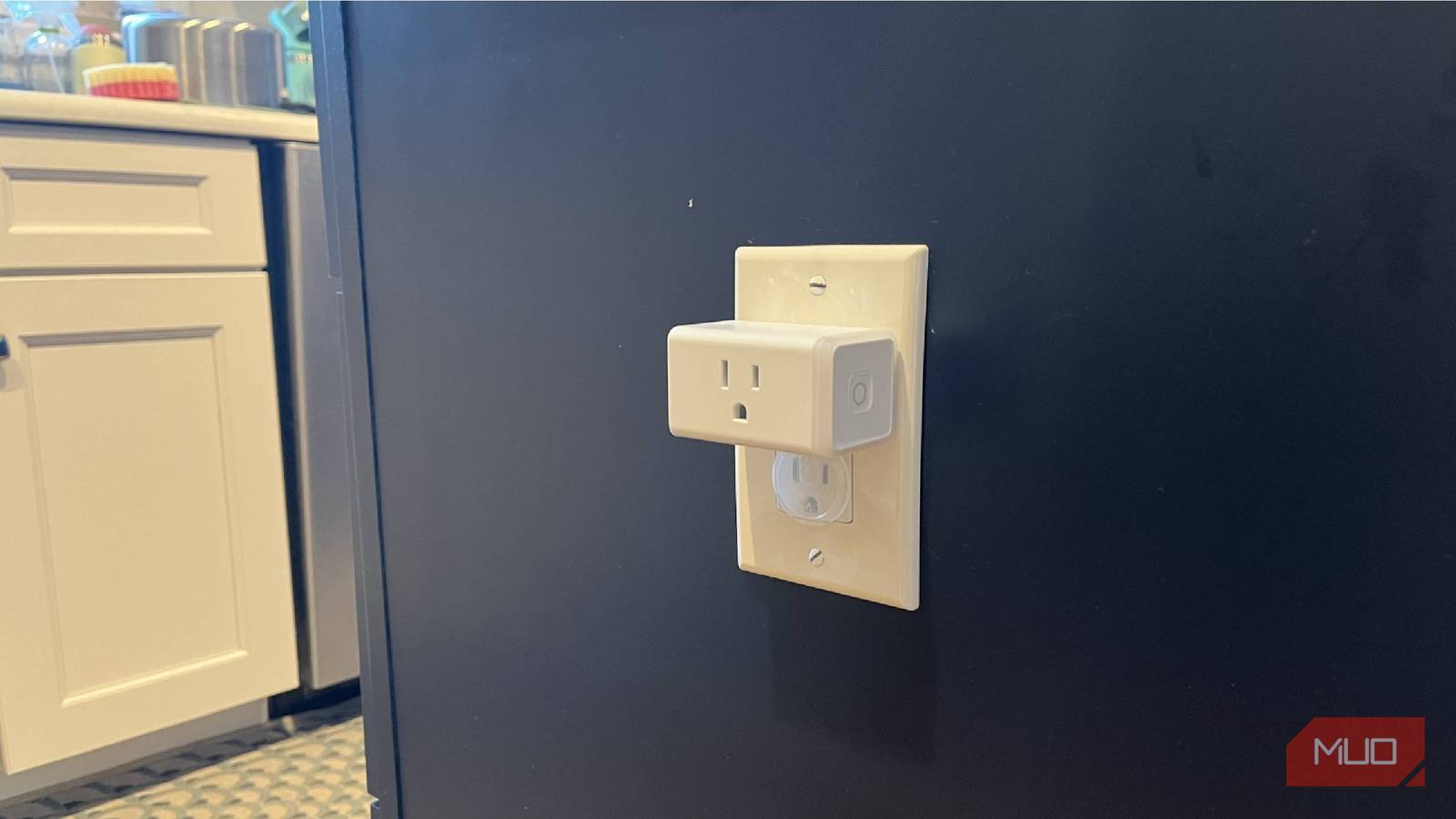
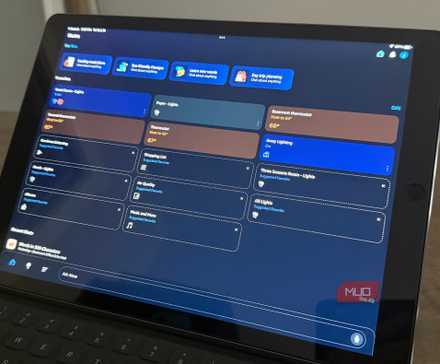
What I needed to do recently was clear up my Amazon Alexa app from all the devices that I've tested and no longer use. A lot of these were good devices, but I only need so many smart plugs in my home. I also no longer have smart curtain drivers to open my bedroom curtains, so I don't need those in my Alexa app, even with Alexa+ as an upgraded version, since I first installed the device.
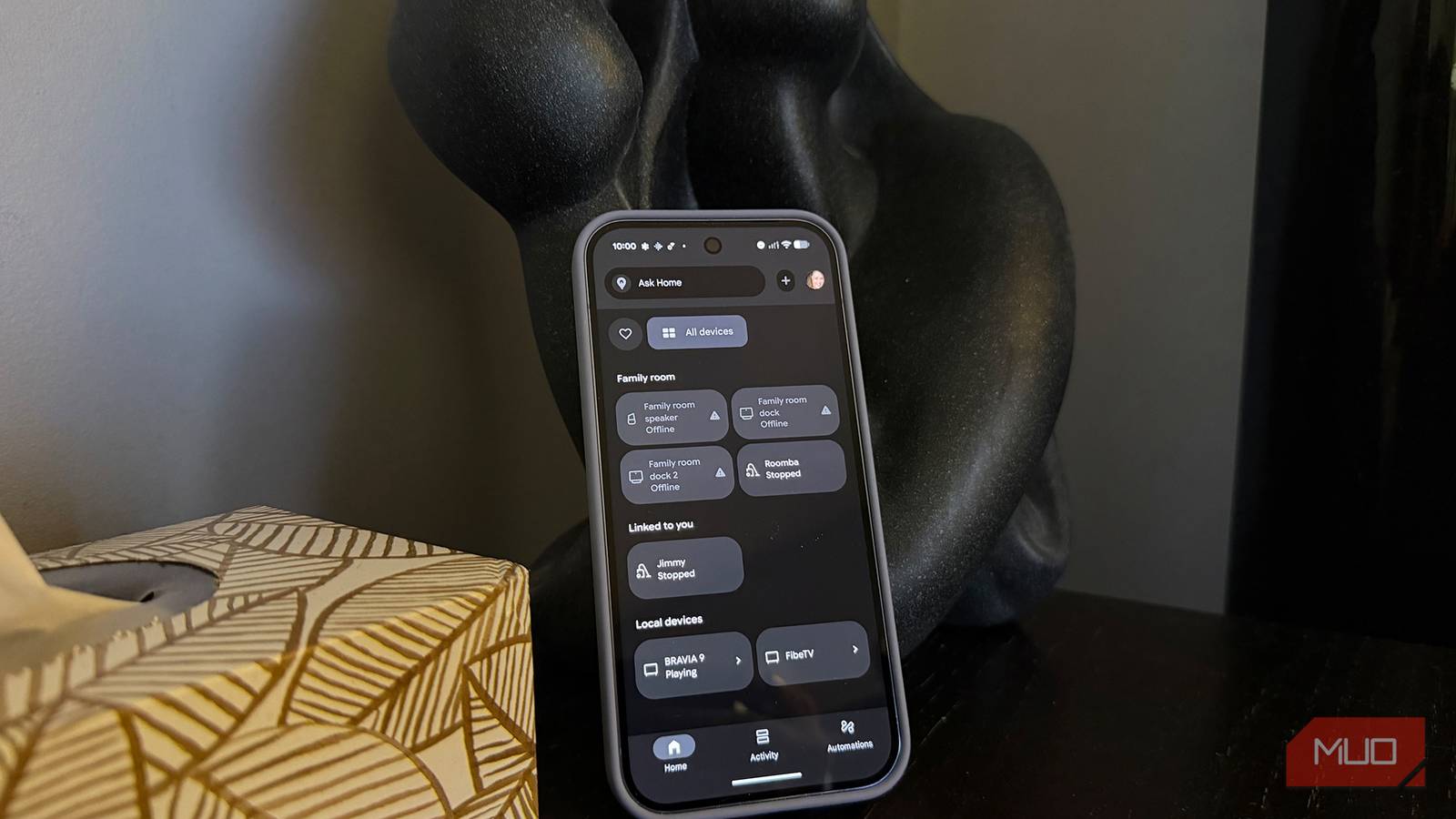
Are these doing much harm in the app? Not really. But having them all in the app makes it harder to scroll through my devices and find the right ones that I do need to use. This is the case for anybody who is going through their smart home ecosystem, whether it's Google Home, Apple HomeKit, Samsung SmartThings, Amazon Alexa, or another.
I went through all of my devices and started removing the ones that I no longer needed. A lot of them I didn't have plugged in any more anyway, so they weren't taking up bandwidth on my Wi-Fi. Having a more streamlined operation in my smart home made things simpler to set up for future use.
Eliminate old automations and routines These can be wiped out as wellWhile you're at it, you can get rid of your old automations and routines. If you're checking off your old devices, it makes sense to clear your system from the old schedules you'd had set up. I had routines set up that every morning at 8 AM my smart plug would turn on downstairs, which would therefore turn on my electric kettle.
It worked well for a while, as the water would boil and I'd have hot water ready by the time I got downstairs. As time went on, I would forget to put the water in the kettle the night before more and more. I'd also frequently forget to press the tab down on the electric kettle, meaning the scheduled turn on of the smart plug wouldn't actually do anything.
While it was a minimal waste of electricity, it made me feel foolish more than anything because I kept forgetting to set myself up for success. I eventually just stopped doing it altogether and removed the smart plug from my kitchen. That automation still didn't need to be in my Amazon Alexa app.
For those systems that use if/then automations, where something has to first happen for another action to occur, if you've removed one of the devices, your automations won't work. Cleaning up the schedules and automations helps make way for ones that you are actually going to use or still use.
Clear voice commands from your smart speakers If you've set up old ones, think again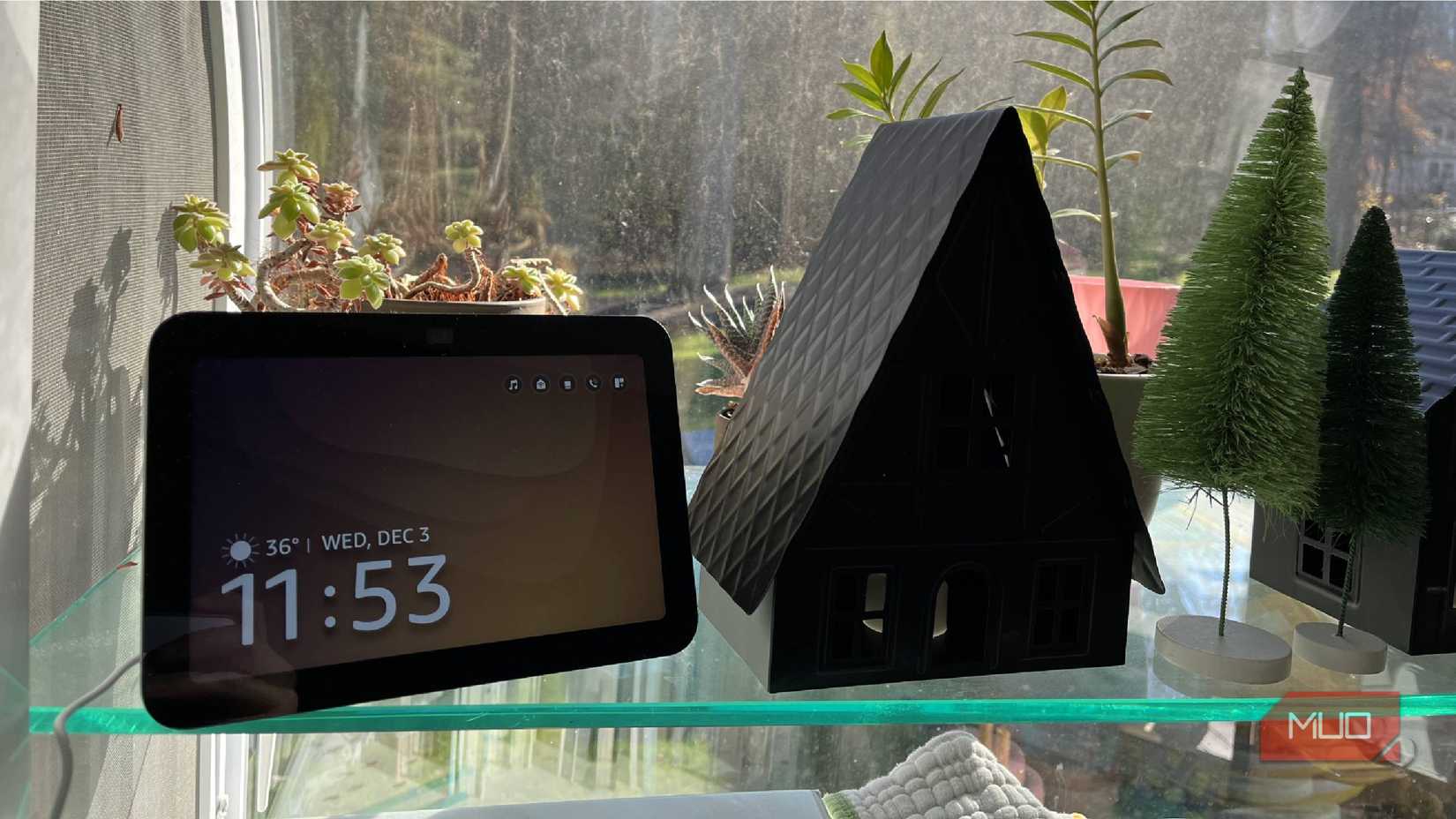
For anyone who is a big proponent of using voice commands to trigger automations, they know how much easier it can be to control smart home devices. Smart home devices can use smart speakers as a hub to connect to each other. Using them as a bridge makes a lot of sense, because those speakers can use voice commands to carry out actions within those devices.
You can set voice commands within your smart speaker's app, so the device does what the voice command asks. If you've set up older actions through voice commands, you can delete them. If you aren't using those devices, the commands don't mean anything.
This is a matter of making it easy to remember the voice commands that you've set up. If you have too many, you will probably forget. Also, for devices that you have kicked aside, using a voice command after you've unplugged that device will cause the smart speaker to question the command. This then leads to an awkward engagement between you and the smart speaker.
While there isn't a set limit on the number of voice commands that you set up with a smart speaker, having too many of them can cause the smart speaker to slow down during its responses.
Deleting devices and processes makes your smart home run fasterFor better efficiency from your smart home, you want to get rid of devices you don't use anymore. This also means deleting their connections through home ecosystem apps, freeing your home from trying to perform automations for devices that aren't in use. Pay attention to the voice commands that you are actively using and get rid of ones that you aren't. This helps your devices in the long run.